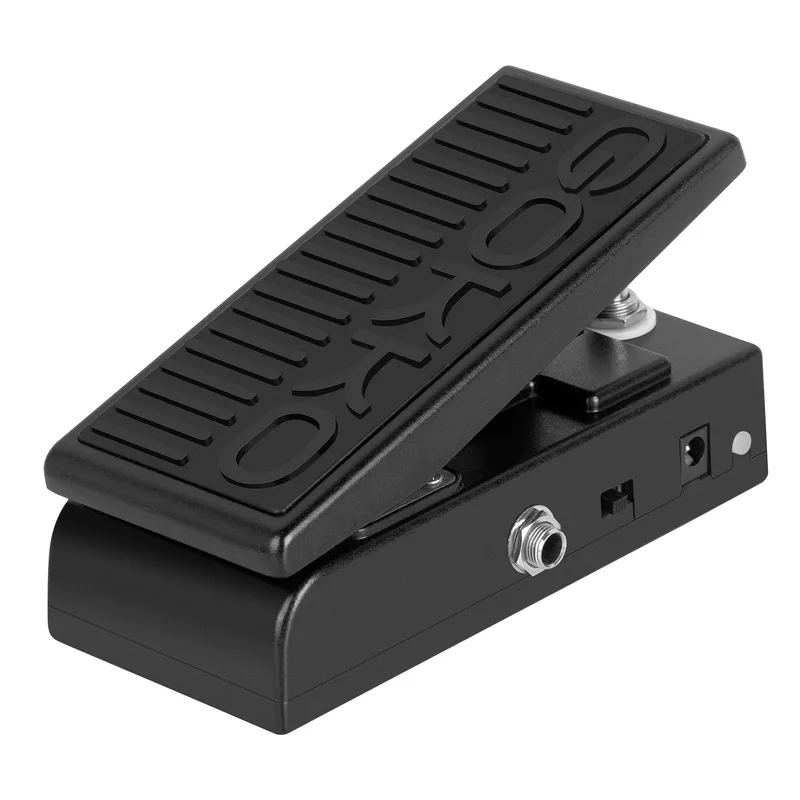
The GOKKO GK-64 Mini Wah Pedal is a 2-in-1 pedal that functions as both a wah and a volume pedal, made by GOKKO. Instead of carrying a separate wah and a separate volume pedal, you switch the GK-64 between the two jobs with a simple press of the foot, and a pair of LEDs tells you which mode you are in at any moment1.
Modes and how you switch them
The GK-64 runs in one of two modes at a time, and switching between them is done entirely with your foot, with no bending down required1:
- Volume mode: step on the pedal to activate the volume function. The red LED lights to show the pedal is in volume mode1.
- Wah mode: press down on the pedal again to switch to wah mode. The green LED lights to show the pedal is in wah mode1.
GOKKO describes the switching as foot activated between modes, so moving from rocking a volume swell to rocking a wah sweep is a single press mid-performance1.
LED indicators
The pedal has dual LED indicators that give clear visual feedback during use: the red LED indicates volume mode, and the green LED indicates wah mode1. On a dark stage, a glance at the pedal's color tells you which function is under your foot without any guesswork.
True bypass
The GK-64 uses a true bypass design. GOKKO says that when the pedal is off, true bypass ensures your signal remains unaffected, and that it keeps your tone uncolored when the pedal is not in use1. For a pedal that sits on the board permanently and is only engaged part of the time, that matters: in bypass, the GK-64 stays out of your signal path.
Size and build
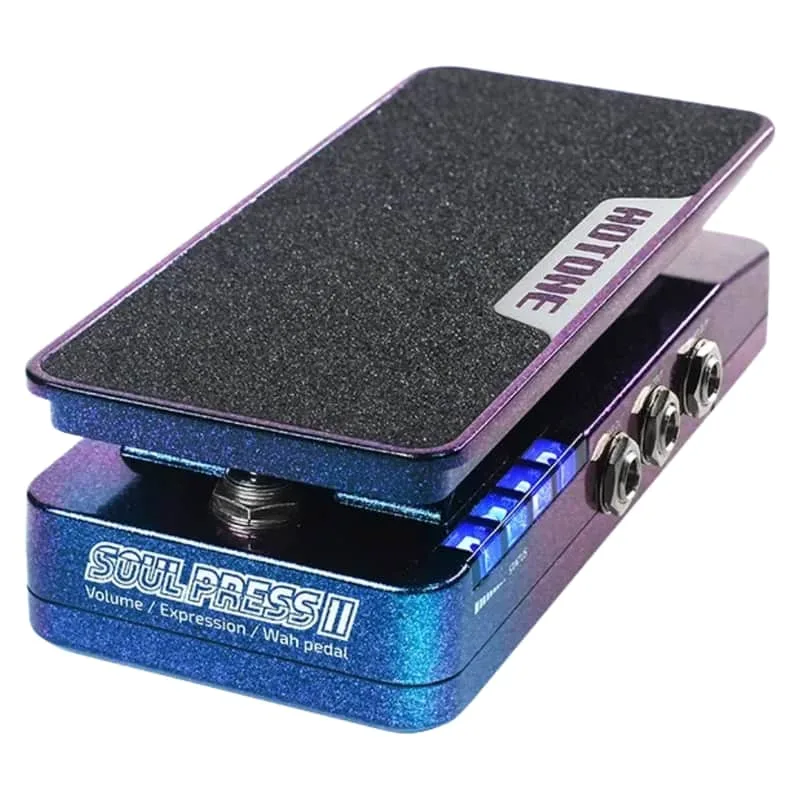
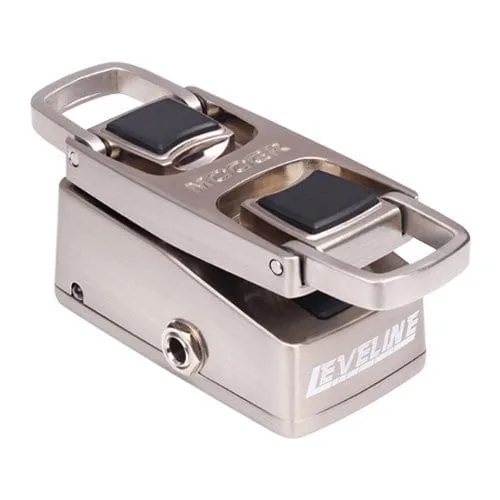
GOKKO describes the GK-64 as having a compact design, with a mini size that fits perfectly on any pedalboard without taking up much space1. That puts it in the same space-saving territory as other small-footprint press pedals such as the Hotone Soul Press II or the Mooer Mini Series Leveline. The enclosure is described by the maker as made from high-quality materials to withstand regular gigging and practice1.
What's in the box
- GOKKO GK-64 Mini Wah Pedal x 1
- User Manual x 11
Questions
Is the GOKKO GK-64 true bypass?
Yes. GOKKO describes the GK-64 as having a true bypass design, and says that when the pedal is off, true bypass ensures your signal remains unaffected and your tone stays uncolored while the pedal is not in use.
How do you switch the GOKKO GK-64 between wah and volume mode?
Switching is foot activated. You press down on the pedal to move between the two modes: step on it to activate the volume function, and press down on the pedal again to switch to wah mode. The LED color shows which mode you are in.
What do the red and green LEDs mean on the GOKKO GK-64?
The GK-64 has dual LED indicators. The red LED shows that the pedal is in volume mode, and the green LED shows that it is in wah mode, giving you clear visual feedback while you play.
What comes in the box with the GOKKO GK-64?
The package includes one GOKKO GK-64 Mini Wah Pedal and one user manual, according to the maker's product page.
Does the GOKKO GK-64 fit on a small pedalboard?
GOKKO describes the GK-64 as having a compact design, saying the mini size fits perfectly on any pedalboard without taking up much space.
Sources (1)
- MINI WAH PEDAL, gokkoaudio.com