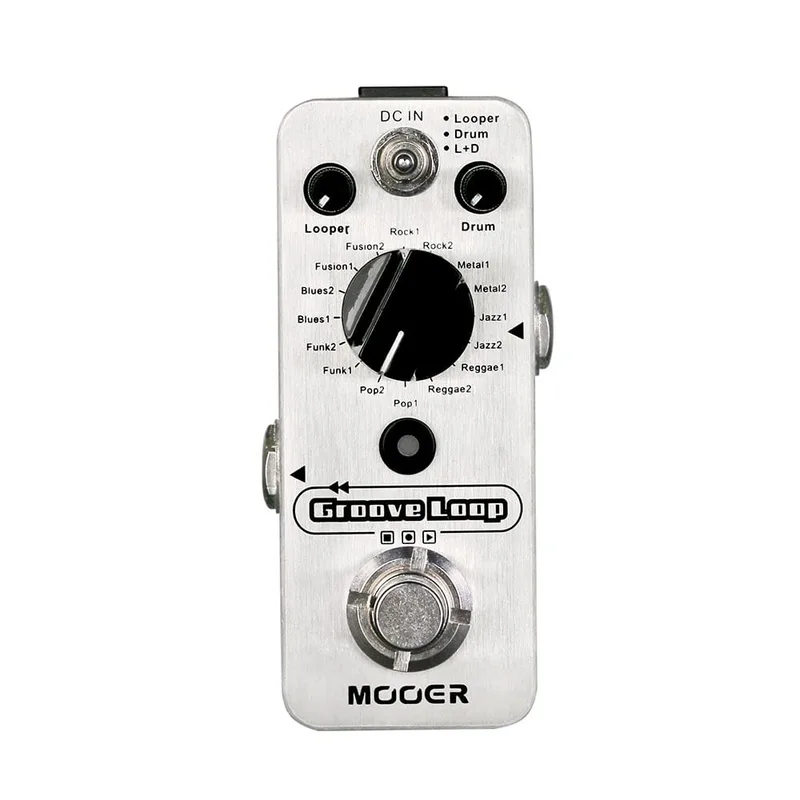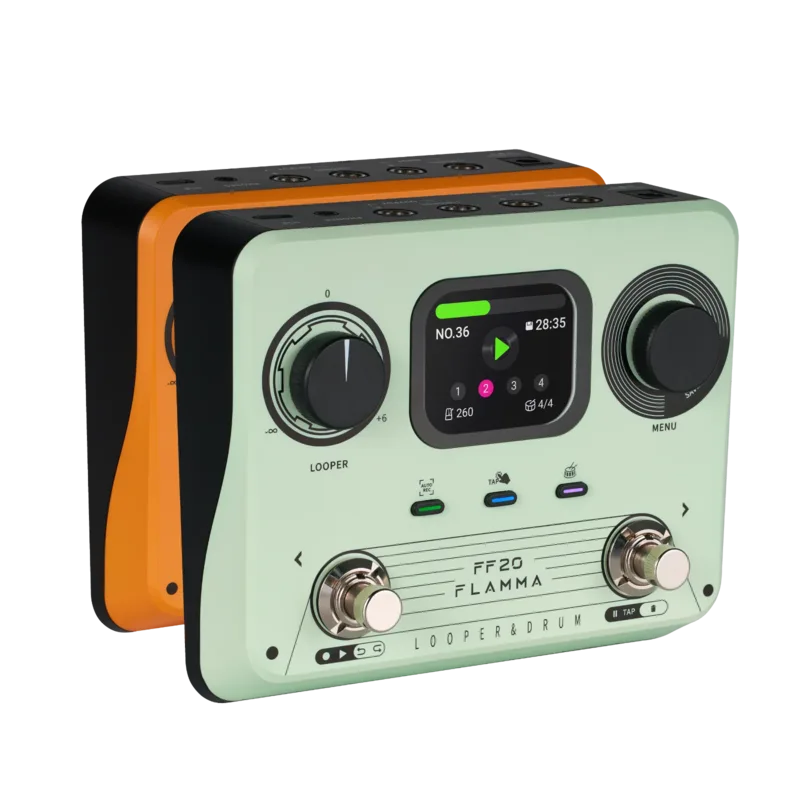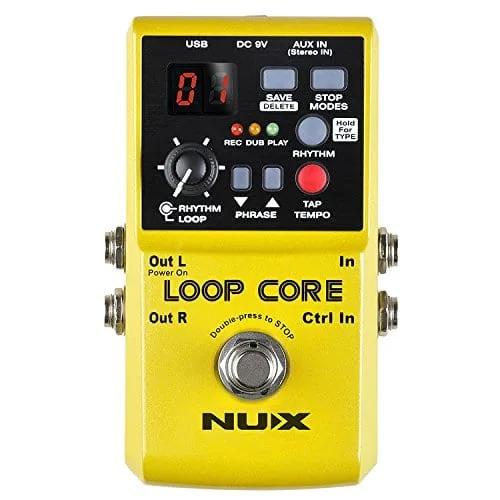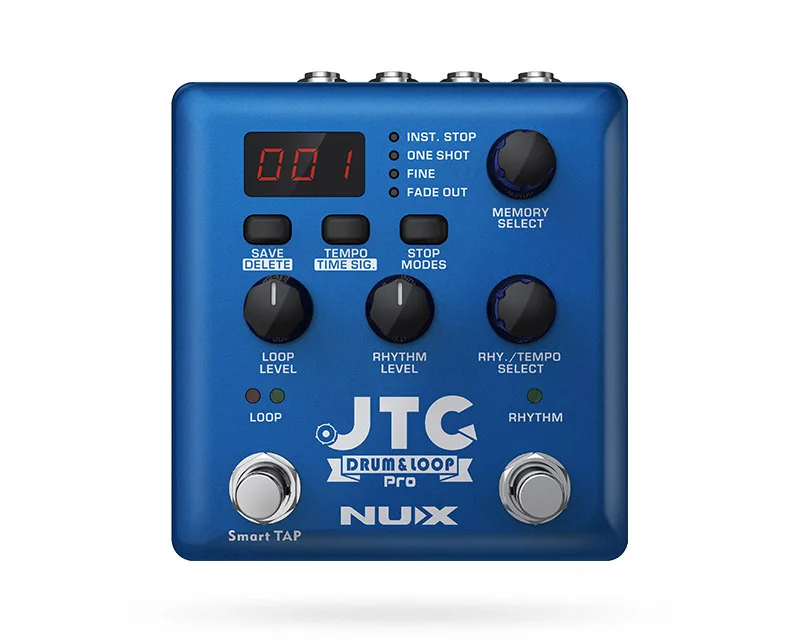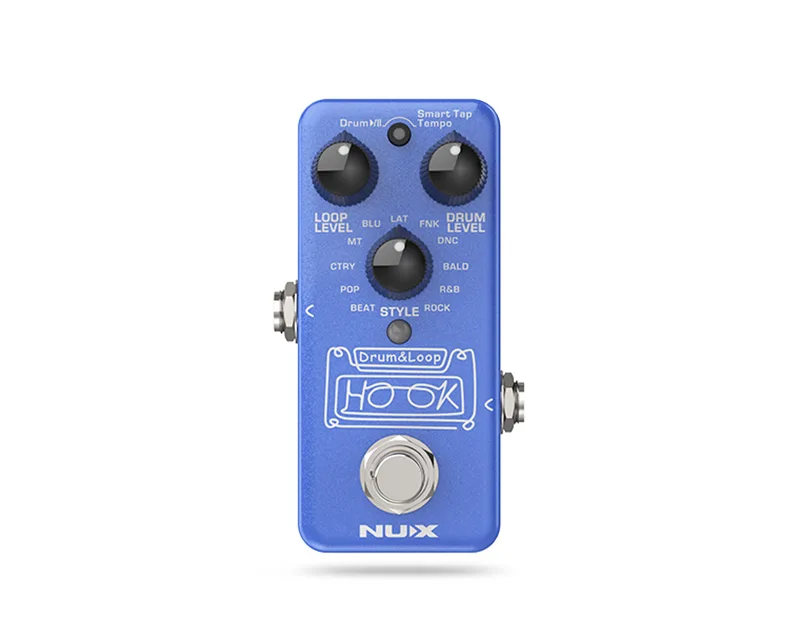


The NUX HOOK Drum & Loop (NDL-3) is a mini looper pedal with drum beats from Nux, built around auto tempo detection. The idea is simple: record a phrase loop, then add a synchronized drum beat over it, or start a drum beat first using the included Smart Tap Tempo and record your loop against it1. It sits in the same family as other compact loop-and-drum pedals like the Mooer Groove Loop and Flamma FF20, and alongside Nux's own larger loopers such as the Nux Loop Core and NUX JTC Drum & Loop Pro.
Recording modes: Normal and Auto
The HOOK offers two recording modes, and the difference is when the drums come in. NUX describes them this way1:
"you can choose Normal Recording or Auto Recording"
Normal Recording (NR) works like a regular looper pedal: press the footswitch and it starts to record immediately1. Auto Recording (AR) is the mode tied to the pedal's auto tempo detection, where the drum beat and the loop stay synchronized1. If you want the drums locked to your playing from the start, Auto Recording is the mode for that; if you just want a straightforward looper, Normal Recording behaves like any standard looper pedal.
Power, bypass and connections
The HOOK runs on 9V DC with a negative tip, and NUX lists an optional ACD-006 adapter. Current draw is listed as less than 100mA1. The pedal is true-bypass and analog dry-through, per NUX, so your dry signal path stays analog when the pedal is bypassed1.
For quiet playing, the HOOK includes a PHONES out jack, which NUX highlights for silent practice1. That makes it usable as a small practice rig on its own: plug in headphones, loop a phrase, and play along with the drum beat without an amp.
Firmware updates
The USB-C port on the HOOK is for firmware updates. NUX's instructions: connect a USB cable to a PC and hold the footswitch to boot the device into DFU (Device Firmware Update) mode, then update using DFU updater software1. NUX lists a Windows firmware version, NUX HOOK V1.0.3.0, dated 2025-10-30 on the product page1.
Firmware updates require a PC and the DFU updater software. Hold the footswitch while connecting USB so the pedal boots into DFU mode1.
Where it fits
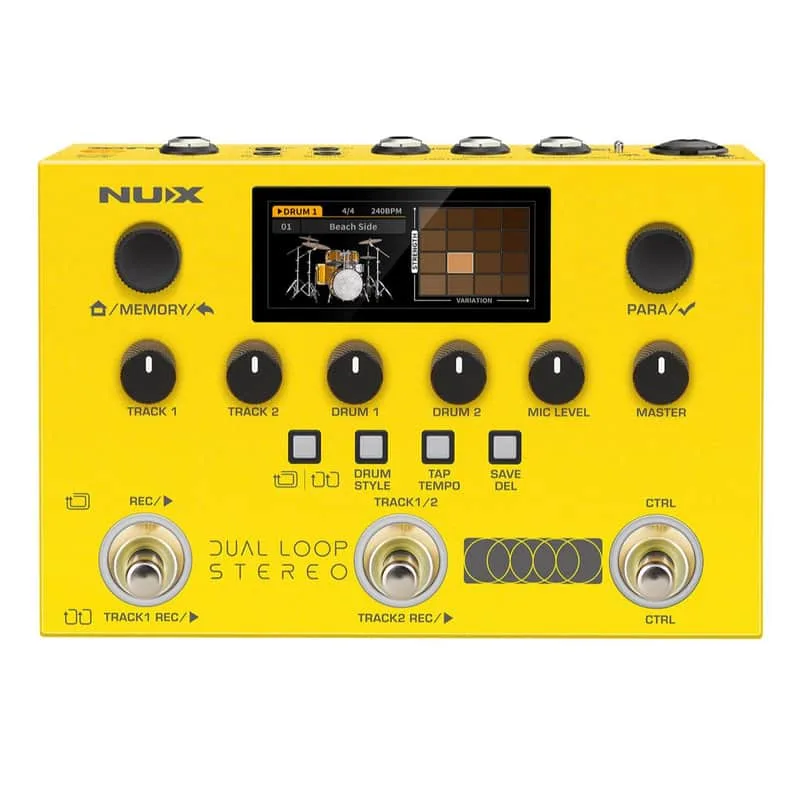
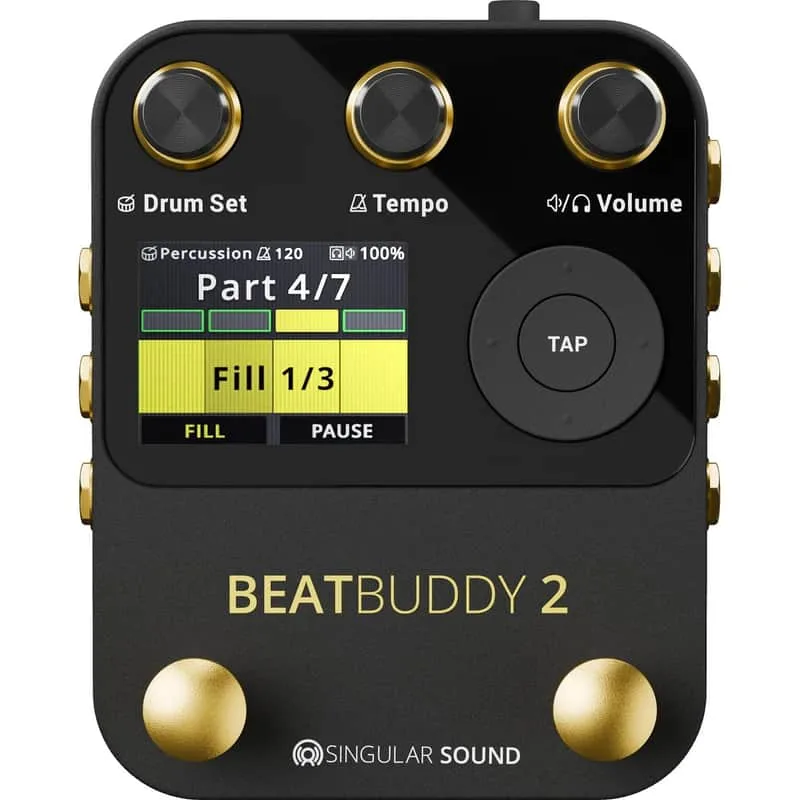
The HOOK is Nux's compact take on the looper-plus-drums format. Players who need more loop storage, stereo operation or MIDI control can look at Nux's larger units, like the NUX NML-3DLS Dual Loop Stereo, or at other makers' drum loopers such as the Singular Sound BeatBuddy 2 or BOSS RC-10R Rythm Loop Station. For a broader look at the category, see Looping Pedals and Drum Pedals1.
Videos
NUX
TL Toneworks
Mike Hermans
Questions
Is the NUX HOOK Drum & Loop true bypass?
Yes. NUX states the HOOK is true-bypass and analog dry-through, so when the pedal is off, your guitar signal passes to the output without conversion. That matters on a pedalboard where you want the cleanest possible path when the looper is not engaged.
What power supply does the NUX HOOK Drum & Loop use?
The HOOK runs on 9V DC with a negative tip, using NUX's optional ACD-006 adapter. NUX lists the current draw as less than 100mA, so a standard isolated 9V output on a pedalboard power supply should handle it.
How do I update the firmware on the NUX HOOK?
The USB-C port on the HOOK is for firmware updates. Connect a USB cable to a PC, hold the footswitch while powering up so the pedal boots into DFU (Device Firmware Update) mode, then update it using NUX's DFU updater software. NUX lists a Windows firmware version, NUX HOOK V1.0.3.0.
Can I record the loop first and add the drums afterward?
Yes. NUX describes two ways to work: record a phrase loop first and then add a synchronized drum beat on top, or use the included Smart Tap Tempo to start a drum beat and record the loop against it. Auto tempo detection is what keeps the drums locked to what you played.
Sources (1)
- HOOK - NUX Audio, NUX Audio, 2025-10-30