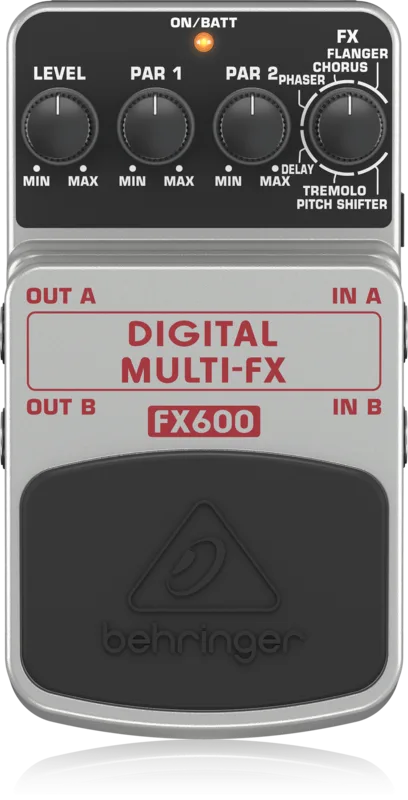



The Behringer DIGITAL MULTI-FX FX600 is a compact digital multi-effects pedal: a single stompbox that carries six different effects, Flanger, Chorus, Phaser, Delay, Tremolo and Pitch Shifter, built around what Behringer describes as a 24-bit, high-resolution stereo FX engine running at 24-bit/40 kHz resolution1. For a player, it is a way to cover a range of modulation, delay and pitch effects without dedicating a separate pedal to each one.
Behringer's own pitch for the pedal is that it is "Much like having a, studio full of state-of-the-art Flanger, Chorus, Phaser, Delay, Tremolo and Pitch Shifter FX processors at your disposal", and the company says it "turns your everyday riffs into 3-D epics that bring your performance alive"12.
The six effects and how you control them
The FX600 keeps its control layout simple. A dedicated FX knob selects one of the six effects, and two Parameter dials fine-tune whichever effect is selected2. Because the same two dials do different jobs depending on the effect, their meaning changes as you turn the FX knob.
| Control | What it does |
|---|---|
| FX knob | Selects one of the 6 effects2 |
| Parameter dials (two) | Fine-tune the selected effect2 |
| Level control | Determines how much of the effect is mixed with the original signal1 |
| Footswitch | On/off switch; Behringer says it maintains signal integrity in bypass mode1 |
| LED | Tells you when the FX600 is activated1 |
The six effects cover the main effect families a player reaches for:
- Flanger
- Chorus
- Phaser
- Delay
- Tremolo
- Pitch Shifter1
If you want to go deeper on any one of those families, the site has dedicated pages for Chorus Pedals, Flanger Pedals, Phaser Pedals, Delay Pedals, Tremolo Pedals and Octave & Pitch Pedals, as well as Multi-effects Pedals more broadly.
One effect at a time
The FX600 is not a preset multi-effects unit in the rack or floorboard sense. You select one of the six effects with the FX knob, then use the two Parameter dials to fine-tune it2. There is no facility described for running two effects simultaneously; the pedal's design is one effect selected at a time, with the Level control setting the wet/dry blend12.
Power
The FX600 does not ship with a power supply. Behringer states: "You can power your FX600 with the PSU-HSB-ALL DC power supply (not included)."1
The PSU-HSB-ALL DC power supply is not included with the FX600, so a suitable DC power source needs to be sourced separately1.
Where it sits in Behringer's range
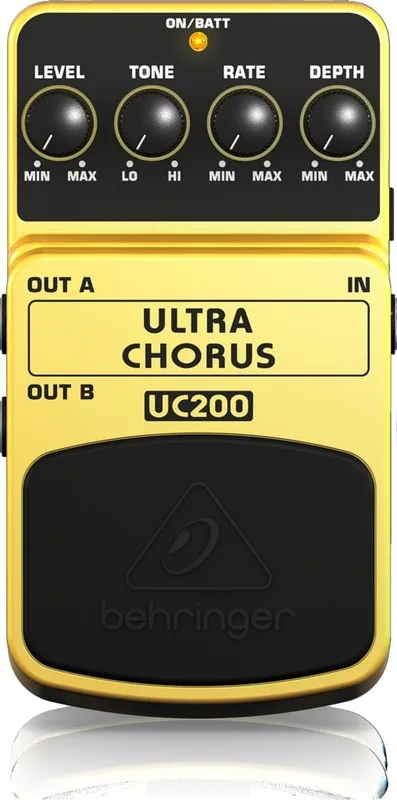
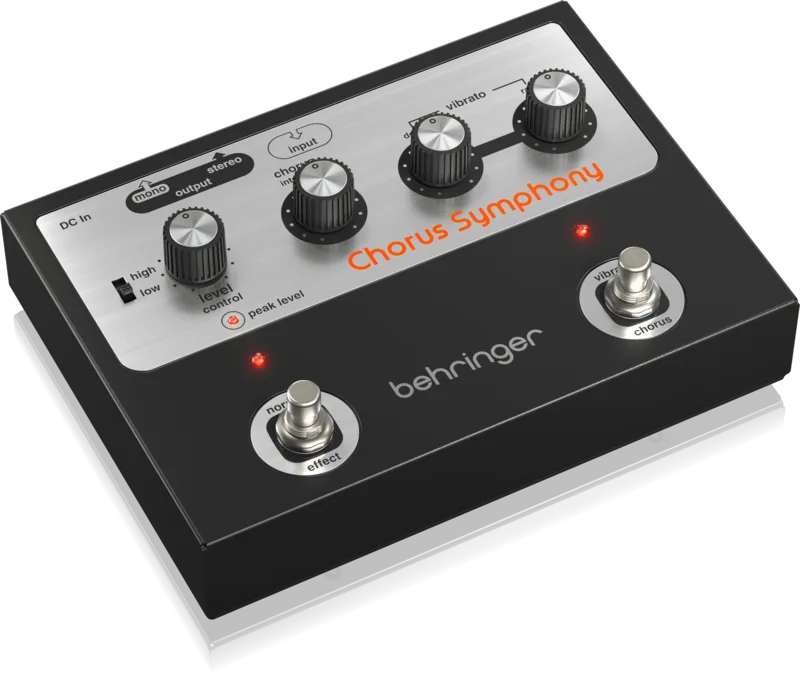
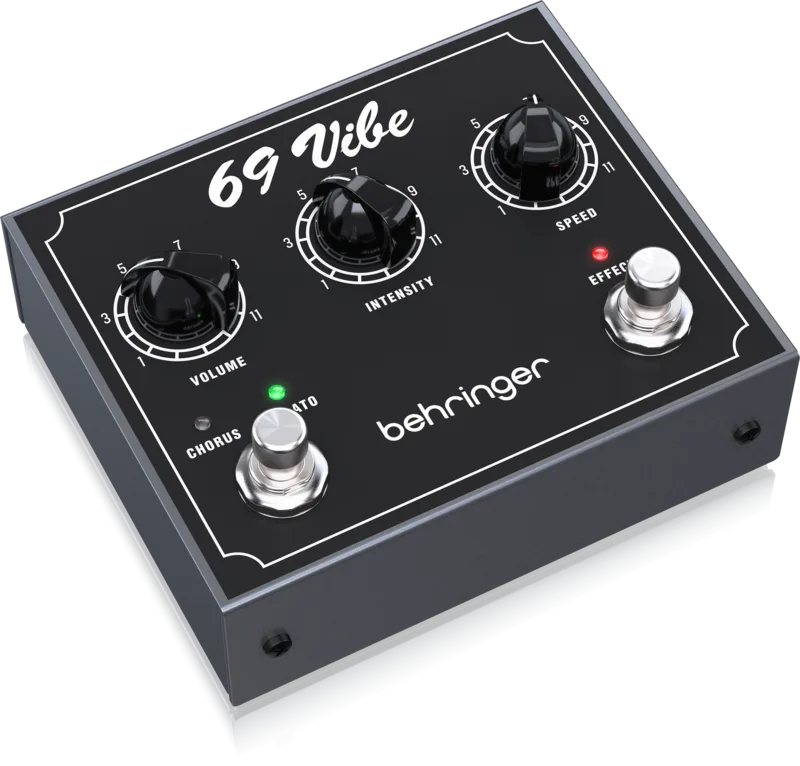
Behringer makes a wide range of compact pedals, and the FX600 is the company's take on the multi-effects stompbox format. Players looking at the chorus side of that range might also come across the Behringer Ultra Chorus, the Behringer Chorus Symphony or the Behringer '69 Vibe, each of which is a dedicated single-effect pedal rather than a multi-effects unit1.
Videos
Behringer
Ryan Lutton
World Music Supply
Questions
Is the Behringer FX600 analog or digital?
The FX600 is a digital pedal. Behringer describes it as a digital multi-effects stompbox built around a 24-bit, high-resolution stereo FX engine running at 24-bit/40 kHz resolution. Everything the pedal does, including the modulation, delay, tremolo and pitch effects, is processed digitally rather than through analog circuitry.
Does the FX600 come with a power supply?
No. Behringer states that the FX600 is powered by the PSU-HSB-ALL DC power supply, and that supply is not included with the pedal. You will need to provide your own suitable DC power source to use it.
What effects does the Behringer FX600 have?
The FX600 offers six effects: Flanger, Chorus, Phaser, Delay, Tremolo and Pitch Shifter. You choose between them with a dedicated FX knob, then shape the selected effect with two Parameter dials and blend it with your dry signal using the Level control.
Is the FX600 stereo?
Yes. Behringer describes the FX600 as featuring a 24-bit, high-resolution stereo FX engine, so the effects are processed in stereo rather than mono.
Can you use more than one effect at a time on the FX600?
No. The FX600 gives you a dedicated FX knob to select one of its six effects at a time. You then use the two Parameter dials to fine-tune the chosen effect and the Level control to set how much of it is mixed with your original signal.
Sources (2)
- FX600 | Behringer, Behringer
- FX600 | Behringer, Behringer