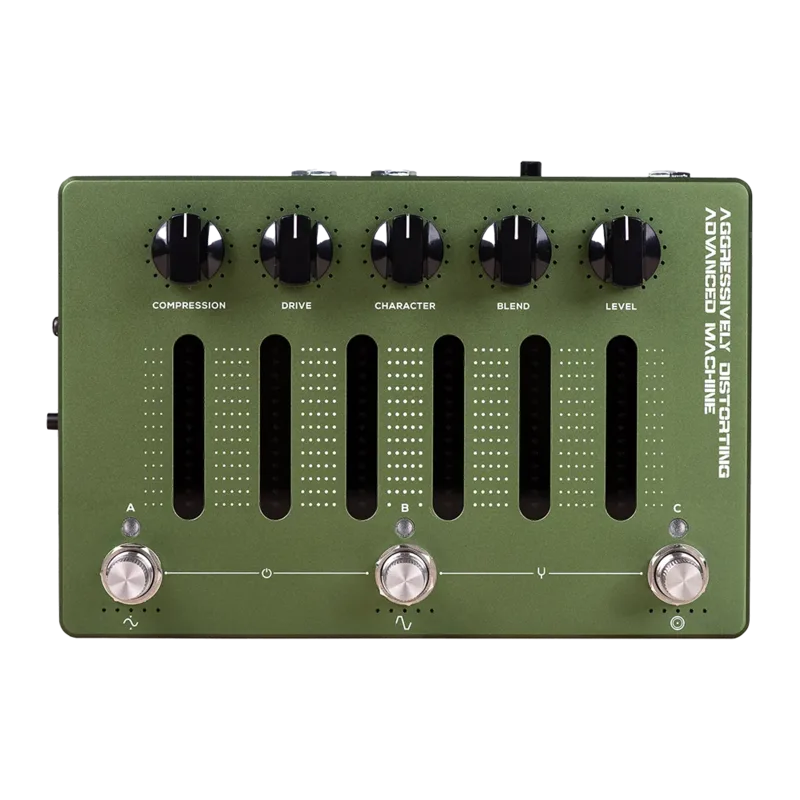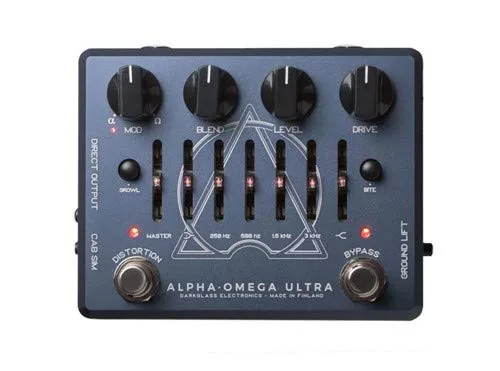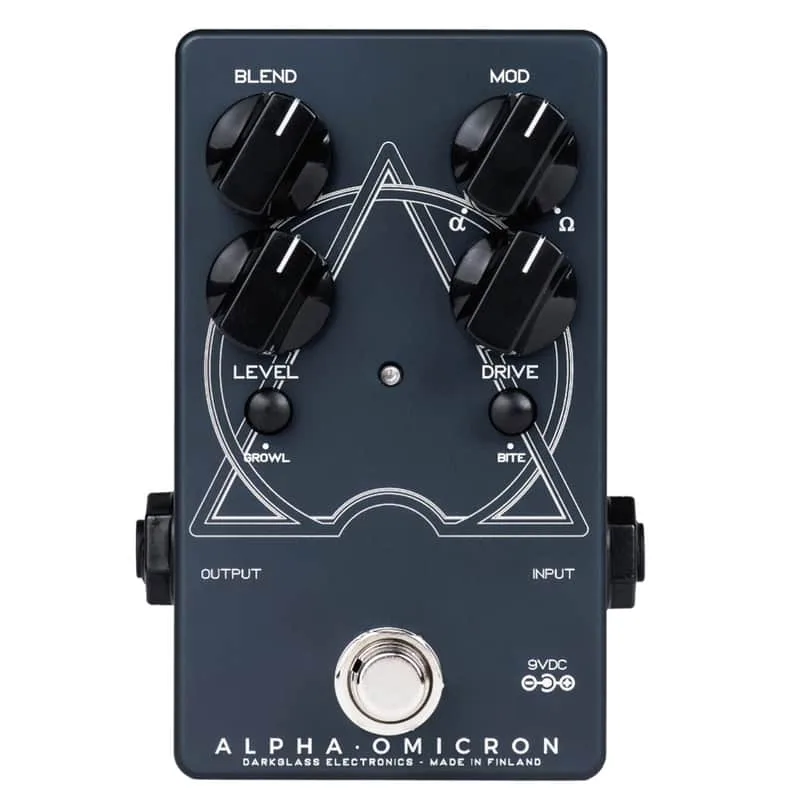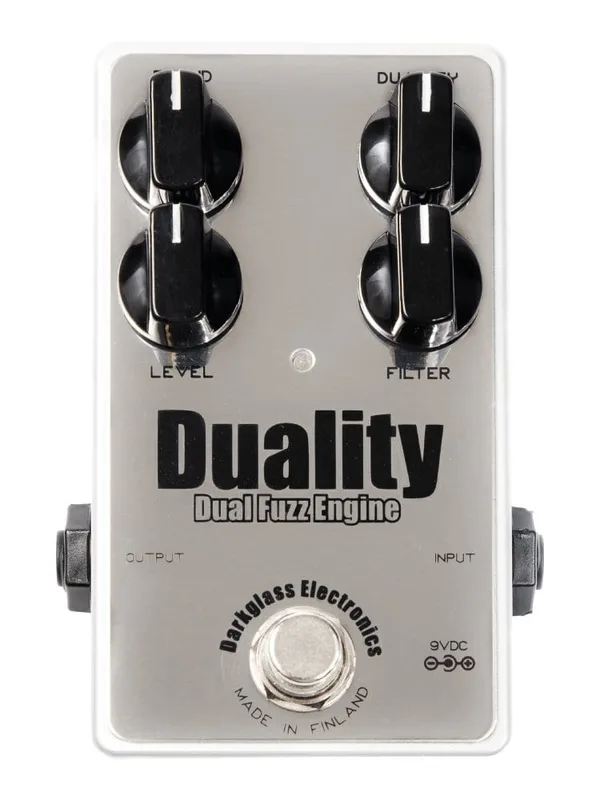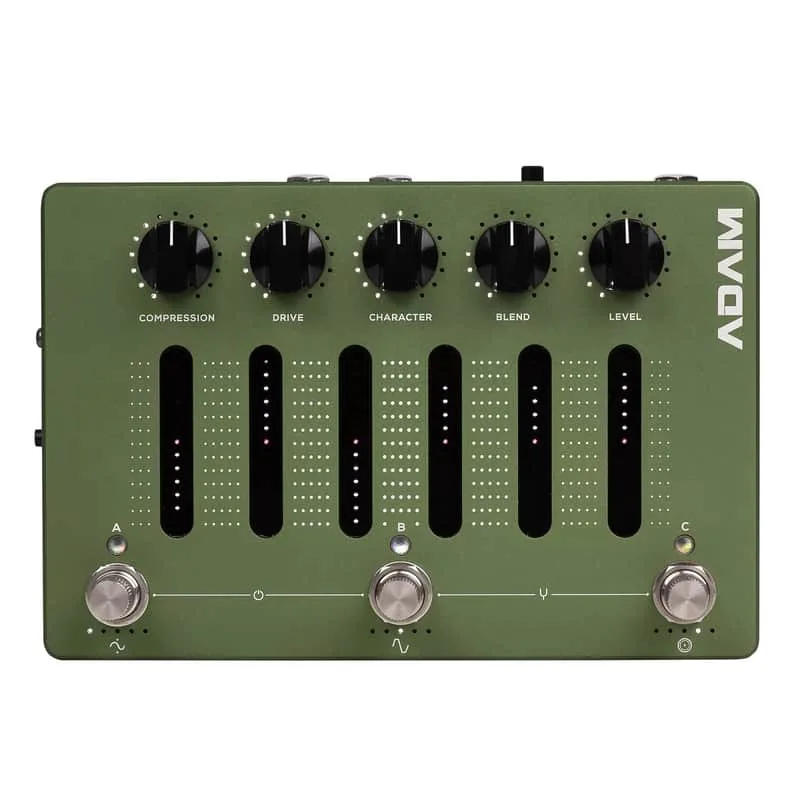


The Darkglass Aggressively Distorting Advanced Machine, usually shortened to ADAM, is a bass distortion and preamp pedal from Darkglass that packs a compressor, cabinet simulation, an EQ, a tuner and a USB audio interface into one unit1. At the heart of the distortion circuit is an accurate model of Nolly's favorite vintage distortion unit, and Nolly worked with Darkglass to develop the pedal's five distortion modes and to capture its default cabinet IRs1.
The controls: smart knobs, touch-slider EQ and rotary footswitches
The ADAM's five main knobs are smart potentiometers: Compression, Drive, Character, Blend and Level. Their positions are stored in each preset and shown by a ring of LEDs around each knob, so the pedal always displays the settings of the preset you are on1.
The Compression knob sets the input gain of the compressor, and an intelligent make-up gain algorithm applies the correct amount of gain so the output stays at usable levels. The compressor offers five ratios: 4:1, 8:1, 12:1, 20:1 and ALL IN1. In the clean sidechain there is also a fixed multiband compressor carrying Nolly's personal settings, with no controls of its own1.
The distortion side offers five modes, which Darkglass describes as ranging from mild and very articulate distortion to synth-like fuzz sounds1.
| Control | What it does |
|---|---|
| Compression | Sets compressor input gain, with intelligent make-up gain1 |
| Drive | Sets the amount of distortion |
| Character | Shapes the distortion character |
| Blend | Mixes clean and distorted signals |
| Level | Sets instrument volume at all four outputs |
Below the knobs sits the EQ: a programmable 6-band graphic equalizer controlled by touch-sensitive sliders, each covering a range of -12 dB to 12 dB. From left to right the bands are a low shelf, 250 Hz, 500 Hz, 1.5 kHz, 3 kHz, and a high shelf. You swipe a slider up to boost that band or down to cut it, and double-tap a slider to reset the band back to 0 dB1.
Under the touch sliders are three rotary footswitch encoders, A, B and C, which can be pressed or rotated. Pressing one switches to the preset stored in that footswitch. The pedal comes pre-programmed with three presets, A, B and C, and three additional presets are available via MIDI or the Darkglass Suite. To save your edits, press and hold one of the footswitches for two seconds23.
Two more modes sit on combinations of the footswitches:
- Bypass: press A and B together; the input signal passes to the outputs unprocessed, with all LEDs off3
- Tuner: press B and C together; a five-octave chromatic tuner covering A0 to A#5, referenced to A4 at 440 Hz, tunes one note at a time, with no audio output while tuning13
- Performance Lock: press A and C together; prevents accidental parameter changes or edits to your presets while still allowing preset switching, tuner and bypass3
Power and connections
The ADAM runs on a 9V DC center negative supply delivering at least 500 mA, and its current consumption is around 500 mA1.
At ~500 mA, the ADAM draws far more current than a typical analog pedal. A standard low-current daisy chain output will not be enough; use a dedicated 9V output rated for at least 500 mA.
On the connection side, the pedal carries a 1/4" mono instrument input (1 MΩ input impedance), a 1/8" stereo Aux In for playing backing tracks while practicing or recording, a 1/8" TRS MIDI In jack for an external MIDI controller, and a USB-C port. Outputs are two balanced 1/4" TRS outputs, an XLR Direct Output with a ground lift switch for a mixing desk or external audio interface, and a 1/8" stereo headphone output with its own level potentiometer that handles headphones from 16 to 600 ohms1.
The USB-C port also handles Bluetooth pairing: press and hold an encoder while rotating it, and the pedal appears on your device as "Aggressively Distorting Advanced Machine"1.
Routing has a few rules worth knowing. When the pedal is not bypassed, the Level knob controls instrument volume at all four outputs but has no effect on USB, Aux or Bluetooth audio. The XLR DI output is routed only with the instrument output and USB output 52.
Recording over USB
The ADAM doubles as a USB audio interface compatible with any DAW, supporting 48 kHz and 44.1 kHz sample rates1. You can record your processed signal to one track and simultaneously record an unprocessed copy to another track, and a stereo track from the Aux input can be recorded as well12.
The USB routing is fixed:
| USB channel | Signal |
|---|---|
| Input 1 | Processed signal2 |
| Input 2 | Unprocessed raw signal2 |
| Input 3 | Aux left + Bluetooth left2 |
| Input 4 | Aux right + Bluetooth right2 |
| Output 1 | Balanced left + Headphone left1 |
| Output 2 | Balanced right + Headphone right1 |
| Output 3 | Balanced left1 |
| Output 4 | Balanced right1 |
| Output 5 | XLR DI (mono)1 |
On Mac, no additional drivers are needed to use the ADAM as an audio interface. On Windows, you must download the latest USB audio drivers from the Darkglass Suite page first1.
Cabinet simulation and IRs
The ADAM supports Impulse Response (IR) cabinet simulations and has 5 cabinet slots on board, with default IRs captured by Nolly. New IRs can be assigned to those slots through the Darkglass Suite, on desktop or mobile. The Suite's IR library contains IR files of both bass and guitar cabinets, including captures of Darkglass Elite Series and Neodymium Series cabinets, with hundreds more planned to be added1.
Videos
Darkglass Electronics
Darkglass Electronics
Darkglass Electronics
Questions
What power supply does the Darkglass ADAM need?
It needs a 9V DC center negative supply delivering at least 500 mA. The pedal draws around 500 mA, so a small daisy chain supply is unlikely to be enough on its own.
Can I load my own IRs into the ADAM?
Yes. The pedal has 5 cabinet slots for Impulse Response simulations, with default IRs captured by Nolly. New IRs can be assigned to those slots through the Darkglass Suite app on desktop or mobile, and the Suite's IR library covers both bass and guitar cabinets.
Does the ADAM need drivers on Windows?
On Mac, no additional drivers are needed to use it as an audio interface. On Windows, you must download the latest USB audio drivers from the Darkglass Suite page first.
How many presets does the Aggressively Distorting Advanced Machine hold?
Three presets, A, B and C, are stored on the three rotary footswitches and selected by pressing them. Three additional presets are reachable through MIDI or the Darkglass Suite, and edits are saved by holding a footswitch for two seconds.
Does the ADAM have a tuner?
Yes. It has a five-octave chromatic tuner covering A0 to A#5, referenced to A4 at 440 Hz, tuning one note at a time. You enter tuner mode by pressing footswitches B and C simultaneously, and there is no audio output while tuning.