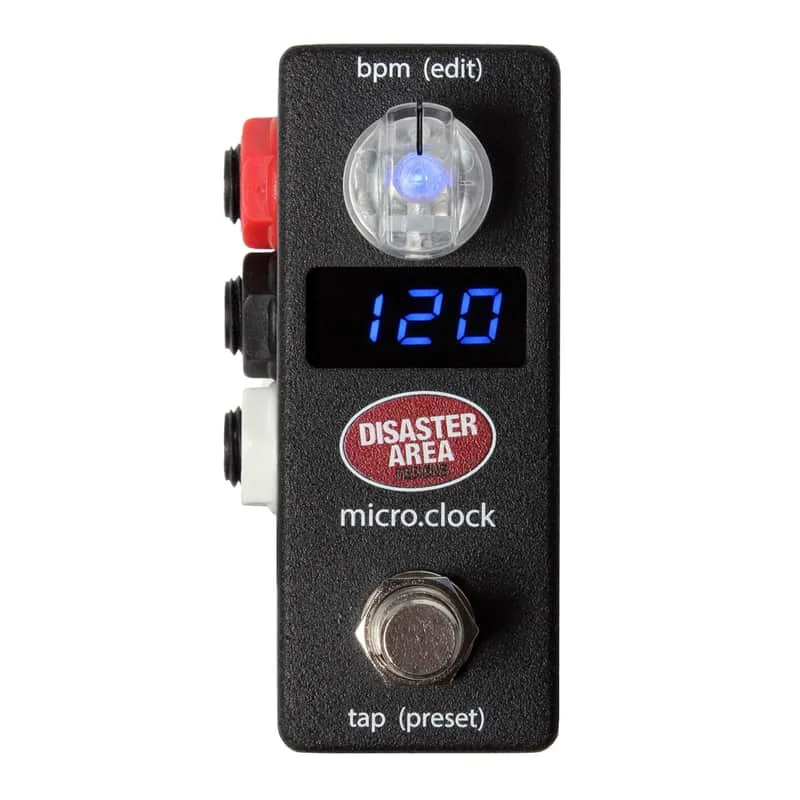


The Disaster Area Designs micro.clock is a micro-sized MIDI tap tempo and clock source. Its job on a pedalboard is tempo: it lets you tap a tempo once and have every tempo-aware device on the board follow along. RockBoard's PedalPedia describes it as a way to "synchronize your tempo-enabled MIDI and non-MIDI devices, without taking up too much precious board space," which is the whole point of the micro format: clock and tap tempo duties in a pedal that barely registers on a crowded board1.
It has been through at least two versions. The original micro.clock and the current micro.clock Gen4 share the same basic role and power requirements, but differ in circuit type, and the Gen4 adds an expression input21.
Gen4 and earlier versions
The two versions side by side:
| micro.clock Gen4 | micro.clock (original) | |
|---|---|---|
| Role | Micro-sized MIDI tap tempo and clock source | Micro-sized MIDI tap tempo and clock source |
| Circuit type | Analog2 | Digital1 |
| Expression input | Yes2 | Not listed |
| Power | 9V DC, center negative, 60mA2 | 9V DC, center negative, 60mA1 |
| Syncs MIDI and non-MIDI devices | Yes2 | Yes1 |
The circuit type differs between versions: the Gen4 is listed as analog and the original as digital21. If that distinction matters for your setup, make sure you know which version you are looking at.
Both versions have English manuals available from the maker: the Gen4 manual2 and the original micro.clock manual1. There is also a demo of the Gen4 by Doug Hanson2.
How it compares
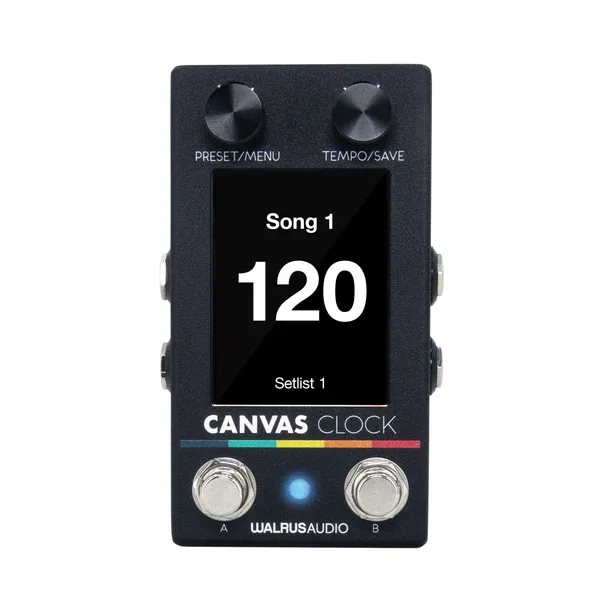
In a Guitar World review of a competing clock pedal, reviewer Alex Lynham weighed the micro.clock against the Walrus Audio Canvas Clock3:
"If all you need is MIDI clock and CV, the micro.clock is cheaper, has two outputs and can even send a MIDI PC message, but it only has a single footswitch"
That puts the micro.clock's strengths plainly: two outputs, MIDI PC messages, a lower price, with the trade-off of a single footswitch compared with the Canvas Clock3.
TONEX ONE support on Gen4
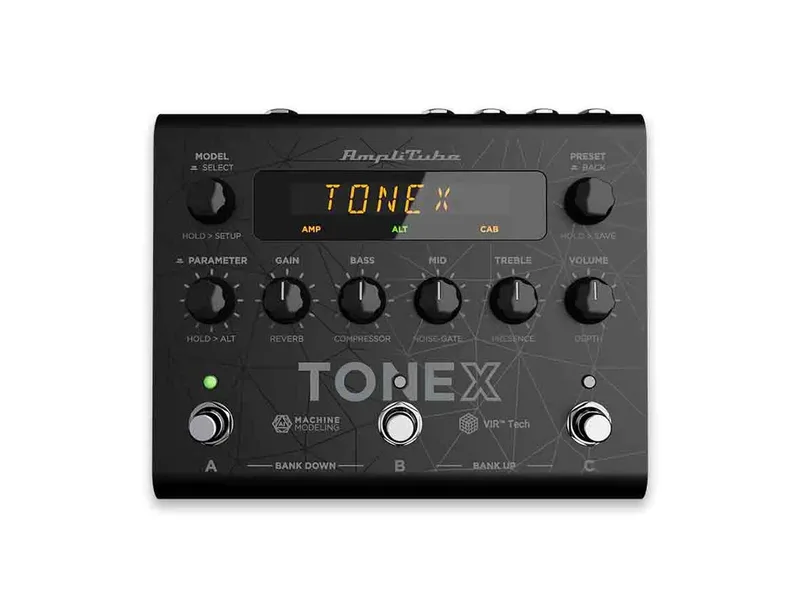
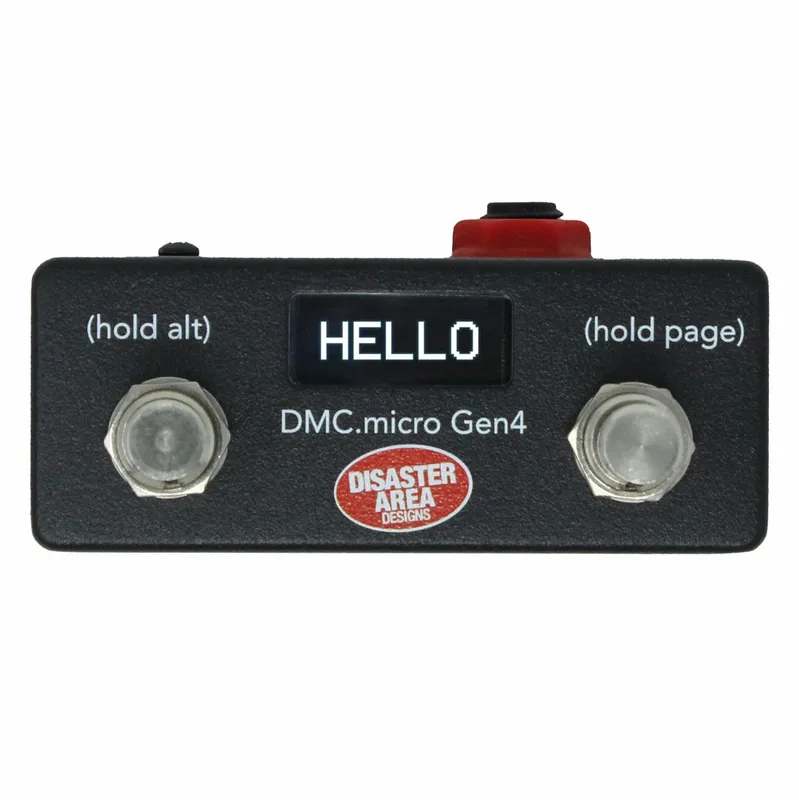
For players running an IK Multimedia TONEX ONE, Disaster Area Designs has added TONEX ONE support to its Gen4 controllers, including the DMC.micro Gen4 and the MIDI Baby Gen4. If TONEX ONE control is on your list, the maker's beta firmware page is where that support is documented.
Videos
Disaster Area Designs
Disaster Area Designs
Disaster Area Designs
Questions
Does the micro.clock sync devices that don't have MIDI?
Yes. Disaster Area Designs describes the micro.clock, in both the original and Gen4 versions, as a way to synchronize your tempo-enabled MIDI and non-MIDI devices without taking up too much pedalboard space. It works as a tap tempo and clock source for gear that follows tempo, whether or not that gear speaks MIDI.
What power supply does the micro.clock need?
Both the original micro.clock and the micro.clock Gen4 run on 9V DC, center negative, and draw 60mA. A standard center-negative pedal supply handles it, but at 60mA it is worth checking what your daisy chain or isolated supply has left over.
Is the micro.clock Gen4 analog or digital?
The RockBoard PedalPedia listing for the micro.clock Gen4 gives its circuit type as analog, while the listing for the original micro.clock gives digital. The two versions otherwise share the same basic role as a micro-sized MIDI tap tempo and clock source.
Does the micro.clock Gen4 have an expression input?
The RockBoard PedalPedia page for the micro.clock Gen4 carries an expression tag, indicating an expression input on that version. A full expression pedal opens up extra control options beyond tap tempo.
Does the Gen4 work with the TONEX ONE?
In September 2025, Disaster Area Designs released beta firmware adding preliminary IK Multimedia TONEX ONE support to its Gen4 controllers, including the DMC.micro Gen4 and MIDI Baby Gen4, using the TONEX ONE's native protocol. Check the maker's beta firmware page for the current state of support.
Sources (3)
- Micro Clock by Disaster Area Designs, RockBoard PedalPedia, 2026
- micro.clock Gen4 by Disaster Area Designs, RockBoard PedalPedia, 2026
- "The ability to use this as a midweight MIDI brain for a gigging setup is what makes it unique.": Walrus Audio Canvas Clock review, Guitar World, 2025-04-21