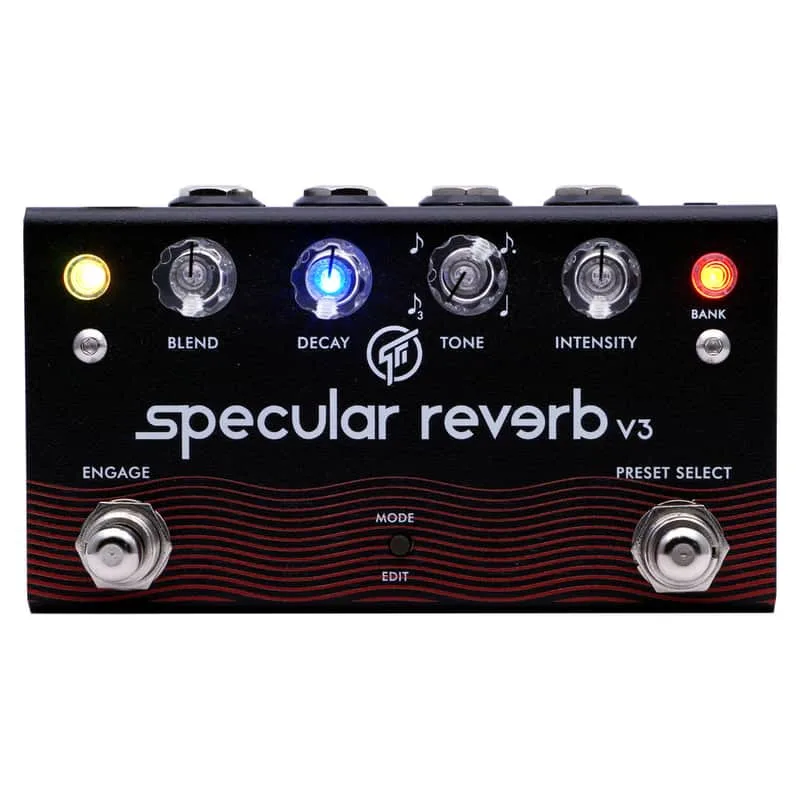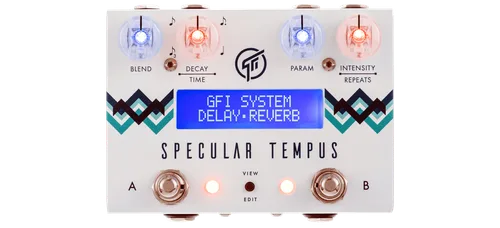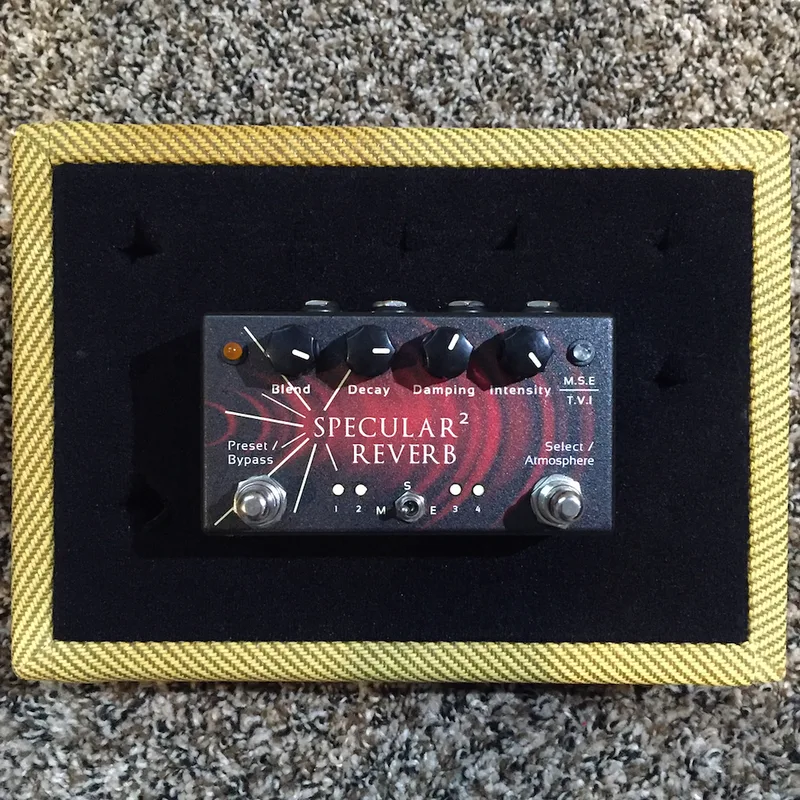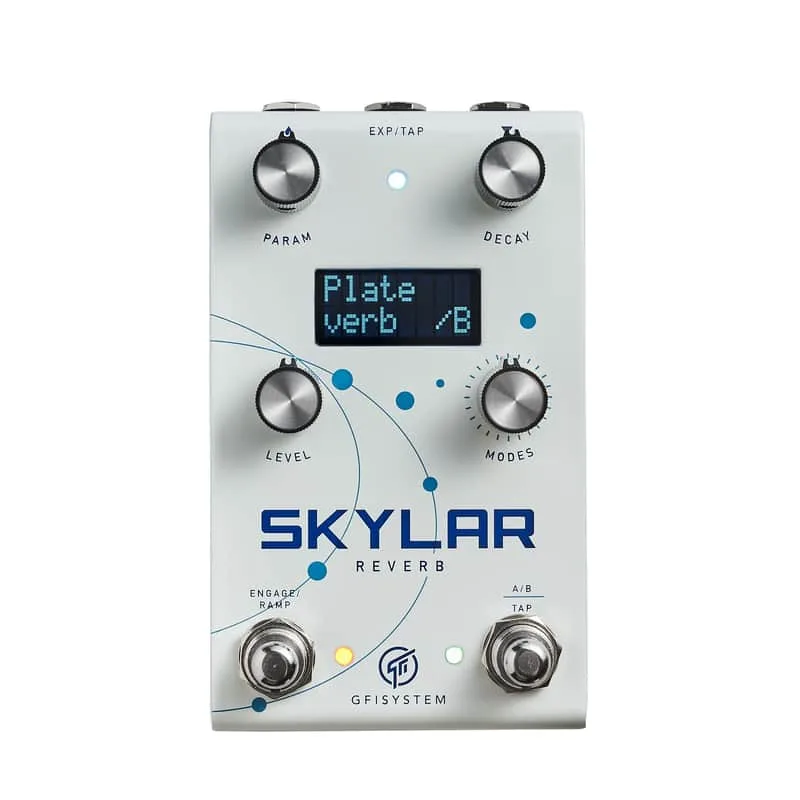


The GFI System Skylar is a compact stereo digital reverb pedal from GFI System, an Indonesian manufacturer known for innovative hybrid digital effects like the Synesthesia and the Specular Tempus1. It packs four of the company's reverb algorithms into a small box: Spatium, Shimmer, Plate and Tremble, the last a tremolo-reverb with tap tempo2. GFI System positions it as "a compact pedal that is straightforward and easy to use," with an LCD screen for navigating its sounds and features2.
The four algorithms
Skylar carries over four algorithms from its predecessor, including the signature Spatium3. Each covers different reverb territory:
| Algorithm | What it is |
|---|---|
| Spatium | GFI System's signature reverb algorithm3 |
| Shimmer | Pitch-shifting reverb mode2 |
| Plate | Classic plate reverb emulation2 |
| Tremble | Tremolo-reverb with tap-tempo control of tremolo speed2 |
Delicious Audio's Paolo De Gregorio described the Skylar as "a studio-quality, streamlined, multi-mode, stereo digital reverb" in a small form factor3.
The controls
The pedal has four dual-function encoders: Decay, Level, Mode and a varying Param knob. Each knob is also a pressure switch, so pressing and turning accesses secondary parameters like EQ or pre-delay3. The fourth knob handles other functions, including subdivision and assigning the two preset slots3.
Pedal of the Day's review breaks down what each knob can do:
- Turn to adjust parameters
- Push for secondary parameter control
- Hold and Twist for operations like toggling expression mapping and entering the Options and Global menus4
Two footswitches handle On/Off and Tap Tempo, but they also help navigate presets and engage a momentary Ramp effect3. The LCD screen interface makes it easy to move through the pedal's sounds and settings2.
Stereo, expression and tap tempo
The Skylar supports both mono and stereo input and output. Mono connection uses standard TS patch cables, while stereo cabling uses TRS patch cables, and a splitter-Y cable may be needed depending on your setup2. The input and output jacks feature TRS connectors for stereo operation3.
A multi-purpose jack provides connection to an expression pedal or tap-tempo pedal2. The expression pedal enables expressive control over the reverb parameters, and expression mapping can be toggled from the knobs24. In the Tremble algorithm, the external tap-tempo can be used to control the tremolo speed2.
The Specular Reverb's replacement
The Skylar replaces the Specular Reverb in GFI System's line3. It packs four reverb algorithms into a compact pedal that the maker describes as straightforward and easy to use2. Where GFI System is known for innovative hybrid digital effects like the Synesthesia and the Specular Tempus3, the Skylar is a smaller, simpler reverb pedal rather than a deep multi-effect platform.
"This is a more “curated"
That verdict matches the maker's own framing of the pedal as straightforward and easy to use2. Delicious Audio also called it "a great sounding effect with plenty of tonal variety, sure to add color, space, and character to your signal chain"3.
Specifications
| Specification | Value |
|---|---|
| Input impedance | 1 MOhm2 |
| Output impedance | 1K Ohm2 |
| DAC/ADC resolution | 24 bits2 |
| Current consumption | ~110 mA2 |
| Power source | 9V DC, negative center, not supplied2 |
| Weight | 0.6 kg (1.6 lbs)2 |
| Dimensions | 12 (L) x 7.2 (W) x 5.5 (H) cm2 |
The Skylar draws about 110 mA, well above what a standard 9V battery or a low-current daisy chain output can supply, so plan on a dedicated 9V DC power supply2.
The Skylar User Manual (EN), dated January 1, 2023, is available as a download on GFI System's downloads page5.
Videos
Andertons Music Co
Let's Play All
Do Noise
Questions
Is the GFI Skylar stereo?
Yes. The Skylar supports both mono and stereo input and output. Mono connection uses standard TS patch cables, while stereo operation uses TRS patch cables on the input and output jacks, and a splitter-Y cable may be needed for some setups.
How many presets does the GFI Skylar have?
The Skylar has two preset slots, A and B. The fourth encoder knob handles assigning sounds to those two slots, and the footswitches help you navigate between them.
Does the Skylar have tap tempo?
Yes. One of the two footswitches handles the Tap Tempo function, and the multi-purpose external jack also accepts a tap-tempo pedal. In the Tremble algorithm, external tap tempo controls the tremolo speed.
Can you use an expression pedal with the GFI Skylar?
Yes. A multi-purpose jack on the pedal accepts either an expression pedal or a tap-tempo pedal. The expression pedal gives you expressive control over the reverb parameters, and expression mapping can be toggled from the knobs.
Where can I download the GFI Skylar manual?
The Skylar User Manual (EN) is available as a download on GFI System's downloads page at gfisystem.com/downloads/skylar. The current manual version is dated January 1, 2023.
Sources (5)
- GFI Orca Stereo Delay, Delicious Audio, 2023-01-16
- Skylar Reverb, GFI System
- GFI Skylar Stereo Reverb, Delicious Audio, 2024-01-22
- GFI System Orca Delay + Skylar Reverb, Pedal of the Day, 2021-05-18
- GFI System, GFI System, 2023-01-01