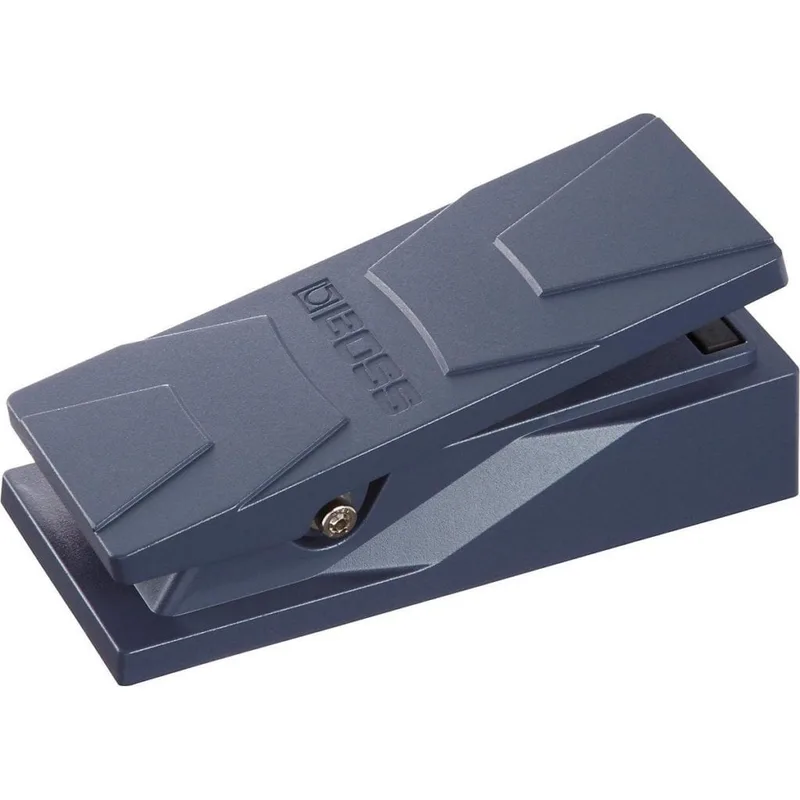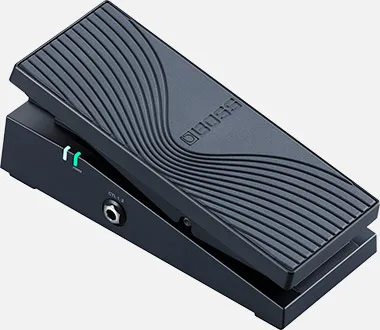


The Boss EV-1-WL is a wireless MIDI expression pedal: a rocker pedal that sends MIDI control change messages rather than passing your guitar signal through it. Boss calls it "the world's first wireless MIDI expression pedal"1. Instead of a TRS cable to one pedal, it talks to gear over Bluetooth, USB and TRS MIDI, and Boss says all three outputs can be used at once, each with its own independent MIDI CC settings1.
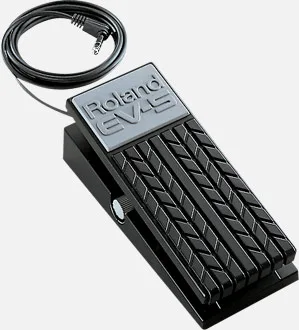
That makes it a different animal from a conventional expression pedal like the Boss EV-5 or the EV-30 Dual Expression, which control one or two devices through cables. The EV-1-WL is aimed at players running MIDI pedals, multi-effects units, amp modelers, mobile music apps and computer software from one pedal, without a wire between the pedal and the rest of the rig21.
What it controls
The pedal itself, its built-in toe switch and up to two external footswitches are each assignable to a MIDI CC number from 1 to 127, with values 0 to 12714. The toe switch has on/off indicators on both sides of the pedal, so you can see its state from either side of a stage rig5. The expression pedal and the switches can each be set to latch or momentary mode5.
The pedal's response can be shaped with four curve options: Normal, Slow1, Slow2 or Fast1. MIDI channel is set from 1 to 165.
| Control | Assignable range | Notes |
|---|---|---|
| Expression pedal (EXP SW off) | CC# 1-127, value 0-127 | Curve: Normal, Slow1, Slow2 or Fast14 |
| Expression pedal (EXP SW on) | CC# 1-127, value 0-127 | 1 |
| Toe switch (EXP SW) | CC# 1-127, value 0-127 | Latch or momentary; on/off indicators both sides5 |
| External footswitch 1 (CTL1) | CC# 1-127, value 0-127 | Latch or momentary5 |
| External footswitch 2 (CTL2) | CC# 1-127, value 0-127 | Latch or momentary5 |
Power and connections
The EV-1-WL runs on two AA batteries or a Boss PSA-series adaptor6. Battery power is the point of a wireless pedal: with no cable back to a power supply, it can sit anywhere within Bluetooth range of the gear it controls.
For wired use, the TRS MIDI output controls MIDI devices with TRS or 5-pin inputs1, and USB connects it to a computer. For wireless use with a Windows computer, Boss says you can add a Roland WM-1D dongle for wireless communication with the EV-1-WL6.
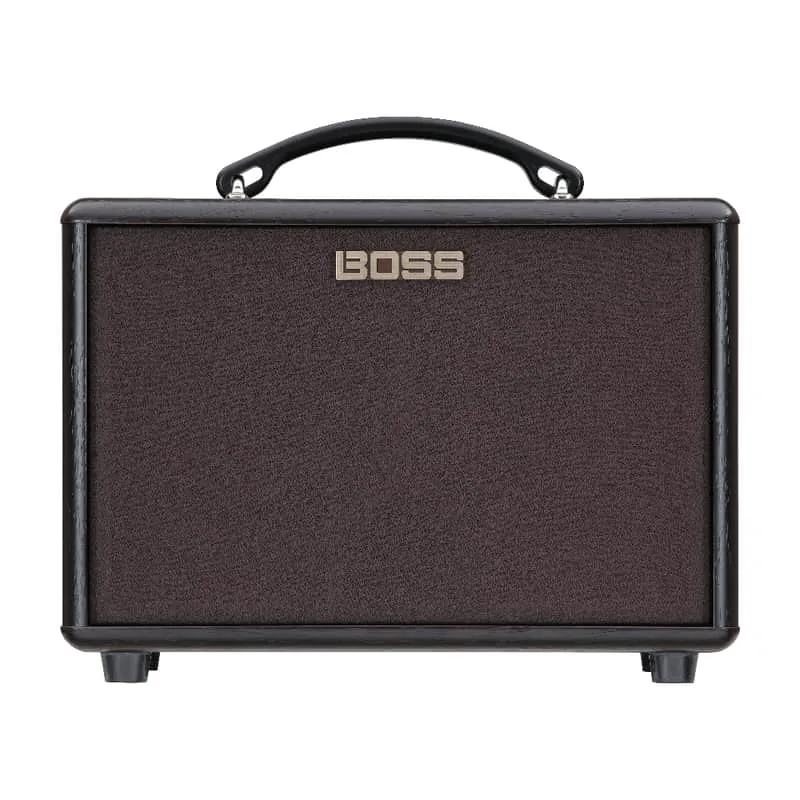
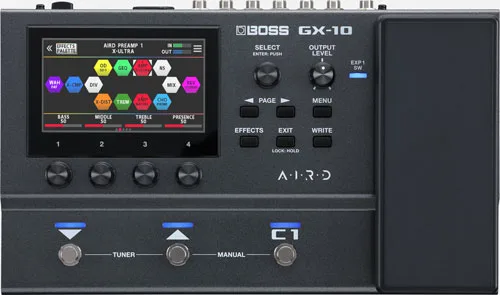
Some compatible Boss products require the Boss Bluetooth Audio MIDI Dual Adaptor to receive the EV-1-WL's wireless MIDI. Boss lists these as the DUAL CUBE LX, DUAL CUBE BASS LX, AC-22LX, GX-100 and GX-105.
Boss publishes a dedicated EV-1-WL Connection Guide for connecting the pedal with the GX-107. Products with Bluetooth MIDI built in, such as the Waza-Air and Waza-Air Bass headphones, take the EV-1-WL directly: Boss describes it as an optional wireless expression pedal for remote operation of assigned functions on those products82.
The EV-1-WL Editor app
Setup is done in the EV-1-WL Editor app for iOS and Android, which Boss says "lets you customize MIDI CC assignments for the EV-1-WL's pedal, toe switch, and up to two external footswitches"6. Writing in a Boss article, Ed Lim describes the same workflow: "Assign MIDI CC settings and customize the response of the pedal using the dedicated iOS/Android app"8.
Firmware
Videos
BOSSchannel
BOSSchannel
BOSSchannel
Questions
Does the Boss EV-1-WL take batteries?
Yes. The EV-1-WL runs on two AA batteries, or on a Boss PSA-series adaptor if you would rather power it from a supply. Battery power is what makes it practical as a wireless pedal on a stage, since there is no cable to the board.
Can the EV-1-WL send Bluetooth, USB and TRS MIDI at the same time?
Yes. Boss states that all three outputs can be used at once, and that each output has its own independent MIDI CC settings. That means one pedal can drive a Bluetooth-connected Boss product, a computer over USB and a hardware MIDI device over TRS in the same rig.
Does the EV-1-WL work with the Boss GX-10?
Yes. Boss publishes an EV-1-WL Connection Guide specifically for connecting with the GX-10. Note that the GX-10 is one of the products that requires the Boss Bluetooth Audio MIDI Dual Adaptor for the wireless connection.
Which Boss products need the Bluetooth Audio MIDI Dual Adaptor with the EV-1-WL?
Boss lists the DUAL CUBE LX, DUAL CUBE BASS LX, AC-22LX, GX-100 and GX-10 as requiring the Bluetooth Audio MIDI Dual Adaptor when used with the EV-1-WL. Products with built-in Bluetooth MIDI, such as the Waza-Air and Waza-Air Bass, do not need the adaptor.
How do I connect the EV-1-WL to a Windows computer?
For wireless communication with a Windows computer, Boss says you can add a Roland WM-1D dongle, which plugs into the computer and receives the pedal's Bluetooth MIDI. A wired USB connection is the other option.
Is there an app for the EV-1-WL?
Yes. The EV-1-WL Editor app for iOS and Android lets you customize MIDI CC assignments for the pedal, the toe switch and up to two external footswitches, set the MIDI channel from 1 to 16, and adjust the pedal's response curve.
Sources (8)
- BOSS - EV-1-WL | Wireless MIDI Expression Pedal, BOSS (boss.info)
- BOSS - WAZA-AIR BASS | Wireless Personal Bass Amplification System, BOSS (boss.info)
- BOSS - Support - EV-1-WL - Updates & Drivers, Boss (boss.info), 2026-06
- BOSS - EV-1-WL | Wireless MIDI Expression Pedal, BOSS (boss.info)
- BOSS - EV-1-WL | Wireless MIDI Expression Pedal, BOSS (www.boss.info)
- BOSS - EV-1-WL | Wireless MIDI Expression Pedal, BOSS (boss.info)
- BOSS - Support - EV-1-WL - Owner's Manuals, Boss (boss.info)
- Express Yourself: Expanding Creativity with the EV-1-WL, BOSS (articles.boss.info), 2021-09-02