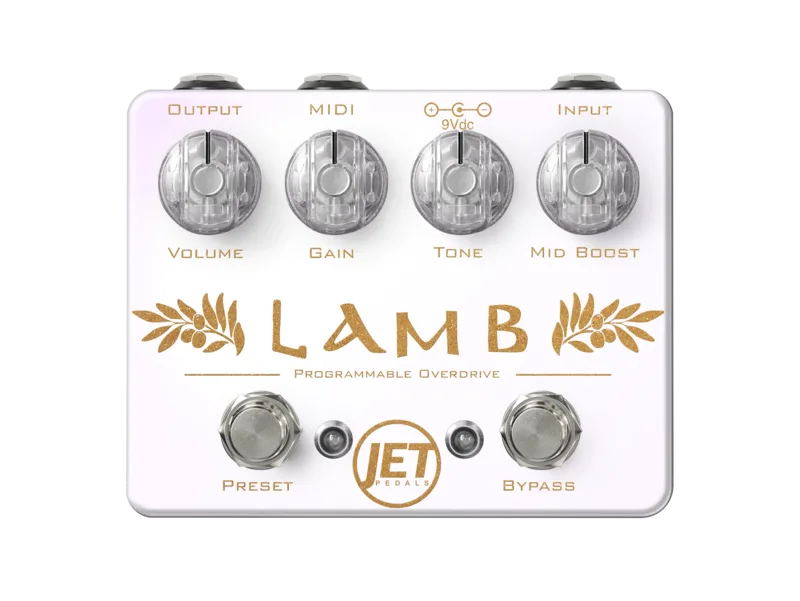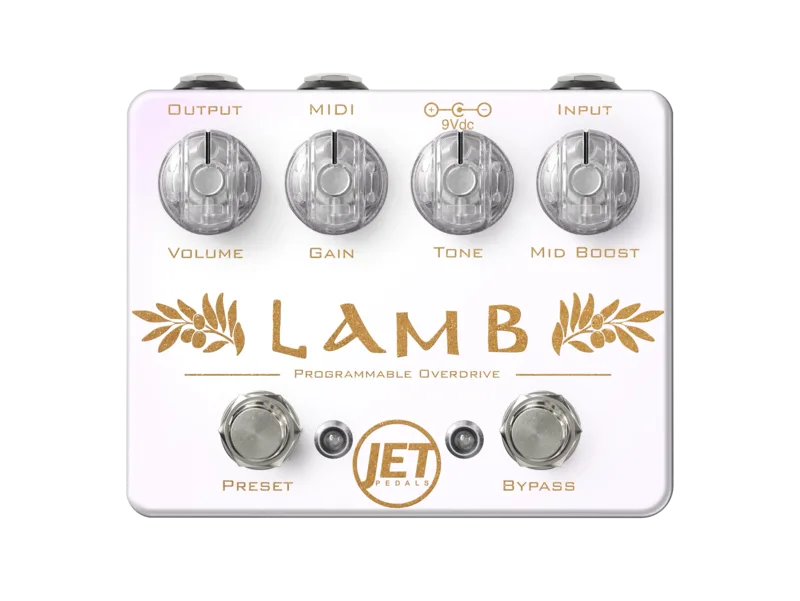


The Jet Pedals Lamb Overdrive is a programmable overdrive pedal from Kansas City's JET Pedals, built around a Blues Breaker-inspired op amp circuit with soft clipping diodes placed inside the feedback loop of the op amp1. JET Pedals describes it as a smooth, transparent overdrive for natural tone enhancement, designed to deliver the smoothest, warmest tones at low gain while offering a crisp, dynamic drive when pushed harder, and to respond with clarity and musicality through single coils, P90s, or humbuckers2.
What sets the Lamb apart from most pedals in its circuit family is its control layer: a 100% all analog signal path with a digital brain that provides 100 onboard presets and full MIDI control over every knob, switch and feature21.
A Blues Breaker-style overdrive with presets and MIDI
Delicious Audio's Paolo De Gregorio describes the Lamb as "an op amp-based, Blues Breaker-inspired overdrive circuit with soft clipping diodes placed inside the feedback loop"1. That places it in a well-known lineage: as De Gregorio notes, it can be closely compared to similar circuits like the Marshall BluesBreaker, Analog Man King of Tone, and JHS Morning Glory1.
By default the Lamb loads up with quad symmetrical silicone diodes, which Delicious Audio says offers the least amount of compression for maximum clarity and "tube" like breakup1. The pedal holds multiple circuits, and you can cycle through them from the front panel, as covered below.
The Lamb belongs to what Delicious Audio calls the modern family of overdrives with an analog path and a digital brain1: your guitar signal stays analog from input to output, while a digital control layer handles presets, MIDI and the timed switch functions.
The controls and footswitches
The Lamb has two soft click footswitches, Bypass and Preset, which JET Pedals calls smart switches with several timed based functions21:
| Switch | Action | What it does |
|---|---|---|
| Bypass | Tap | Engage or disengage the Lamb2 |
| Bypass | Hold for 1/2 second | Cycle through circuits, starting over after the last one2 |
| Preset | Long press (at least 1/2 second) | Cycle through presets1 |
| Preset | Double press | Engage Lead Boost21 |
| Both | Hold both | Enter Preset Save Mode1 |
The double tap preset switch function gives an instant lead boost2. The knob set includes Volume, Gain, and Mid Boost 1, each of which can also be driven over MIDI3.
Live Mode and Preset Mode
The Lamb has two operating modes21:
- Live Mode: the knobs are always active, so turning a knob changes the sound immediately, like a conventional pedal.
- Preset Mode: the knobs are inactive, and the pedal runs whatever is stored in the current preset.
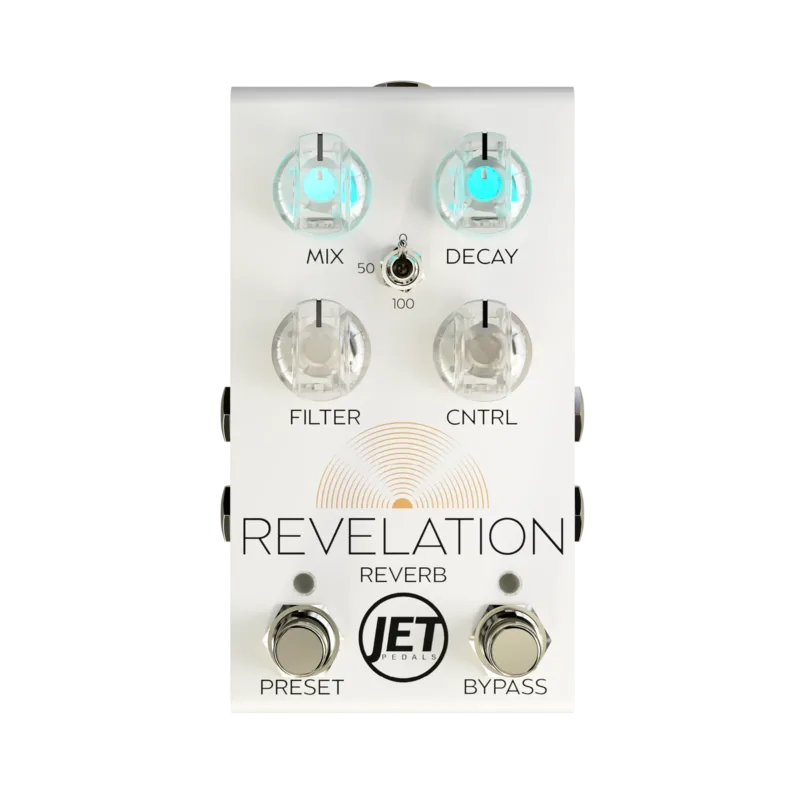
The workflow is similar to the JET Pedals Revelation Reverb, which uses the same Live and Preset mode arrangement1. In practice, Live Mode suits players who set knobs by ear on the fly, while Preset Mode suits players who recall stored sounds from a MIDI controller or the preset footswitch.
The pedal stores 100 onboard presets, numbered 0 through 993. With a MIDI controller, any circuit can be saved to any preset location2. The manual also describes a CC Snapshot feature: sending CC #28 with any value from 3 through 124 while in Live Mode saves a snapshot of the current algorithm and knob positions into permanent memory, and the snapshot is recalled by sending a PC message with the same number as the value3.
MIDI control
The Lamb offers full MIDI control over every knob, switch and feature23, and conforms to the MIDI Association TRS to MIDI adapter specification1. From the factory it receives MIDI messages on channel 1, and the channel can be changed on power-up3.
To change the MIDI channel, hold down the Preset switch during startup, while the Volume and Mid Boost knobs are white and the Bypass and Preset LEDs flash, then press the Bypass switch to increment the MIDI channel by 1, and release the Preset switch to save3. Channels run 1 through 16, wrapping back to 1 after 163.
The manual lists these MIDI control assignments3:
| MIDI message | Values | What it controls |
|---|---|---|
| CC #19 | 1 through 8 | Volume knob (1 fully counter-clockwise, 8 fully clockwise) |
| CC #20 | 1 through 8 | Gain knob |
| CC #22 | 1 through 8 | Mid Boost 1 knob |
| CC #23 | 0 to 63 off, 64 to 127 on | Bypass switch |
| CC #24 | 0 to 63 off, 64 to 127 on | Preset switch |
| CC #25 | 0 to 127 | Increments the preset number |
| CC #28 | 3 through 124 | Saves a CC snapshot in Live Mode |
Power: 9V in, 18V inside
The Lamb runs from a 9V DC power supply with a negative tip, which is not included21. Inside, an internal 18V charge pump converts the standard 9V supply to 18V, which Delicious Audio reports is for maximum headroom and response1.
The Lamb requires a 200mA or larger power supply. Anything less, Delicious Audio notes, will result in performance issues1. Plan on a dedicated spot on a powered pedalboard rather than a shared output.
Videos
JET Pedals
Sam Wittek
Worship Guitar Skills
Questions
How do I change the MIDI channel on the Jet Pedals Lamb?
Hold down the Preset switch while the pedal powers up, while the Volume and Mid Boost knobs are white and the Bypass and Preset LEDs flash. Each press of the Bypass switch then increments the MIDI channel by 1, and releasing the Preset switch saves the setting. Channels run 1 through 16 and wrap back to 1 after 16.
How many presets does the Lamb Overdrive hold?
The Lamb saves 100 onboard presets, numbered 0 through 99. With a MIDI controller, any circuit can be saved to any preset location, and CC messages can step through presets remotely.
Is the Lamb Overdrive analog?
Yes, in its signal path. The Lamb has a 100% all analog signal path, but it uses a digital brain to handle presets, MIDI control and the switching functions, so it belongs to the family of overdrives with an analog path and digital control.
Does the Lamb Overdrive work with a TRS MIDI cable?
Yes. The Lamb conforms to the MIDI Association TRS to MIDI adapter specification, so it works with the standard TRS MIDI wiring used by modern MIDI controllers and adapter cables.
Sources (3)
- Jet Pedals Lamb Overdrive, Delicious Audio, 2022-01-17
- Lamb Overdrive, JET Pedals
- Voes | MIDI-CC, Voes, 2024