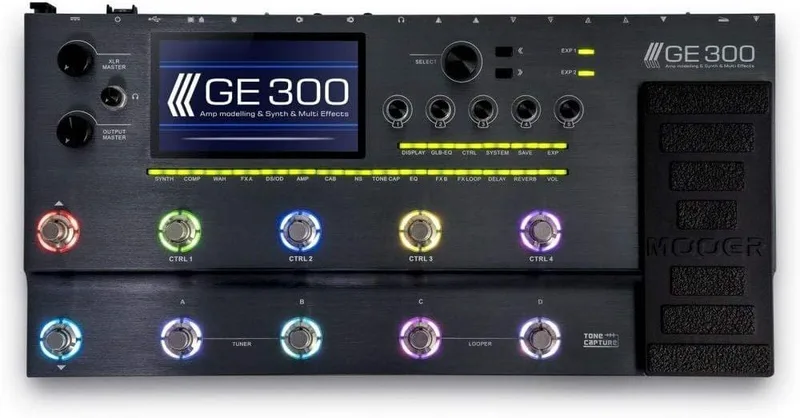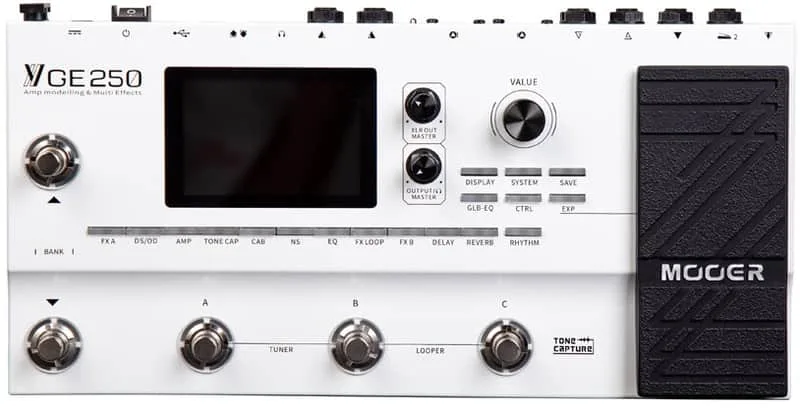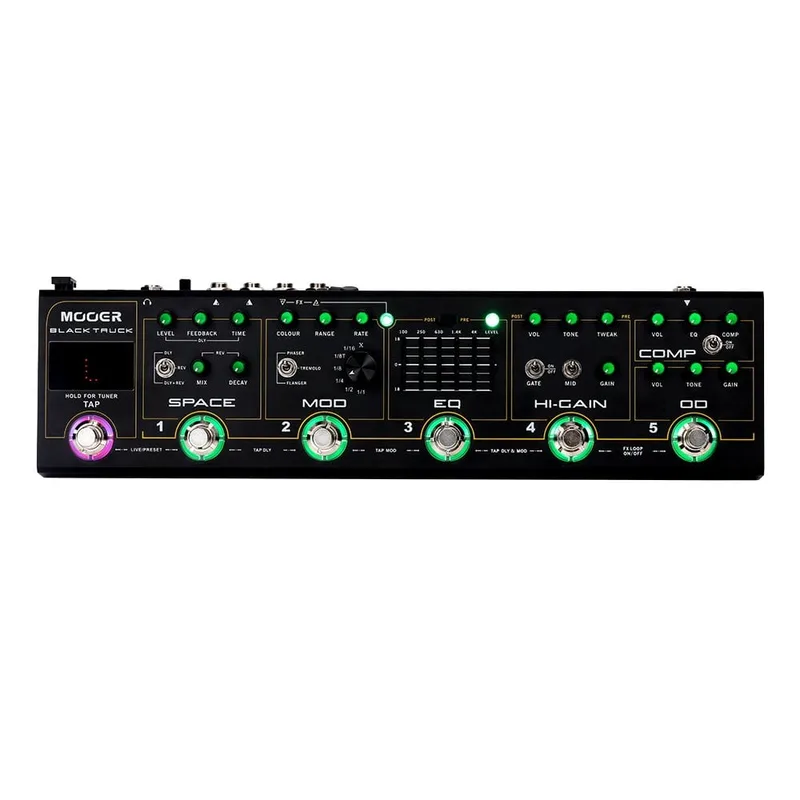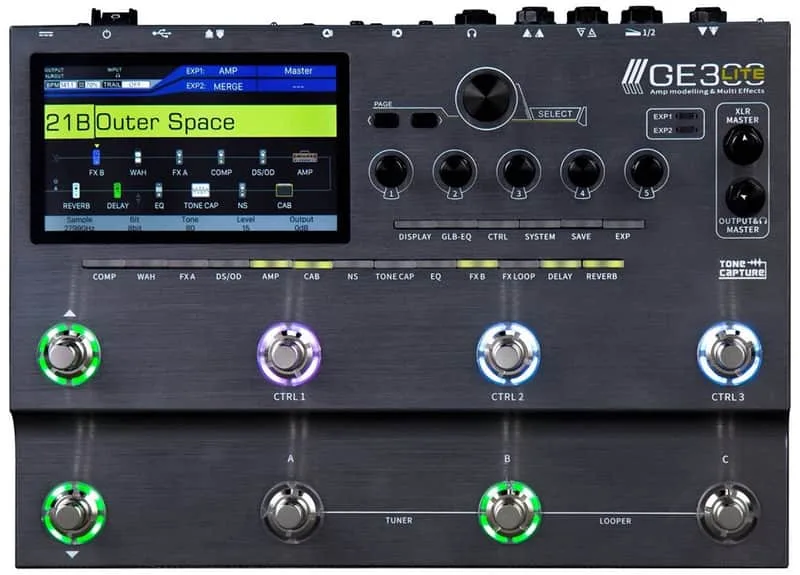


The Mooer GE300 Lite is a floorboard multi-effects unit from Mooer Audio, a pared-down version of the company's flagship, the Mooer GE300. It takes the GE300's form as a pedal in a more compact and practical size12, and it is available now for $5492.
Guitar Player reported it available now for $549 when the publication covered it in August 20212, and Guitar World gave the same $549 price at its announcement3. MusicRadar noted the Lite was due "late summer" 2020, with a price somewhere between Mooer's GE250 and the original GE3004.
Footswitches and Tone Capture modes
Where the full GE300 carries 10 customizable footswitches72, the Lite uses what Guitar Player described as "a triple-mode eight footswitch setup with assignable LED colors and functions"2. Each switch can be assigned its own LED color and function, so a player can color-code a board for live use, for example marking one color for presets and another for individual effect toggles.
The Lite also inherits the GE300's Tone Capture feature, which Guitar Player reported has three modes2:
| Tone Capture mode | What it does |
|---|---|
| Amp Mode | Samples and captures the user's amplifier |
| Guitar Mode | Captures the EQ characteristics of the user's instrument |
| Cab Mode | Captures a speaker cabinet |
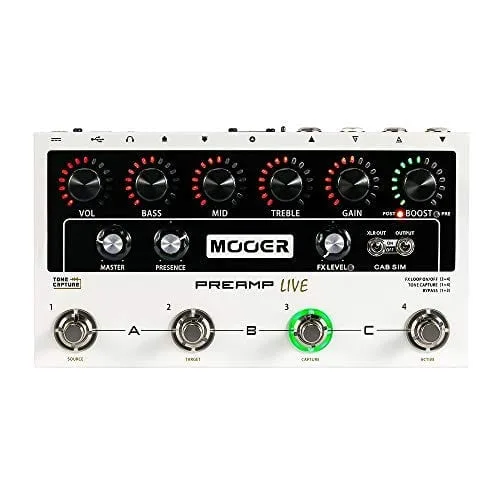
Tone Capture itself came from Mooer's Preamp Live, which MusicRadar noted when covering the original GE300 at NAMM 20198. On the full GE300, Mooer describes it as the only Mooer product with three different Tone Capture modes9; the Lite carries the same three-mode implementation2.
Connections: stereo XLR, MIDI and USB
Guitar.com's Daniel Seah detailed the Lite's rear panel: 1/4-inch and MIDI ins and outs, stereo XLR outputs with a ground switch, and a USB port for recording direct audio, editing presets and updating the unit's firmware1. The ground switch on the XLR outputs is a practical touch for players going straight into a PA or interface, where ground loops can introduce hum.
The USB port does three jobs in one: audio recording to a computer, preset editing through Mooer's editor software, and firmware updates1. The unit also has MIDI settings in its system settings, which Mooer notes may return to factory settings after a firmware update5.
For comparison, the full GE300's rear panel adds a mini-jack auxiliary input, an EXP 2 jack input, a switchable guitar/line input, stereo send and return, stereo jack outputs, a 1/4-inch headphone output, ground lift, MIDI In, MIDI Out/Thru and a DC input running on mains power10. MusicRadar's review of the GE300 lists the same set: aux in, exp2 in, guitar/line in, stereo out, stereo send, stereo return, headphones, MIDI in, stereo XLR outs, USB and MIDI11.
History, versions and firmware updates
Mooer has kept the unit's firmware moving well past launch:
| Firmware | Date | What it added |
|---|---|---|
| V5.0.2 | 5 January 2026 | Four new drives/distortions (ROD881, RED AT, ODR1, BE OD), Auto Pan and Stereo Enhancer in FX B, improved startup stability to fix occasional black-screen issues on power-up5 |
| V5.0.3 | 4 August 2026 | Support for converting and loading Neural Amp Modeler (NAM) A2 models5 |
The NAM support is the headline change for players who use community-made amp captures. NAM model files are loaded through the unit's built-in converter, and can only be imported into the AMP module5. The original GE300 received the same capability in stages: NAM A1 model loading in firmware V5.1.3 on 22 July 2026, and NAM A2 support in V5.1.4 on 4 August 202612.
Presets and settings do not always survive a firmware update. Mooer's guidance for the Lite says that if you have custom presets, they should be backed up using the previous editor software before updating, and that system settings such as MIDI and Tap Tempo settings may return to factory settings after the update5. On the original GE300, Mooer states the firmware update will clear all user data, and that a backup should be made via the Backup function first12.
The update procedure itself is simple: press the SELECT knob, power on the GE300 Lite and hold the SELECT knob until it boots to UPDATE mode5. The current firmware for the Lite is V5.0.3, dated 4 August 20265.
Videos
MOOER Audio
Mooer Mania and MOOER Audio
Ola Englund
Questions
Does the Mooer GE300 Lite support NAM models?
Yes. Firmware V5.0.3, released 4 August 2026, added support for converting and loading Neural Amp Modeler (NAM) A2 models through the unit's built-in converter. NAM model files can only be imported into the AMP module, not into any other module.
What is the difference between the Mooer GE300 and GE300 Lite?
The GE300 Lite is a pared-down version of the flagship GE300, in a more compact and practical size. The full GE300 has 10 customizable footswitches, while the Lite has a triple-mode eight footswitch setup. The Lite was priced at $549, positioned between Mooer's GE250 and the original GE300.
How long is the looper on the GE300 Lite?
The internal looper offers 30 seconds of mono record time. That is short compared with some competing floor units, so players who build long loop-based parts may find it limiting.
Does the GE300 Lite have a headphone output?
The GE300 Lite's listed outputs are its stereo XLR outputs with ground switch and its USB port. The original GE300 has a dedicated 1/4-inch stereo headphone output, along with stereo jack outputs, so players who want silent practice may find the full GE300 better suited.
How do I back up presets before updating the GE300 Lite?
Mooer says that if you have custom presets, you should back them up using the previous editor software before updating. System settings such as MIDI and Tap Tempo settings may return to factory settings after an update, so note those down too.
Sources (12)
- The GE300 Lite is the scaled-down edition of Mooer’s flagship multi-effects unit, Guitar.com, 2020-06-25
- Mooer Audio Announces New GE300 LITE Multi-Effects Pedal, GuitarPlayer.com, 2020-06-25
- Mooer downsizes its flagship multi-effects pedal with the GE300 LITE, Guitar World, 2020-06-24
- The best new effects pedals of NAMM 2020, MusicRadar, 2020-01-24
- GE300 Lite_MOOER Audio, MOOER Audio, 2026-08-04
- NAMM 2020: New GE300 Lite, gearnews.com, 2020-01-18
- The GE300 is Mooer’s new flagship multi-effects processor, Guitar.com, 2019-06-06
- Mooer set to disrupt multi-effects market as astonishingly feature-rich GE300 lands, MusicRadar, 2019-06-04
- GE300_MOOER Audio, MOOER Audio
- Review: Mooer GE300, Guitar.com, 2019-10-07
- Mooer GE300 review, MusicRadar, 2019-06-01
- GE300_MOOER Audio, MOOER Audio, 2026-08-04