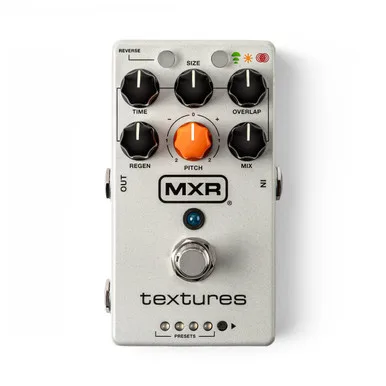


The MXR Textures Granular Synth Engine is a granular synthesis effects pedal: it records what you play, chops the recording into tiny fragments called grains, and replays those grains to build sounds your guitar cannot make on its own. MXR describes the result as "shimmering pads, glitched-out rhythms, lush reverberations drifting back through themselves, and much more"1. Alongside the granular engine it carries built in reverb, filter and vibrato effects to shape the output further2.
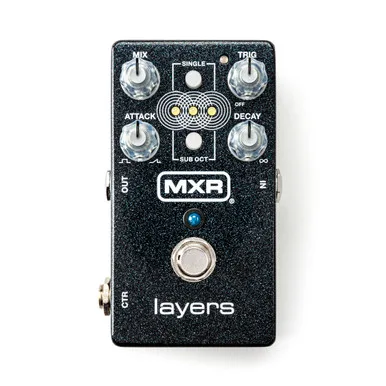
MXR positions it as a granular take on the MXR Layers Pedal, and its Layers mode is directly based on that earlier pedal21. It launched in late July 2026 and was available at Thomann from July 30, 2026, priced at $279.00 in the US, with UK and EU pricing reported variously as £257.00/€299.00 and £255.00/299.00€ by different outlets3.
What granular synthesis does to your sound
Granular synthesis works by slicing audio into very short pieces, grains, and playing many of them back at once, at varying sizes, pitches and positions. On the Textures, the SIZE knob sets each grain's length from 60 milliseconds to 2 seconds in Delay and Auto Freeze modes, and 60 to 500 milliseconds in Layers mode2. Because the grains can be reversed, pitched, filtered and randomized, a single sustained chord can turn into a shifting pad or a stuttering texture rather than a simple echo.
The pedal adds dynamics processing plus reverb, a 4 pole dual filter and vibrato on top of the grain engine2. The filter's cutoff frequency is one of the secondary parameters: below noon on its control it acts as a low pass filter, above noon as a high pass2.
The three modes: Delay, Auto Freeze and Layers
The MODE button selects between Delay, Auto Freeze and Layers operation, and the LED flashes when the effect is frozen2.
| Mode | What it does | TIME knob does |
|---|---|---|
| Delay | Notes and chords are continuously recorded and played back as grains | Sets the delay time of each grain, 50 ms to 2 seconds |
| Auto Freeze | Sustains each note or chord while continuously processing it as grains; adapts if you play a new note or chord | Same as Delay, plus sets the length of recording before the freeze engages |
| Layers | Sustains up to four notes or chords at a time; a fifth replaces the oldest | Sets the attack, or fade in, time of each layer |
In Auto Freeze mode, MXR says the pedal "listens for what you play, captures it, and sustains it as lush, evolving washes of tone"1. Layers mode is the direct descendant of the MXR Layers Pedal, using four smaller buffers, and GearNews described its orchestral textures as inspired by that pedal23.
The main footswitch engages and bypasses the effect. Holding it freezes the audio buffers in Delay and Layers modes and unfreezes them in Auto Freeze mode, and it can be configured for preset scrolling2. The REVERSE button plays sampled grains in reverse, with the probability of a grain playing in reverse adjustable from 10% to 100% as a secondary parameter2.
The controls and secondary parameters
The front panel keeps things simple, but holding the REVERSE or MODE button while turning another control opens a second layer of parameters2.
Primary controls:
- REVERSE button: plays sampled grains in reverse2
- SIZE knob: grain size, 60 ms to 2 seconds (Delay and Auto Freeze), 60 to 500 ms (Layers)2
- TIME knob: mode dependent, as in the table above2
- MODE button: selects Delay, Auto Freeze or Layers2
- FOOTSWITCH: engage/bypass, hold to freeze or unfreeze2
- PRESETS button: selects one of eight presets2
Secondary parameters (hold REVERSE or MODE while adjusting)2:
- Time random, size random, overlap random and pitch random, which set the randomness of grain timing, size, overlap and pitch
- Reverse random, the 10% to 100% probability of a grain playing backward
- Reverb mix and reverb decay
- Delay/granular regen mix
- Cutoff frequency of the 4 pole dual low/high pass filter
- Quantize pitch, snapping pitch shifts to 4th, 5th and octave intervals, off by default
- Vibrato rate and vibrato depth
That randomization set is where much of the pedal's character lives: size random and overlap random determine how irregular the grain cloud sounds, from a smooth pad to a glitchy scatter2.
Presets and live mode
The PRESETS button selects among eight presets, four green and four red, plus a live mode that simply represents the current knob settings and automatically saves switch and secondary parameter states2. The manual names the factory presets2:
| Preset | Color | Sound |
|---|---|---|
| Sea Synth | Green | Warbley polyphonic synth |
| Melodic Kaleidoscope | Green | Melodies frozen and played back forward, reversed, and at different octaves |
| Obligatory Shimmer | Green | Granular shimmering reverb |
| Mellow Cello | Red | Sub octave pad with vibrato |
| Slow Attack Soundtrack | Red | Slowly evolving pad with random octave blips sprinkled in |
The CTR jack accepts an expression pedal via a TRS cable, and live mode and each preset can store its own expression state2.
Tap tempo and the MXR Split + Tap
Tap tempo is available onboard: hold REVERSE and tap MODE to sync delay time, grain position and grain spacing to the tapped tempo2. An external tap switch connected to the CTR jack does more than keep time. A press scrolls presets forward and a hold scrolls them in reverse; in Auto Freeze mode it can latch or unlatch the audio buffer freeze, or act as a momentary freeze when held2.
The pedal also integrates with the MXR Split + Tap controller for hands free preset switching and manual freeze activation3.
Power, connections and stereo
The Textures runs on 9 volts DC, center negative, and draws 300 mA2.
The pedal cannot be powered by a battery, and at 300 mA it needs a supply with real headroom. MXR lists the Dunlop ECB003 9 volt adapter and the MXR Iso-Brick, Iso-Brick Pro and Iso-Brick Mini power supplies as compatible2.
The IN and OUT jacks are TRS and allow stereo input and output, with a MONO/STEREO input switch under the bottom plate2. The CTR jack serves as an expression/tap input or as the right channel output in stereo2. In STEREO output mode, fully clockwise on the output control, the pedal creates a stereo image by randomly panning the grains across the stereo field, and the reverb effect also creates a stereo image2. Maximum input level is +5 dBV and the noise floor is -97 dBV2.
Bypass depends on the output mode: MONO is true bypass, while WET/DRY and STEREO are buffered2.
How it compares
MusicRadar's Phil Barker reviewed the Textures alongside the Walrus Audio Lum Texture Engine and found the two overlap: "this texture pedal also boasts three modes with perhaps an easier to use design," noting that you can produce similar textural soundscapes on either, and that the Textures gives reverse its own button rather than using up an entire mode slot, for slightly more flexibility4.
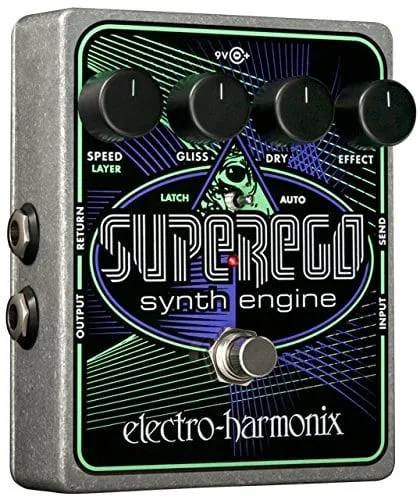
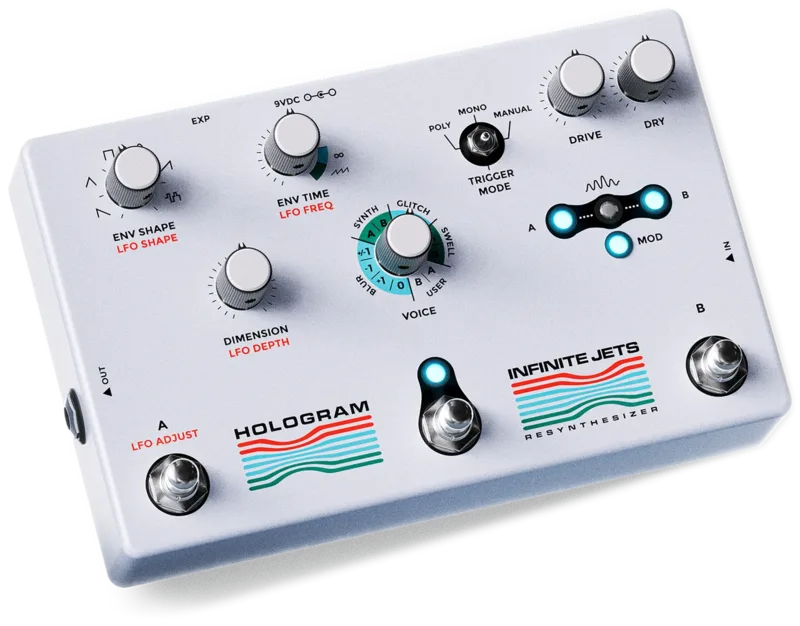
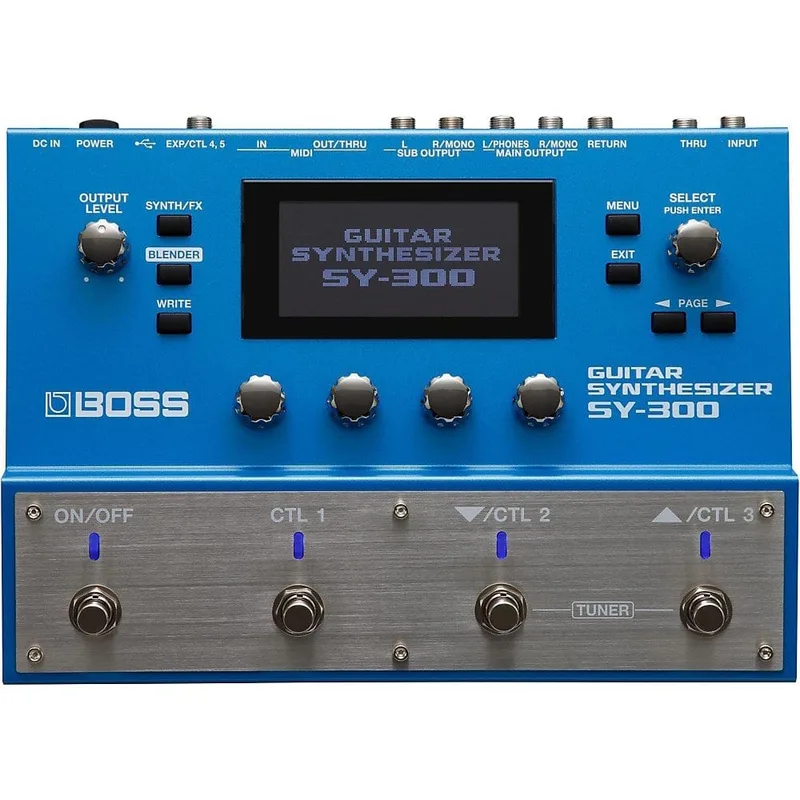
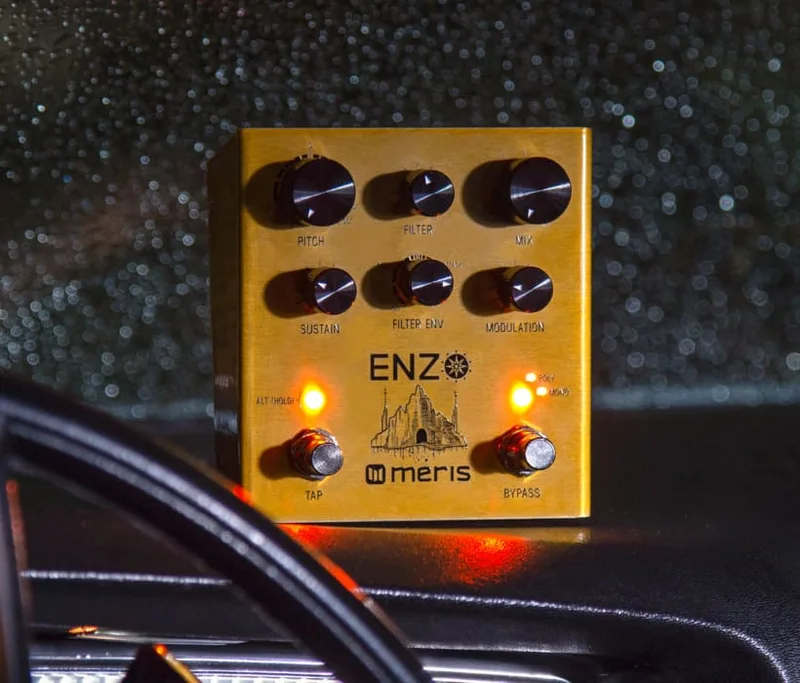
For players weighing it against other synth pedals, the Textures sits on the textural end of the spectrum, closer to freeze and pad machines like the Electro Harmonix Superego Synth Engine or the Hologram Electronics Infinite Jets than to tracking synths such as the Boss SY-300 or Meris Enzo.
Videos
Premier Guitar
jimdunlopusa
ambienttrash
News
Questions
Can the MXR Textures run on a battery?
No. The manual states plainly that this pedal cannot be powered by a battery. It runs on a 9V DC center negative power supply and draws 300 mA, so it needs a proper isolated or high current supply rather than a battery or a small daisy chain.
Is the MXR Textures true bypass?
It depends on the Output Mode setting. In MONO mode the pedal is true bypass. In WET/DRY and STEREO modes it is buffered bypass, since the wet and stereo paths need to stay active.
Does the MXR Textures have tap tempo?
Yes. Hold the REVERSE button and tap MODE to sync delay time, grain position and grain spacing to your tapped tempo. You can also connect an external tap switch through the CTR jack and press it at the desired tempo.
Does the MXR Textures work with the MXR Split + Tap?
Yes. MXR says the Textures integrates with the MXR Split + Tap controller for hands free preset switching and manual freeze activation, so you can move through sounds and freeze buffers without bending down.
Can the MXR Textures run in stereo?
Yes. The IN and OUT jacks are TRS and allow stereo input and output, with a MONO/STEREO input switch under the bottom plate. In STEREO output mode the pedal randomly pans the grains across the stereo field, and the built in reverb also creates a stereo image.
Does the MXR Textures have trails?
The manual does not describe a trails or spill over setting for the bypass. What it does describe is a freeze function: holding the footswitch freezes the audio buffers in Delay and Layers modes and unfreezes them in Auto Freeze mode.
Sources (4)
- MXR® TEXTURES™ GRANULAR SYNTH ENGINE, Jim Dunlop (jimdunlop.com)
- M310.pdf, Jim Dunlop (jimdunlop.com), 2026
- MXR Textures Granular Synth Engine: Packed with 3 Ambient Modes, gearnews.com, 2026-07-30
- Walrus Audio Lüm Texture Engine review, MusicRadar, 2026-09-05