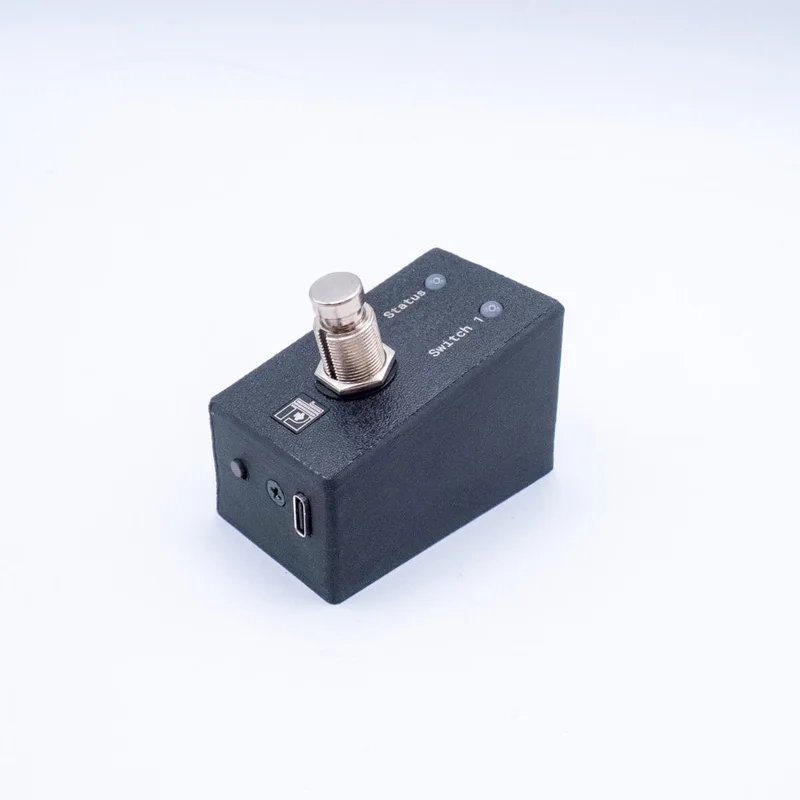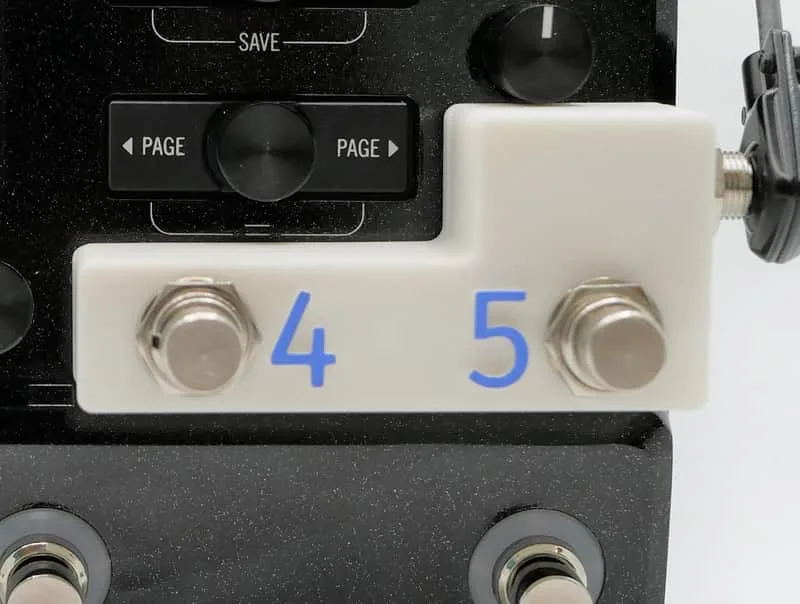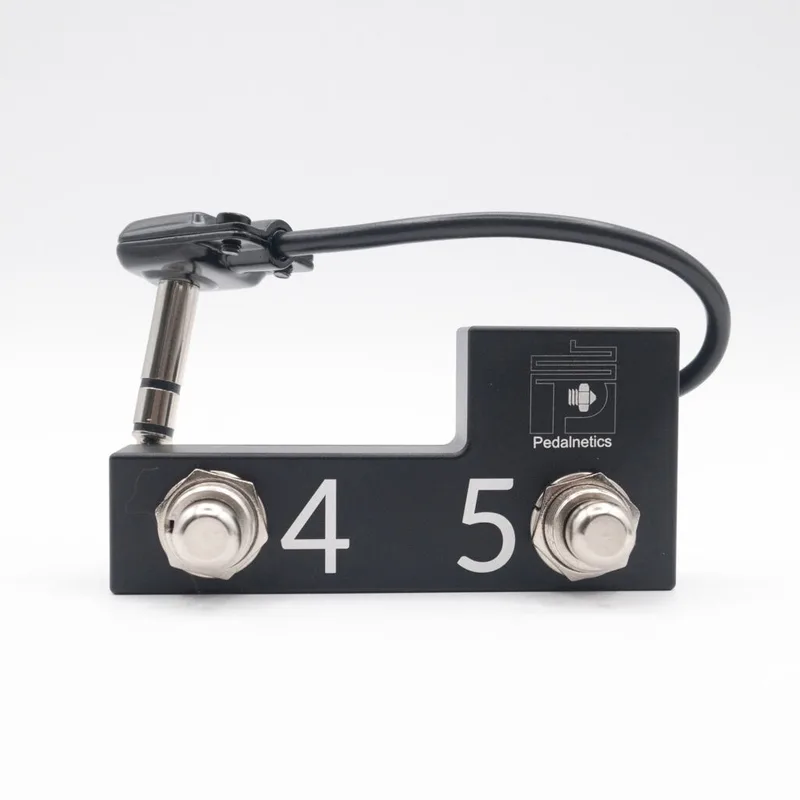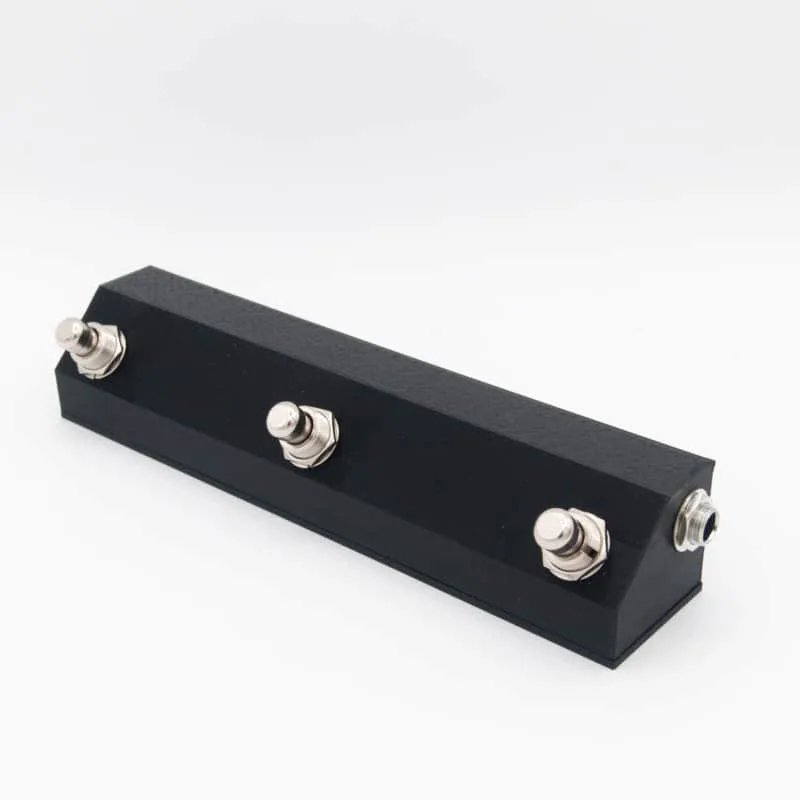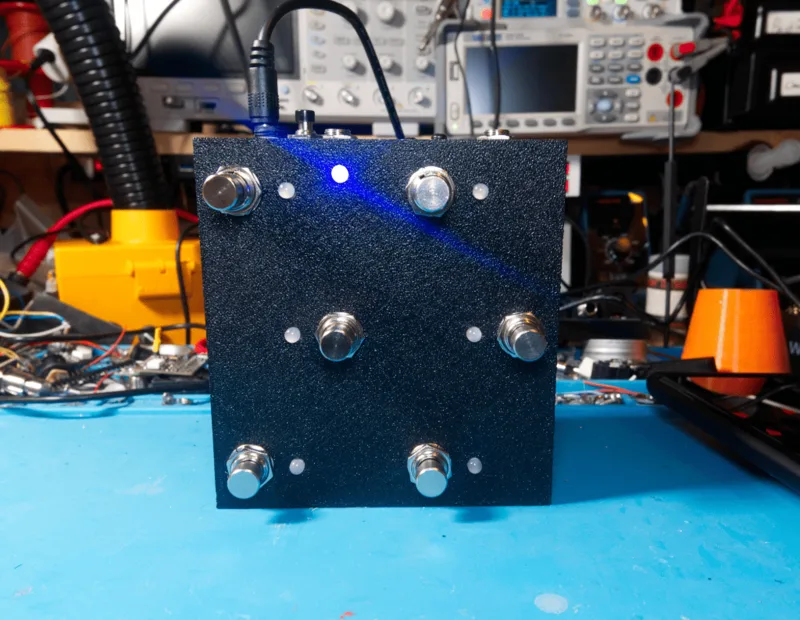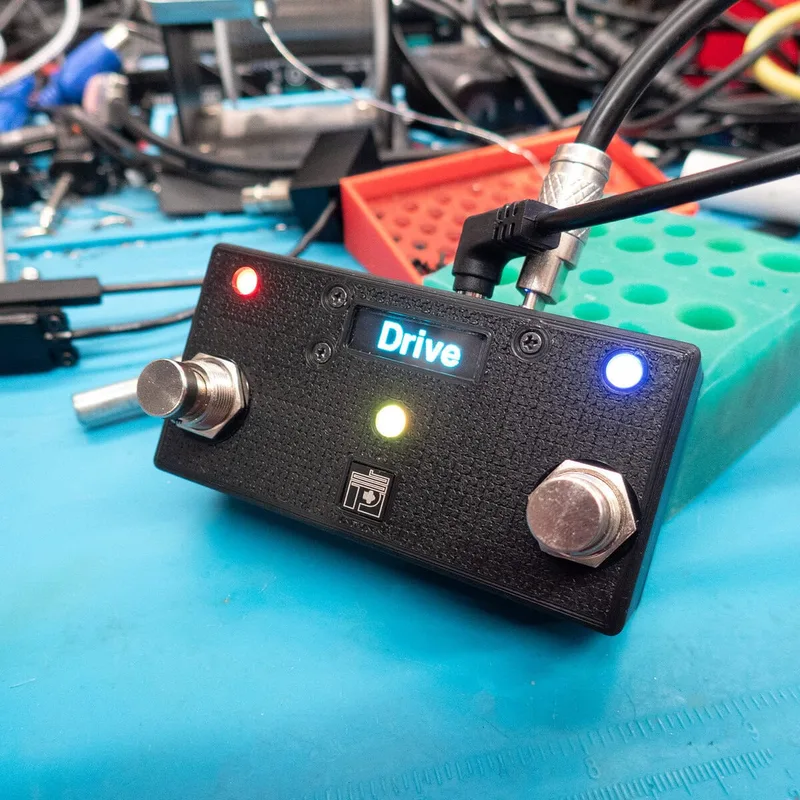
The Auxidi Duo is a small two-footswitch MIDI controller from Pedalnetics, described by the maker as "a small MIDI controller that's set-and-forget"1. It ships pre-configured, so a player can plug it in and use it as a Preset Down/Preset Up switcher without any setup. In February 2026 Pedalnetics released a revamped version: "We've remade the design from scratch to fit a screen + MIDI In/Thru," the maker announced, "while still keeping it's palm-sized footprint"2. The revamped Duo is available now2.
Footswitches, LEDs and settings
The Duo has two footswitches, each with its own LED, labeled FS1 and FS23. With the MIDI/power jack at the rear of the unit, the left footswitch and LED are Footswitch 1 and the right footswitch and LED are Footswitch 23. If you mount the unit the other way around, you do not have to live with swapped switches: the orientation can be flipped in software so that FS1 and FS2 swap sides3.
Out of the box the settings are:
- Preset Down/Preset Up Mode3
- MIDI Channel 13
- Left LED color: Blue, Right LED color: Green3
- Left and Right LED brightness at 60%3
Every boot runs a short sequence that tells you the unit's state: both LEDs run a quick Red Green Blue test, first FS1's LED then FS2's, then the LEDs light up with the current mode, the left LED flashes the configured MIDI channel, and finally both LEDs flash their set brightness and color twice3.
The advanced settings, all changed from the footswitches alone, are LED Colors, LED Brightness, and Flip Orientation3.
| Setting | How to enter it | What you do |
|---|---|---|
| Controller mode | Hold the Right footswitch until the right LED lights Red, then release | Press the Right footswitch to cycle through modes; presses must be registered individually, you cannot hold the buttons3 |
| MIDI channel | Hold the Left footswitch during boot until it lights solid Blue, then release | Left footswitch decrements by one, Right increments by one, wrapping between 1 and 163 |
| LED colors | At boot, hold both footswitches until both LEDs light Green, then release | Press the footswitch of the LED you want to change to cycle its color3 |
| Flip orientation | At boot, hold both footswitches; when the lights flash alternating Red/Blue, release | The controller flips which footswitch and LED is FS1 and which is FS23 |
Saving is automatic and unhurried: "When in Edit mode and you are finished, simply wait 10 seconds and the controller will save your settings and reboot"3. Unplugging the unit before that wait ends prevents the save, and the Duo reverts to the last saved configuration3.
Reading the MIDI channel from the LEDs
The left LED flashes the current MIDI channel at every boot using a simple count: Red flashes are worth 5 each and Green flashes are worth 1 each, with the Reds flashing first and the Greens after, so you add the colors up to get the channel number3. A channel set to 7, for example, would show as one Red flash plus two Green flashes. The brightness setting runs from 1% to 100%, and when you reach either extreme the LED rapidly flashes to tell you; the next press-and-hold then moves in the opposite direction3.
Factory reset
To wipe the Duo back to its factory configuration:
- Hold both footswitches while the unit boots.
- Keep holding through the solid Green stage and the flashing Red/Blue stage.
- When the LEDs flash White and then turn solid Red, keep holding.
- "Once they turn Red, the device will automatically clear it's memory and reboot in 2 seconds"3.
Releasing either footswitch before the LEDs turn Red aborts the reset: the unit reboots without wiping anything3.
Versions and price
The Auxidi Duo launched on November 4, 2024 at $119.00 USD1. The current version, announced February 3, 2026, is a ground-up redesign that adds a screen and MIDI In/Thru while keeping the palm-sized footprint2. The MIDI In/Thru jack sits on the rear of the unit next to the power jack, which is also the reference point for the factory left/right orientation of the switches3.
The revamped 2026 Duo differs from the original launch version: only the current design has the screen and MIDI In/Thru2.
Questions
How do I change the MIDI channel on the Auxidi Duo?
Hold the Left footswitch during boot until the LED lights solid Blue, then release. From there the Left footswitch decrements the channel by one and the Right footswitch increments it by one. If you decrement below channel 1 it wraps around to 16, and if you increment beyond channel 16 it wraps back to 1. When you are finished, wait 10 seconds without pressing anything and the controller saves the setting and reboots.
How do I factory reset the Auxidi Duo?
Hold both footswitches while the unit boots and keep holding through the solid Green and flashing Red/Blue stages. When the LEDs flash White and then turn solid Red, the memory clears and the device reboots within 2 seconds. If you release either footswitch before the LEDs turn Red, the unit simply reboots without wiping your settings.
What MIDI channel is the Auxidi Duo set to from the factory?
The factory configuration is MIDI Channel 1, running in Preset Down/Preset Up Mode. You can confirm the current channel at every boot: the left LED flashes the configured channel using a color code where Red flashes count 5 each and Green flashes count 1 each, with the Reds flashing first and the Greens after.
Does the Auxidi Duo have MIDI Thru?
Yes. The 2026 revamped version was remade from scratch specifically to fit a screen plus MIDI In/Thru into the same palm-sized footprint. The combined MIDI In/Thru jack sits on the rear of the unit alongside the power jack.
How much does the Auxidi Duo cost?
Pedalnetics listed the Auxidi Duo at $119.00 USD when it launched alongside the Auxidi Solo on November 4, 2024. The revamped 2026 version with the screen and MIDI In/Thru is available from the maker.
How do I change the LED colors on the Auxidi Duo?
At boot, hold both footswitches until both LEDs light up Green, then release. Press the footswitch of the LED you want to change to cycle through its colors. As with other settings, wait 10 seconds with no button presses and the controller saves your colors and reboots.
Sources (3)
- Auxidi Solo & Auxidi Duo, Pedalnetics, 2024-11-04
- Auxidi Duo, Pedalnetics, 2026-02-03
- Auxidi Duo MIDI Config, Pedalnetics, 2022-05-01