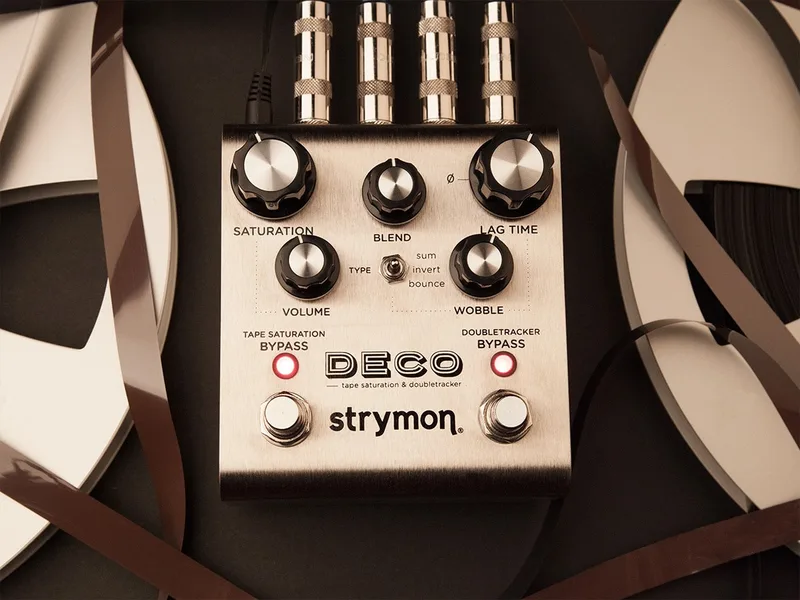


The Strymon Deco is a digital pedal that recreates what recording engineers did with two reel-to-reel tape decks in the late 1950s and early 1960s: saturating tape for compression and warmth, and running a second, delayed deck against the first for flanging, chorus, slapback echo and doubletracking12. Strymon describes it as capturing "the lost art of creating effects with dual reel-to-reel tape decks"3. It is built around two virtual decks, a Reference Deck and a Lag Deck, and the signal path runs input into Tape Saturation first, then into the Doubletracker4.
The pedal is in production as the Deco V2, designed and built in the USA, in an anodized silver aluminum chassis1.
What it does: tape saturation and doubletracking
Deco has two independent halves, each with its own footswitch13. The Tape Saturation side smooths the sound with tape compression and saturation while adding what Strymon calls a subtle tape-driven transparent overdrive1. The Doubletracker side is where the two-deck trickery happens: the Lag Time knob sets the delay offset between the decks, and its range maps directly onto the classic tape effects1.
| Lag Time range | Effect |
|---|---|
| -.3 to 3 ms | Tape flanging |
| 3 to 50 ms | Tape chorusing |
| 50 to 150 ms | Snappy slapback delay |
| 150 to 500 ms | Spaced-out tape echoes |
The controls follow the same studio logic1:
| Control | What it does |
|---|---|
| Saturation | Sets tape drive, dynamic compression and distortion |
| Tone | Overall tone of the Tape Saturation, dark to bright |
| Volume | Output volume of the Tape Saturation |
| Blend | Relative mix of the two decks; 12 o'clock is 50/50 |
| Lag Time | Delay offset between the decks |
| Wobble | Random modulation of the Lag Time |
| Voice switch | "Classic" 2-track mastering reel-to-reel response, or "Cassette" auto-level-control compressed tone |
Pressing and holding the Doubletracker On footswitch engages Auto-Flange, a through-zero flange effect of the kind engineers got by dragging a finger on a tape reel1. The Wobble knob also doubles as the access point for Wide Stereo Mode's Live Edit function, and Lag Time accesses Auto-Flange Time1.
Strymon's white paper, written by designer Pete Celi, documents the study of reel-to-reel tape recording behind the pedal's sounds and technology5. Premier Guitar's reviewer placed its lineage squarely in the studio: "Deco's repertoire is limited to the tape-based effects you might have obtained in a late-1950s recording studio"2. Because it accepts input levels as high as +8 dB, it also works as a line-level studio effect, and Strymon has used it with vocals25.
Power, stereo and MIDI connections
Deco V2 runs on 9V DC, center negative, with a minimum of 300mA, and the power supply is not included1. That current draw rules out a battery and is worth checking against a small daisy-chain supply before you build around it.
The 300mA minimum draw means the Deco needs a dedicated or well-powered 9V outlet; a typical low-current daisy chain may not keep up1.
The pedal is true stereo except in Wide Stereo and Bounce modes14. Wide Stereo Mode sends the mono input through the Reference Deck to the left channel and through the delayed Lag Deck to the right, creating an adjustable stereo spread; in Bounce mode the Lag Deck's right channel is phase-inverted and bounced to the left input for a ping-pong-like effect114. The single TRS input jack takes a stereo signal with a TRS adapter cable, and the rear-panel switch selects TRS stereo or standard TS mono input114.
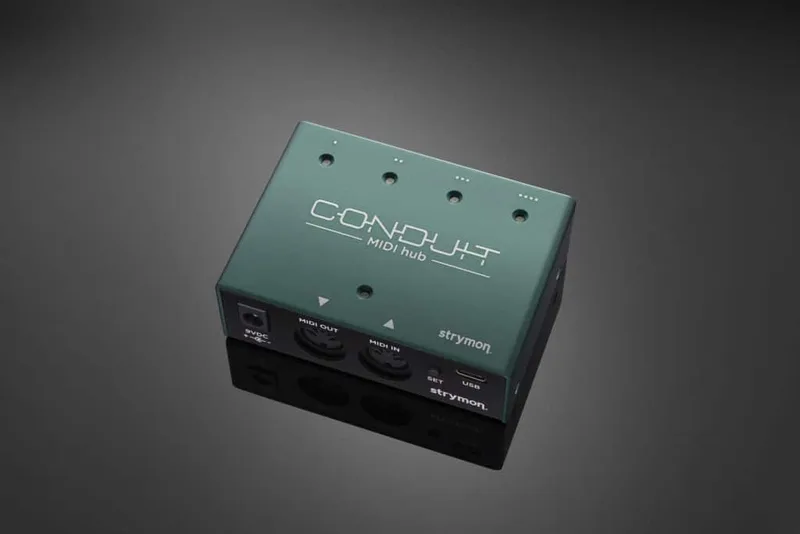
The EXP/MIDI jack is multifunctional: a standard TRS expression pedal gives continuous control over the knobs, and it also accepts Strymon's MiniSwitch, MultiSwitch Plus (for recalling up to 3 saved presets), or a TRS MIDI connection115. Full MIDI implementation means nearly every switch, knob and setting can be controlled remotely, the Lag Deck can be synchronized via MIDI Clock Sync, and there are 300 MIDI preset locations1. A USB-C jack on the back handles MIDI from a computer and firmware updates111. For connecting a MIDI switcher or controller, Strymon recommends its MIDI EXP cable or Conduit15.
Bypass modes and setup options
From the factory, Deco is set to true bypass, with the option of buffered bypass10. Buffered bypass preserves the high-frequency response of the guitar signal through the pedal chain and long cable runs10. One detail worth knowing: connecting a cable into the right output jack automatically sets the bypass mode to buffered10.
To change the bypass mode10:
- Press and hold the Doubletracker On footswitch while powering up Deco.
- Once both LEDs flash, release the footswitch.
- Turn the Lag Time knob to choose the mode: green Doubletracker On LED is True Bypass, red is Buffered Bypass.
- Press either footswitch to store the mode.
The EXP/MIDI jack can also be configured for Tap mode, so an external tap switch sets the Lag Time16. The subdivision is fixed at an eighth note: you tap in quarter notes and the Deco returns eighth-note repeats17. Alternatively, the jack can be set up so the switch works as a Favorite preset selector, with setup detailed on page 7 of the Deco user manual18.
Deco and Deco V2: what changed
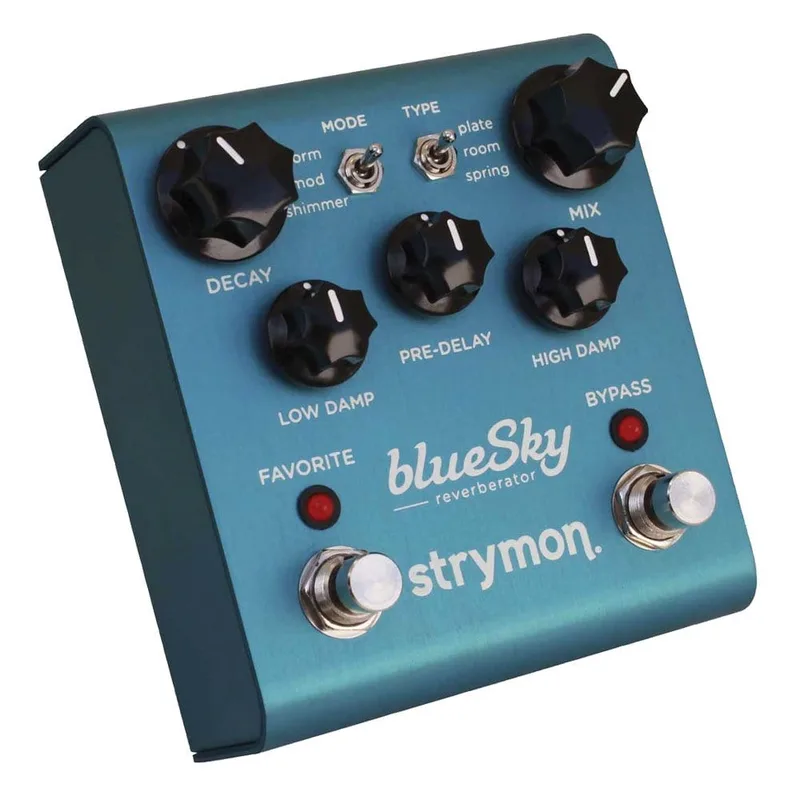
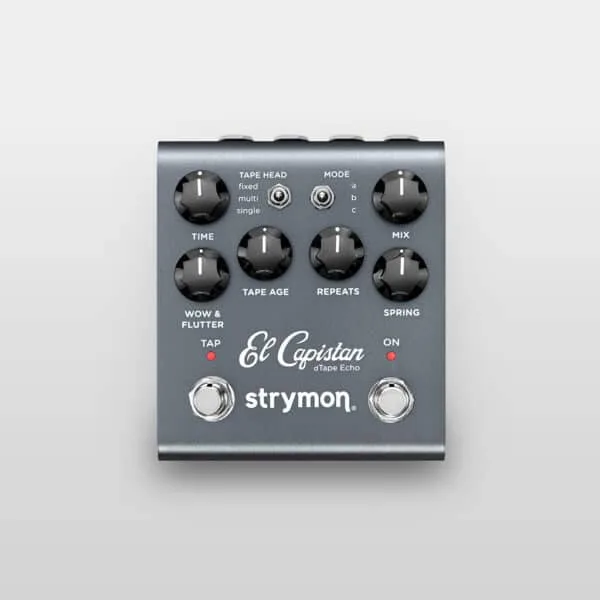
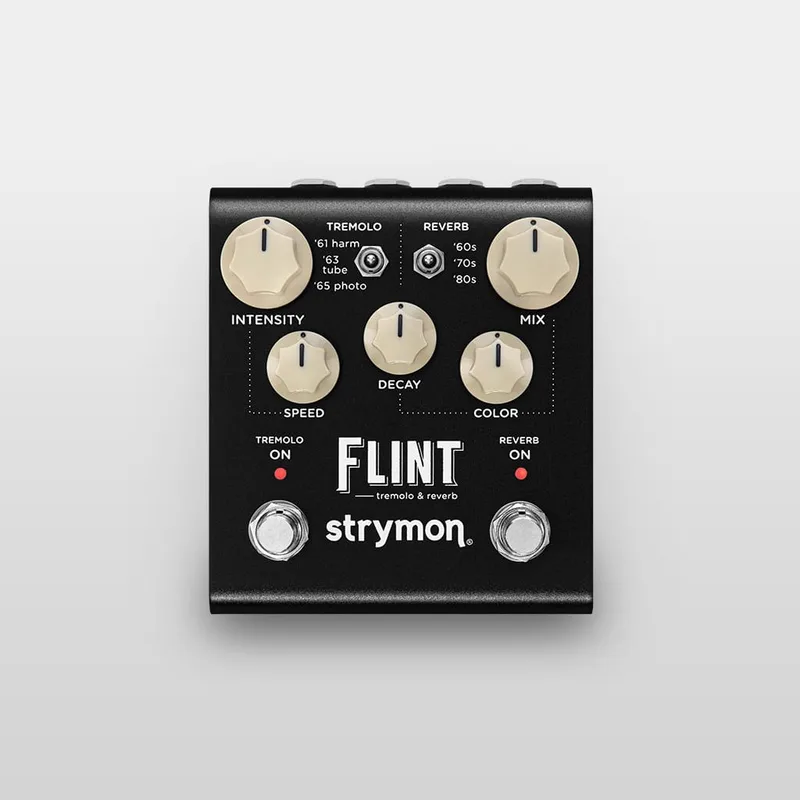
The V2, released in 2022 alongside updated versions of the blueSky, DIG, El Capistan, Flint and Lex11920, keeps the original's reel-to-reel sounds while adding several features1:
- Studio Mode: 10dB of added headroom, so the pedal works with bass guitars with active pickups, synthesizers, keyboards and effects loops1
- Cassette voicing: a switchable cassette tape voice in addition to the classic reel-to-reel mode21
- MIDI and presets: TRS MIDI jack, USB-C, and 300 preset locations111
- New hardware: a more powerful ARM processor that consumes less energy, and full stereo inputs and outputs with the rear-panel Mono/Stereo switch11
Strymon states plainly that the V2 features cannot be added to an older Deco: the electronic and mechanical designs are different and the hardware is not interchangeable22. Firmware updates continue, with the current release at REV v1.33 (November 2024)23; a November 2023 update fixed a loud volume burst when sweeping the Saturation knob from maximum to minimum24.
What reviewers and players made of it
Premier Guitar's reviewer was blunt in praise: "Deco isn't just a nice emulation, it sounds like a frickin' tape machine!"2. MusicRadar's Chris Vinnicombe found it "emulates a great range of analogue studio effects very well. Can be used as outboard gear," wrapping them up in a smart brushed-metal enclosure25. Guitar.com's Josh Gardner noted the new cassette voicing on V221. In 2016, Deco won Best Guitar Effect at the 17th Musikmesse International Press Awards26.
Players have put it to varied uses. Ethan Tufts runs Deco last in his chain to treat delays and reverbs with subtle tape saturation, stereo widening and tape-style modulation, with Tape Saturation around 9am, Bounce mode, Blend fully clockwise and Wobble around 2pm27. The band Kauan recorded the entire bass chain of their album Kaiho with just a DI and a Deco28.
Videos
ProGuitarShopDemos
strymon
strymon
Questions
Does the Strymon Deco have tap tempo?
Not on the pedal itself, but the EXP/MIDI jack can be configured for Tap mode so an external tap switch sets the Lag Time. The subdivision is fixed: you tap in quarter notes and the Deco returns eighth-note repeats. You can also set the jack up so the switch works as a Favorite preset selector instead.
Is the Strymon Deco true bypass or buffered?
From the factory it ships in true bypass, switched by an electromechanical relay, so the signal is untouched when the pedal is off. You can switch it to buffered bypass, which preserves high frequencies through long cable runs. Plugging into the right output jack automatically sets buffered bypass.
Does buying the Deco pedal include the Deco plug-in?
No. Strymon sells the hardware pedal and the Deco plug-in as separate products, and buying the pedal does not include a free or discounted activation code for the software version.
How do you get through-zero flanging on the Deco?
Press and hold the Doubletracker On footswitch. That engages the Auto-Flange feature, a recording-studio-inspired through-zero flange effect. On V2 the Lag Time knob also accesses the Auto-Flange Time Live Edit function for setting it up.
Sources (28)
- Deco V2 Tape Saturation & Doubletracker, Strymon (www.strymon.net), 2026-08-12
- Strymon Deco Tape Saturation & Doubletracker Review, Premier Guitar, 2015-02-19
- Deco Family Page, Strymon, 2026-10-06
- Experimenting with Deco Tape Saturation & Doubletracker, Strymon (www.strymon.net), 2014-12-30
- Studio Reel-to-Reel Tape Dynamics and Double-Tracking White Paper, Strymon, 2014-09-26
- Drive - Strymon, Strymon
- Secondary Functions: Deco Tape Saturation & Doubletracker, Strymon, 2021-03-12
- Strymon Deco V2, westcoastpedalboard.com
- The Best Deco Pedalboard Placement, Strymon, 2021-07-30
- How do I change the bypass mode on Deco?, Strymon
- Strymon Announces Updated Line of Six Popular Pedals, Premier Guitar, 2022-06-28
- What are the dimensions of my pedal?, Strymon, 2021-07-20
- Review: Strymon Deco Tape Saturation and Doubletracker Pedal, Guitar World, 2015-04-24
- Is Deco true stereo?, www.strymon.net
- What can I use the EXP/ MIDI jack for?, Strymon, 2022-06-28
- How do I use a tap switch with Deco?, Strymon
- How does a Tap switch control the Deco?, Strymon, 2021-07-20
- How do I set up my Tap Favorite to be used as a Favorite switch?, Strymon, 2021-07-15
- Strymon Announces Line of Six New Pedals, Recording Magazine, 2022-06-28
- Let's Build A Pedalboard!, Strymon, 2022-08-11
- Strymon’s Deco V2 is one of the brand’s most musical pedals, Guitar.com, 2023-06-26
- Can I send in my old pedal to get the V2 features added?, Strymon
- Deco v2 Firmware Revision Release Notes, Strymon, 2024-11
- New Firmware Is Here!, Strymon, 2023-11-10
- Strymon Deco review, MusicRadar, 2015-01-25
- Deco Wins Musikmesse International Press Award, Strymon, 2016-04-19
- Pedalboard Feature: Strymon's Ethan Tufts, Strymon (www.strymon.net), 2016-05-02
- Pedalboard Feature: KAUAN, Strymon (www.strymon.net), 2017-11-14