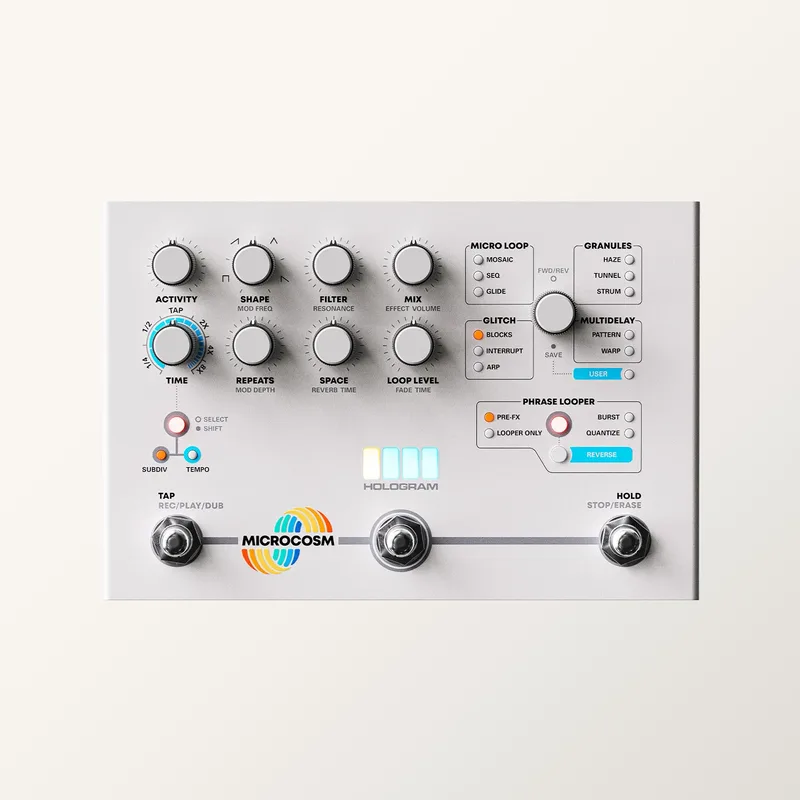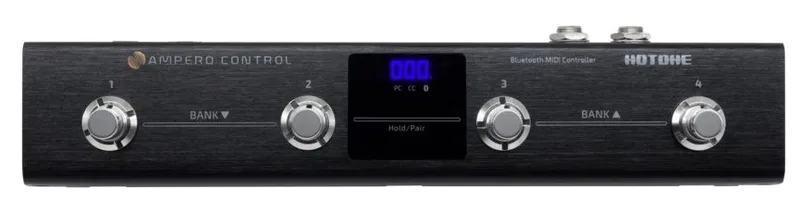


The Hotone Audio Ampero Control MIDI Commander is a fully programmable Bluetooth MIDI controller: a slim floor unit that sends program changes, control changes and notes to MIDI-equipped gear, from multi-effects units to pedals like the Hologram Electronics Microcosm it was demonstrated with. It is one of the MIDI pedals built to sit at the front of a board and drive everything else1.
Footswitch modes, messages and banks
Each of the four footswitches offers four modes: Single, Toggle, Momentary and Hold. You can program each switch to send up to 16 different MIDI messages, including PC, CC and Note On/Off, triggered by different actions, so one stomp can do several things at once or behave differently depending on how long you hold it1.
Banks are changed by pressing the two left or two right footswitches simultaneously, which scrolls through the 100 banks available. Each bank holds 4 footswitch settings and 2 CTRL/EXP jack settings1.
Programming, Bluetooth and connections
The Ampero Control pairs with a phone, and the app used to connect and route everything is described as extremely intuitive. You can also send messages from your computer to the Ampero Control via USB1.
"this was the easiest MIDI device we've ever had to figure out, hands down"
The 2 CTRL/EXP jacks let you hook up other external devices to further customize how the Ampero Control fits into your rig, which is where an expression pedal or other controller hardware comes in1.
The Ampero Control connects to a main unit via MIDI. Gearnews, covering the Ampero II Stomp, notes of the Control that "It uses MIDI to connect to the main unit"2.
Where it fits in a rig
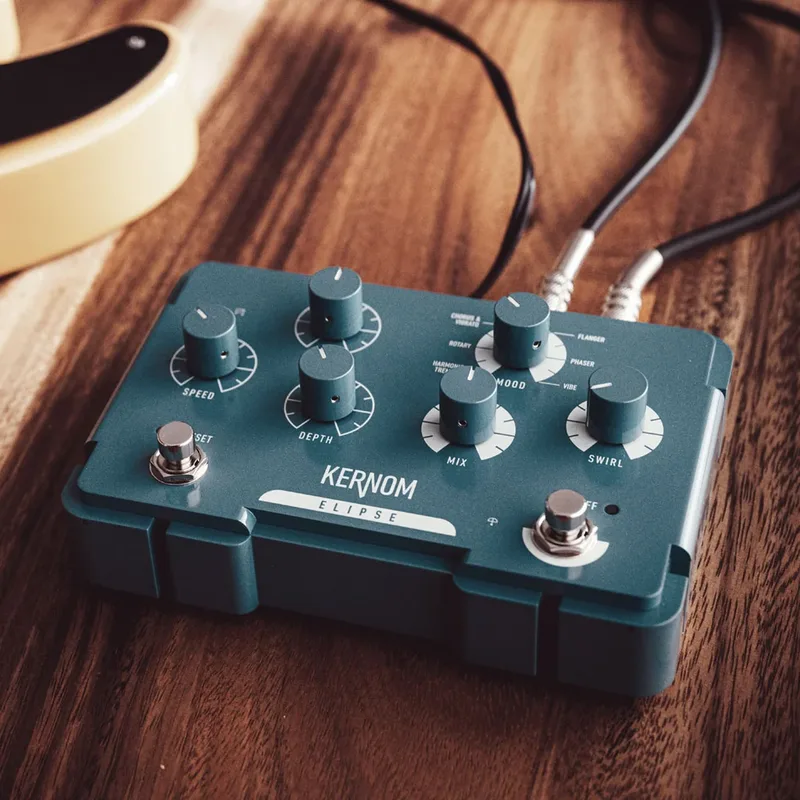
Because it is a controller rather than a sound-shaping pedal, the Ampero Control's job is preset access and switching. In a January 2025 Guitar Pedal X piece on the Kernom Elipse, Stefan Karlsson wrote, "I still recommend the slimline Hotone Ampero Control for that purpose," naming it as a way to reach full preset access on that pedal3. Pedal of the Day ran through its functionality in a demo video using the Hologram Electronics Microcosm as the test device1.
Videos
HotoneAudio
The Pedal Guy
Leo Gibson
Questions
How do you program the Hotone Ampero Control?
You pair the Ampero Control with your phone and program it through a phone app, which Pedal of the Day described as extremely intuitive. Messages can also be sent from a computer to the unit over USB. In 2025, Guitar Pedal X's Stefan Karlsson still recommended the slimline Ampero Control for full preset access on the Kernom Elipse.
Does the Ampero Control work over Bluetooth?
Yes. Pedal of the Day describes it as a fully programmable Bluetooth MIDI controller, and notes that it is easy to pair with your phone, with the app used to connect and route everything described as extremely intuitive.
How many banks does the Ampero Control have?
The Ampero Control has 100 banks. Each bank includes 4 footswitch settings and 2 CTRL/EXP jack settings. You scroll through the banks by pressing the two left or two right footswitches simultaneously.
What MIDI messages can the Ampero Control send?
Each footswitch can be programmed to send up to 16 different MIDI messages, including PC, CC and Note On/Off, triggered by different actions. The unit can also receive messages from a computer via USB.
Can you connect an expression pedal to the Ampero Control?
The Ampero Control has 2 CTRL/EXP jacks for hooking up external devices, which lets you further customize how it fits into your rig. Each bank includes 2 CTRL/EXP jack settings alongside its 4 footswitch settings.
How do you change banks on the Ampero Control?
Press the two left or two right footswitches simultaneously to scroll through the 100 banks available.
Sources (3)
- Hotone Audio Ampero Control MIDI Commander, Pedal of the Day, 2021-09-18
- The updated Hotone Ampero II Stomp: Now with even more DSP power, gearnews.com, 2021-11-22
- Guitar Pedal X, Guitar Pedal X, 2025-01-21