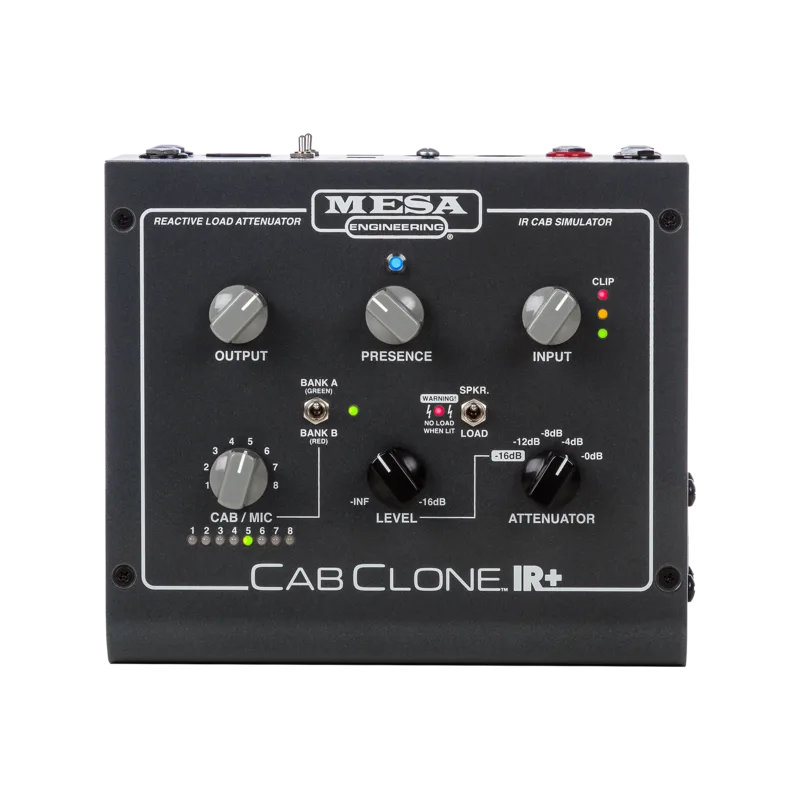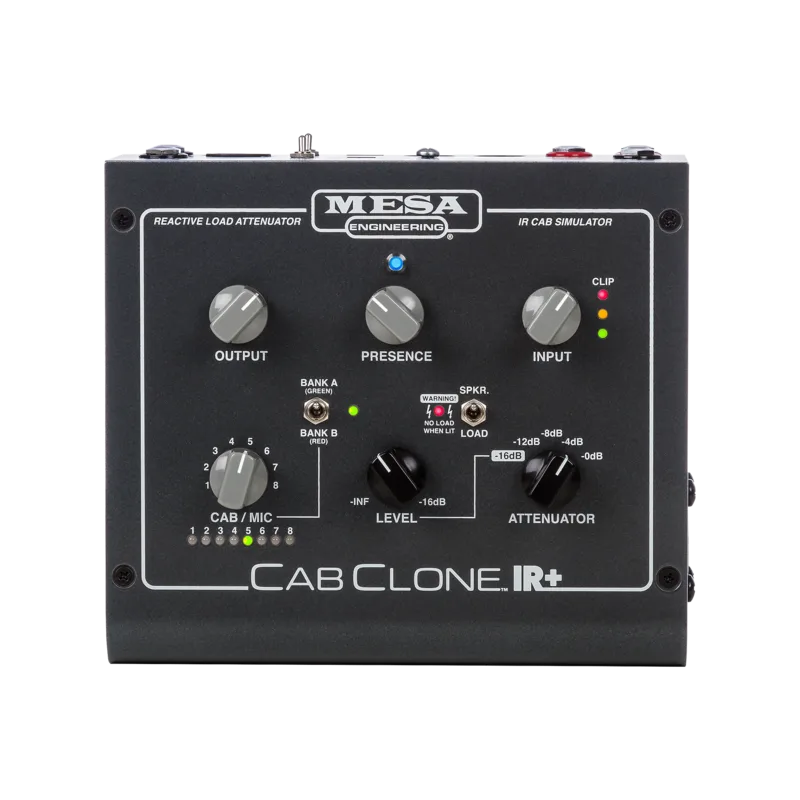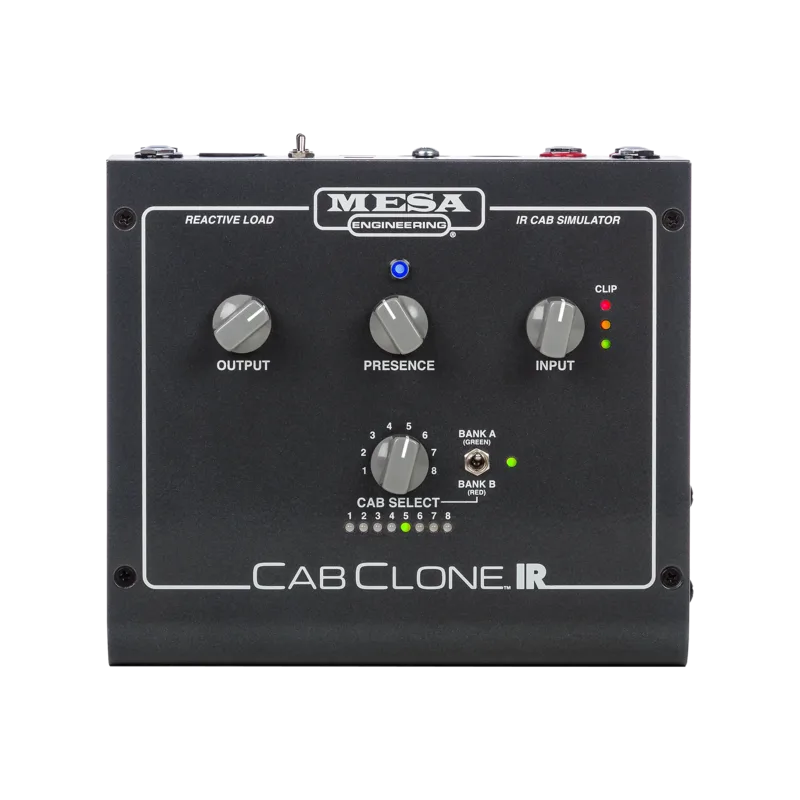


The MESA CabClone IR (16 Ohm) is a cabinet simulator and IR reader for tube amplifiers, made by MESA and sold through Gibson's online store. Its tagline on the maker's page sums up the job it does: "Your Tube Amp. 16 Legendary IR Cabinet Simulations. Direct to Studio, Stage or Headphones...All in One Compact Box"1. It sits between your amp's speaker output and the outside world, replacing the microphone-on-a-cabinet step with digital impulse responses of MESA cabinets.
The key to that is its internal reactive load, which Gibson's page describes as "an impedance-matched (per your choice at purchase) safe way to forego the Speaker Cabinet and record direct or send a DI signal silently to a live console"1. In other words, the box absorbs the amp's power output so the amp sees a proper load with no speaker attached, then feeds the simulated cabinet sound to recording gear, a PA or headphones.
The CabClone IR (16 Ohm) is no longer available. Gibson's product page states: "Sorry, the CabClone IR Cab Simulator, 16 Ohm is no longer available. We've left this page up for reference only."1 The 4 Ohm listing carries the same notice2.
What it does: a reactive load and IR cab sim for tube amps
A tube amp needs a load on its speaker output, and the CabClone IR provides one internally. Because that load is reactive rather than a simple resistor, the amp behaves as it would driving a real cabinet, and the box then applies an impulse response, a digital capture of a cabinet and microphone, to the signal before it leaves. The result is a direct signal you can record or send to front of house without a speaker cabinet in the room1.
Gearnews, covering the launch of the CabClone IR and CabClone IR Plus on 22 November 2019, noted the distinction that matters most between the two boxes: "Although it has a Reactive Load and can be used without a speaker attached, the CabClone IR doesn't let you attenuate th[e] volume"3. So the standard CabClone IR can run your amp without a speaker cabinet attached, recording direct or sending a silent DI signal to a live console, but it gives you no control over the amp's output level1.
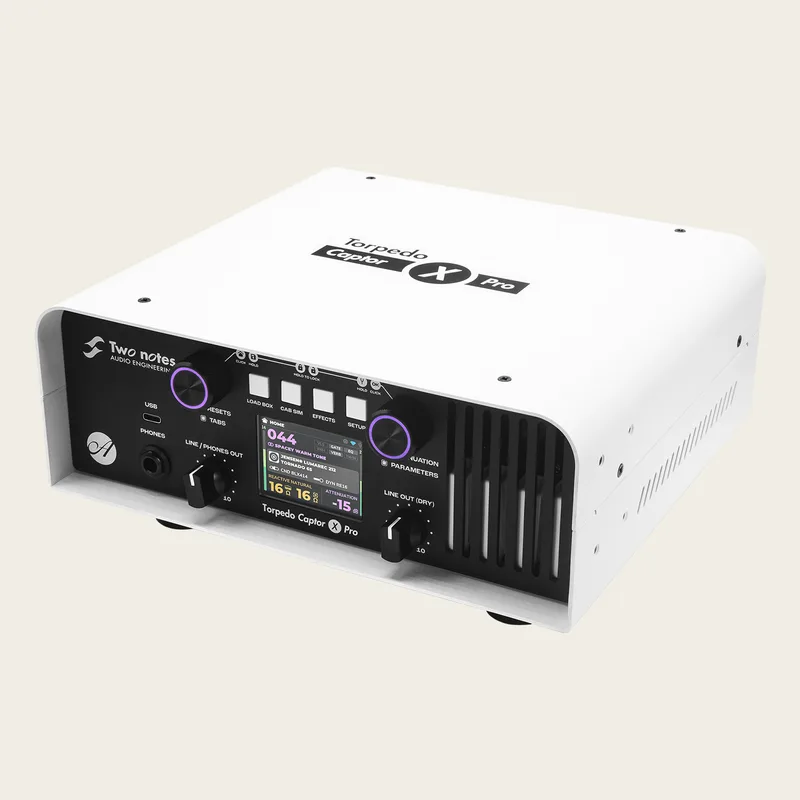
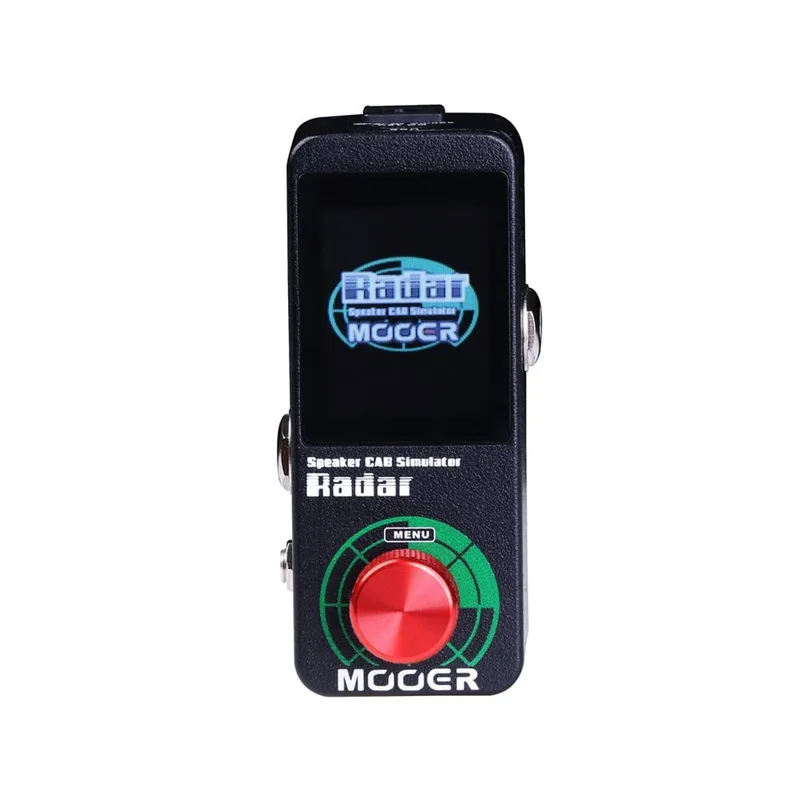
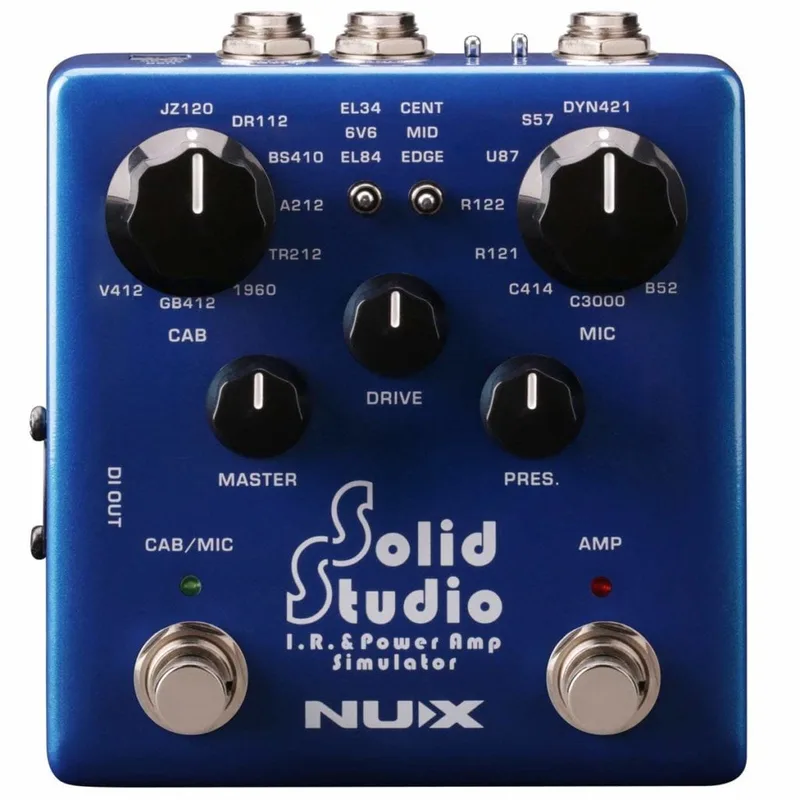
For players comparing this approach with other speaker simulation pedals, the difference is the reactive load: units like the MOOER Radar or NUX Solid Studio simulate cabinets from a line-level or preamp signal, while the CabClone IR is built to take a full power-amp output.
The 16 factory cabinet IRs
The CabClone IR comes with 16 MESA proprietary cabinet impulse responses, loaded into two banks of 8 presets1. The captures are described on the maker's page as "its wide array of popular MESA cabinets captured by a pro engineer with iconic mics in a state of the art studio"1.
The two banks hold the same eight cabinets in the same order, but recorded differently. BANK A contains the "LIVE" IRs, recorded with dynamic and ribbon microphones, and BANK B contains the "STUDIO" IRs, recorded with condenser and ribbon microphones for the same eight cabinets1. A BANK switch on the unit flips between A and B, which the maker describes as a way "to compare the microphone choices by simply flipping the BANK switch between A and B"1.
The eight cabinets1:
| Preset | Cabinet |
|---|---|
| 1 | 4x12 RECTO STANDARD with Celestion V30s, 8 Ohm |
| 2 | 4X12 RECTO TRADITIONAL with Celestion V30s, 8 Ohm |
| 3 | 2X12 RECTO HORIZONTAL with Celestion V30s, 16 Ohm |
| 4 | 1X12 RECTO 1X12 with Celestion V30, 8 Ohm |
| 5 | 1X12 THIELE with Celestion C90, 8 Ohm |
| 6 | 2X12 LONE STAR with Celestion C90, 16 Ohm |
| 7 | 1X12 LONE STAR 23 with Celestion C90, 8 Ohm |
| 8 | 1X12 CALIFORNIA TWEED 23 with Jensen Alnico "Blackbird", 8 Ohm |
There is no way to load your own impulse responses: the maker's pages describe only the 16 built-in MESA captures1.
The controls and MIDI
Selection of the 16 cabinet simulations can be done from the unit itself, and remotely. Gibson's page states that "MIDI (Program Change) messages are supported and can be used to access the 16 Cabinet Simulations/IRs housed in the two [banks] via the standard 5-pin MIDI IN connector"1. That makes it practical to switch cabinets mid-set from a MIDI pedal controller, alongside the front-panel preset selection and the BANK A/B switch for comparing microphone setups1.
Versions: 4, 8 and 16 Ohm, and the IR Plus
The CabClone IR was sold in three impedance versions, 4, 8 and 16 Ohm, and the impedance is matched per your choice at purchase124. Gearnews flagged the practical catch: "when you buy the CabLoader IR, you have to decide on 4, 8 or 16 ohms. There's no way of changing that later."3 There is no impedance switch, so the version has to match your amp's output impedance.
The CabClone IR Plus is the sibling product: a "Cabinet Simulator/IR Reader with built-in power attenuator"5. It carries the same 16 MESA proprietary cabinet IRs in two banks of 8 presets5, the same 5-pin MIDI Program Change control5, and the same three impedance options chosen at purchase5. What it adds is attenuation, so an amp can drive a real speaker cabinet at reduced volume as well as running silent into the IR simulations. The standard CabClone IR does not attenuate3.
Videos
MESA/Boogie
Worship Tutorials
Mark London
Questions
Can I use the CabClone IR without a speaker cabinet?
Yes. The CabClone IR has an internal reactive load, so it can take the output of a tube amp with no speaker cabinet attached, letting you record direct or send a DI signal silently to a live console. Note that the standard CabClone IR does not attenuate volume, so if you also want to run a real speaker cabinet at lower volume you need the CabClone IR Plus.
Which impedance CabClone IR do I need for my amp?
You must choose 4, 8 or 16 ohms at purchase, matching your amp's output impedance. There is no impedance switch, and the choice cannot be changed later, so check your amp's speaker output rating before buying. This page covers the 16 Ohm version.
Is the Mesa CabClone IR discontinued?
Yes. Gibson's product page for the CabClone IR Cab Simulator, 16 Ohm states it is no longer available and that the page has been left up for reference only. The 4 Ohm listing carries the same notice.
What is the difference between CabClone IR and CabClone IR Plus?
The CabClone IR is a cabinet simulator and IR reader with an internal reactive load for silent direct use. The CabClone IR Plus adds a built-in power attenuator, so it can also reduce the volume of a real speaker cabinet. Both carry the same 16 factory MESA cabinet IRs in two banks of 8 presets.
Can you load your own impulse responses into the CabClone IR?
No. The CabClone IR comes with 16 MESA proprietary cabinet impulse responses loaded into two banks of 8 presets, and the maker's product pages describe no way to load external IRs. You select among the 16 built-in cabinet simulations, by hand or over MIDI.
Sources (5)
- CabClone IR Cab Simulator, 16 Ohm, Gibson (www.gibson.com)
- CabClone IR Cab Simulator, 4 Ohm, Gibson (gibson.com)
- Mesa Boogie CabClone IR and CabClone IR Plus: Two new cab sim pedals launched, gearnews.com, 2019-11-22
- CabClone IR Cab Simulator, 8 Ohm, Gibson
- CabClone IR+ Cab Simulator & Attenuator, 16 Ohm, Gibson (Mesa/Boogie)