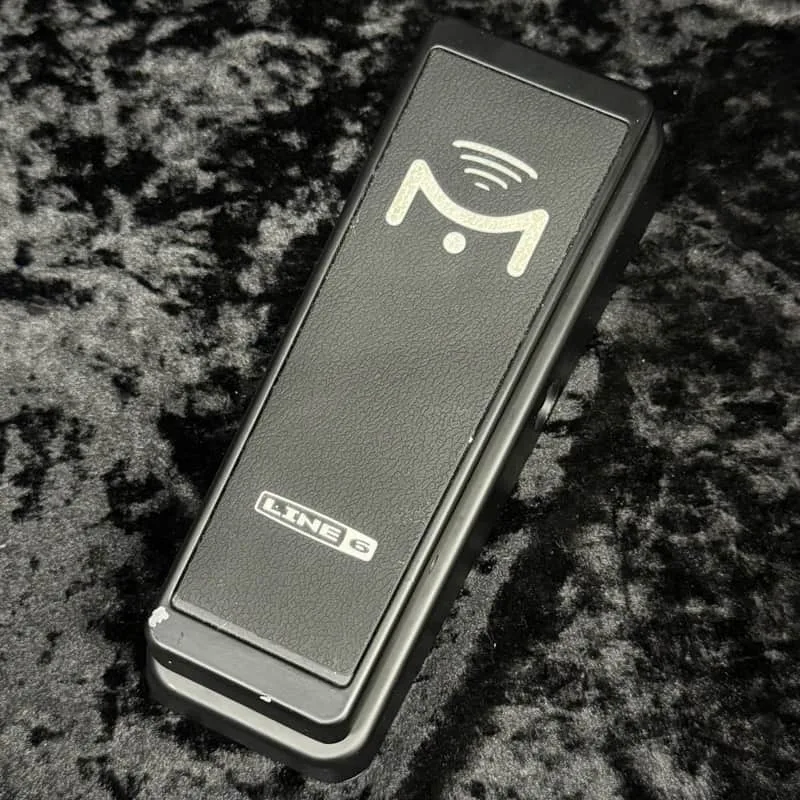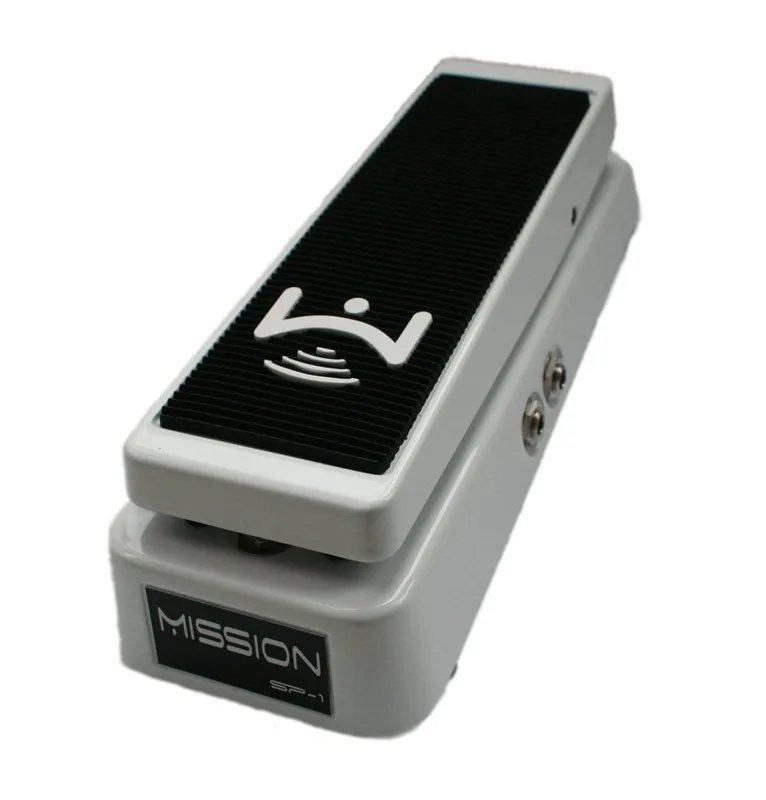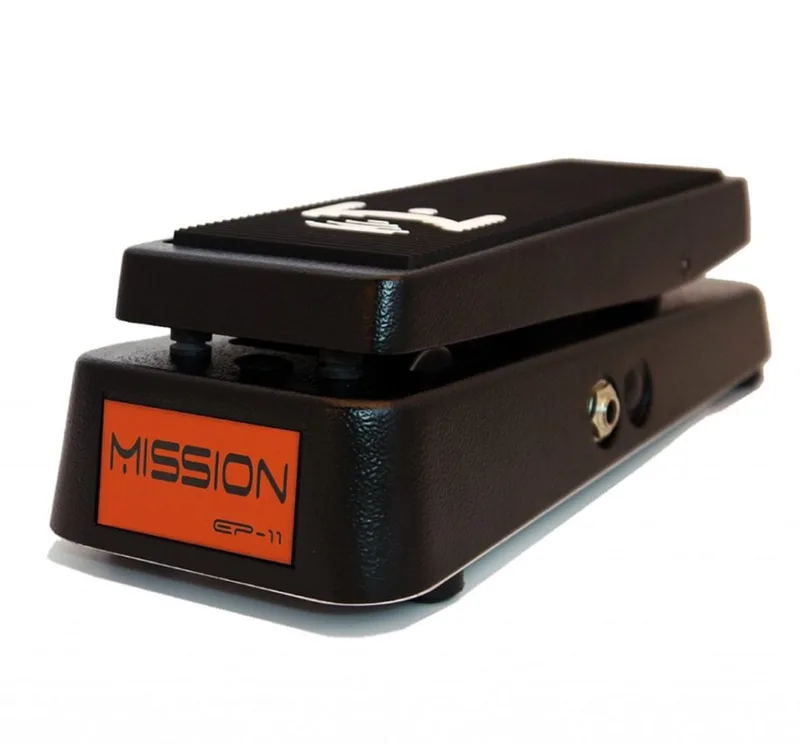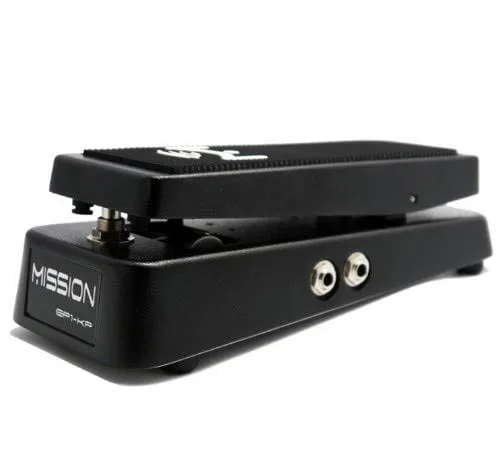


The Mission Engineering EP1-KP is an expression pedal and wah pedal designed to work specifically with the Kemper Profiling Amplifier1. Unlike a generic expression pedal, it carries Mission's switching expression pedal function, a toe switch under the front of the treadle that lets you turn effects on and off at the pedal itself, just as you would click a conventional analog wah on and off2. It is a passive device: no battery, no power supply, nothing to plug in except two cables to the back of the Kemper2.
The pedal sits in a green enclosure that matches the Kemper's color, with two output jacks marked out 1 and out 2 on the base plate3. Output 1 carries the pedal movement; output 2 carries the toe switch3.
What it does
Plugged into a Kemper Profiler, the EP1-KP gives you a foot controller for volume, wah, or any other parameter the Kemper assigns to a pedal input. The pedal sweep is set in the Kemper menu: you can choose volume or wah, and within wah there are two response curves. Wah type 1 is a more linear, more modern sweep, while wah type 2 shoots up fast at the beginning of the stroke and then levels off, which the demo compares to an old school Crybaby wah1.
The toe switch is the part that makes it behave like a traditional pedal rather than a controller you configure and leave alone. Pressing the pedal all the way forward operates the switch, and in the Kemper's menus that switch can be assigned to toggle a stomp block on and off, for example turning the wah on and off by toggling stomp A3. The switch handles mono functions such as toggling stomp A; stereo switch functions like stomp X and modulation will only toggle one slot with this mono switch1. The switch can also be set so that the back position puts the Kemper into tuner mode, which means you can tune mid-song while the pedal is parked heel down1.
On the Mobius Guitars demo, the demo guitarist Chris used it with a Kemper Profiler and described the experience:
"it was a really great experience using the mission ep1 KP um again I cannot stress enough that this is actually designed for the keer so it's pot is tuned to do the whole full range of w and again expression you know modeling for this and it was great it felt like the W that I'm used to it clicked on and off"
How to connect it
The EP1-KP connects directly to the back of the Kemper with a two-part setup: output 1 and output 2 go to the Kemper's switch 1 and switch 2 inputs1. The pedal connection needs a 1/4 inch stereo (TRS) cable, and the toe switch requires a second cable, for which a 1/4 inch mono cable is sufficient4. Cables are not included, so you supply your own4.
| Connection | Cable | Goes to |
|---|---|---|
| Output 1 (pedal movement) | 1/4" TRS stereo3 | Kemper pedal 1 input3 |
| Output 2 (toe switch) | 1/4" TS mono1 | Kemper switch input1 |
Mission's own guidance is that output 2 should use a regular TS connection because it is a mono switch, not stereo. On the Mobius Guitars demo, the presenter noted that a TRS cable also works for output 2 in practice, since the switch is simply mono; he had been using twin Hosa TRS cables for both connections without problems1.
A second demo video, presented by James Lebihan, walks through the same hookup: output 1 is the pedal itself and takes a TRS stereo cable into the Kemper's pedal 1 input, while output 2 is the toe switch and takes a TS mono cable3. He stresses that the pedal movement should always be connected with a TRS connection3.
Using it with a MIDI controller
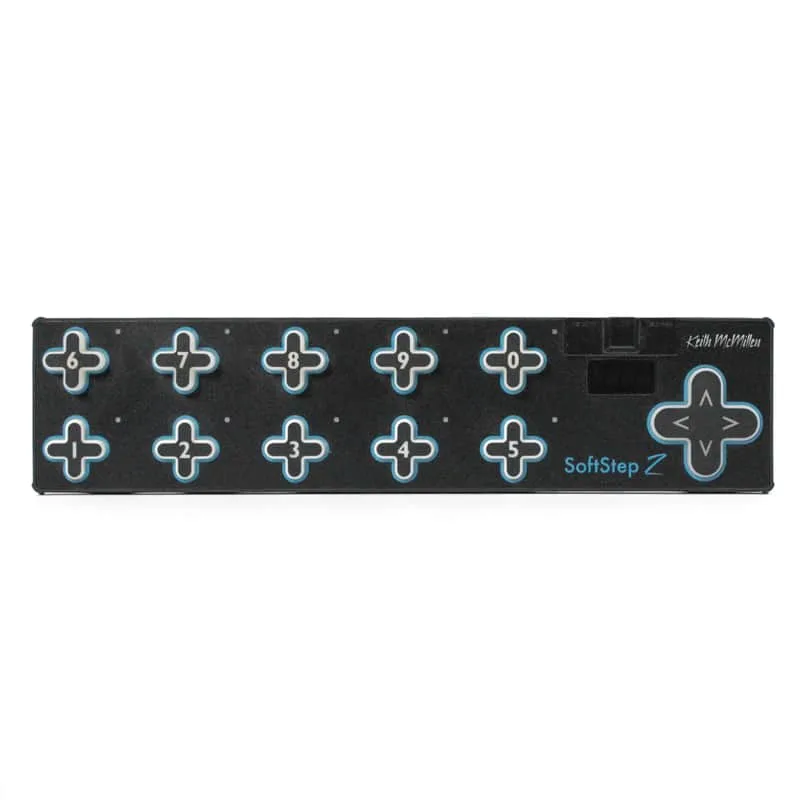
The EP1-KP is not limited to a direct connection to the Kemper. It can be routed through an external MIDI controller such as the Keith McMillen SoftStep, connected via the controller's 3.5 mm input with a 3.5 mm to 1/4 inch adapter, sending CC on channel 1 as set in the Kemper's system page 61. The setup process demonstrated on the Mobius Guitars video:
- Set the message type to CC (continuous controller) with the CC channel set to 1, which is dictated by the Kemper itself1.
- Set the output port to SoftStep expander, then save and send the settings to the SoftStep so the changes take effect1.
- Calibrate the expression pedal output in the SoftStep advanced editor by rocking the pedal back and forth until calibration completes, so the software knows the range of the potentiometer in the Mission pedal1.
How it compares with other Mission expression pedals
The EP1-KP is one of a family of expression pedals from Mission Engineering. The standard EP-1 line, such as the Mission Engineering EP-1-BK SPL, is a more general-purpose design: a single 1/4" TRS output jack, a purpose designed sealed 10K linear potentiometer, and Mission's resilient metal chassis54. It can be used anywhere you would use a Roland EV-5, M-Audio EXP, Boss FV500, or similar pedal, and is compatible with a large range of digital amps, effects units, MIDI controllers and stomp boxes5.
The differences that matter to a Kemper owner:
- Outputs: the EP1-KP has two outputs (pedal and toe switch) for the Kemper1; the EP-1 line has a single TRS expression output56.
- Switching: the EP1-KP's switching expression pedal function turns effects on and off at the pedal2; the standard EP-1 has no such function described.
- Tuning: the EP1-KP's pot is tuned to the full range of wah and expression for the Kemper1.
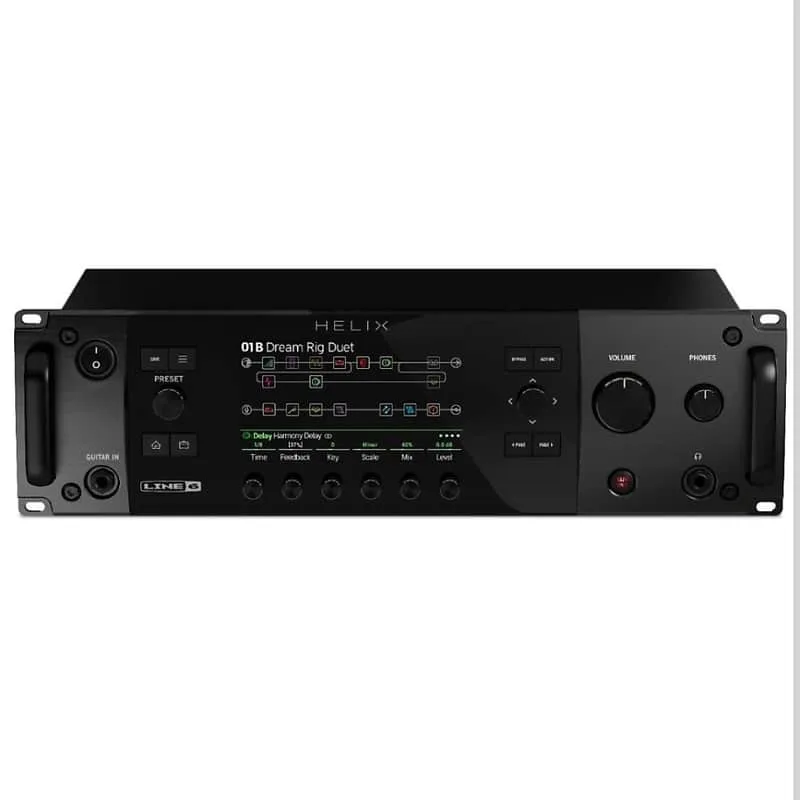
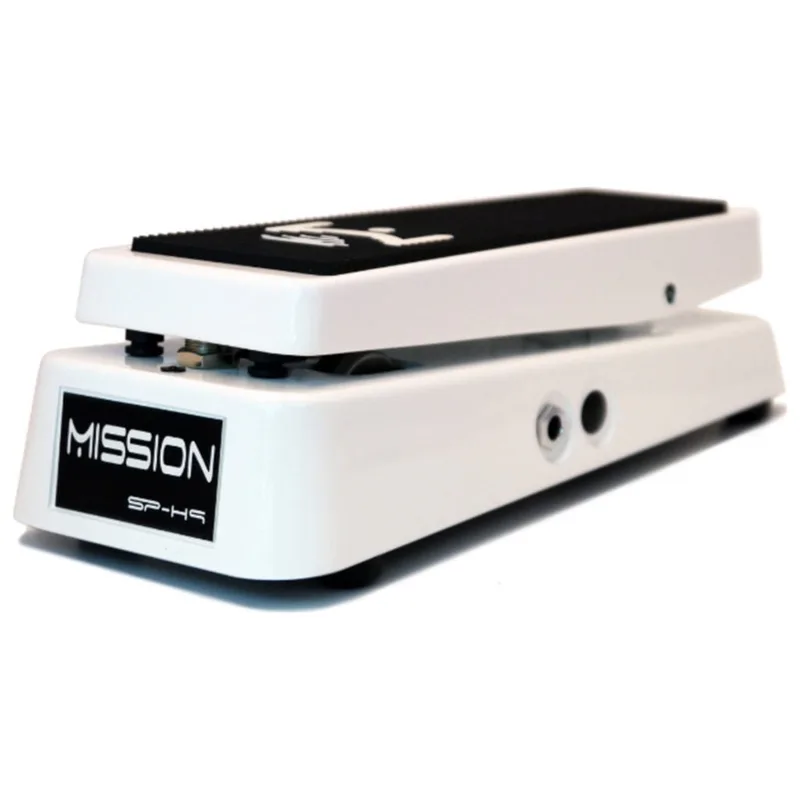
The EP-1 line can also be fitted with an optional spring load kit that always returns the pedal to heel down, which suits players recreating the feel of a spring loaded wah pedal or using auto on/off detection such as the Fractal Audio auto-engage feature5. Mission also makes dedicated pedals for other platforms, including the Mission Engineering SP1-L6H for Line 6 Helix Rack and the Mission Engineering SP-H9 for the Eventide H9.
What reviewers said
The Mobius Guitars demo found the EP1-KP simple to set up and use, working like a wah or volume pedal that clicks on and off, and suited to players who just want to add one expression controller to their rig rather than a lot of different effects1. The demo guitarist found the pot tuned to the full range of wah and expression for the Kemper, and said it felt like the wah he was used to1.
For the standard EP-1-BK, Gearnews' buying guide (2 February 2026) noted that it does not offer dual outputs, polarity switches, or extra modes, but that this simplicity is what makes it a strong contender for anyone looking for an expression pedal6. It is mechanically based on a classic wah housing, listed at $237.00 USD (£212.00 / 239.00 euro)6. Players consistently praise the smooth, even sweep and the classic wah housing mechanics, and reviews often highlight the road-ready metal construction and reliable compatibility with a wide range of devices6.
"It doesn't offer dual outputs, polarity switches, or extra modes, but that simplicity is exactly what makes it a strong contender for anyone looking for the best expression pedal."
Availability
At the time of the Mobius Guitars demo, the EP1-KP was sold exclusively through Sweetwater1, with more details available at Mission Engineering's website1.
Videos
Piotr Szoszkiewicz
Questions
Is the Mission Engineering EP-1-BK SPL a replacement for a Roland EV-5?
Yes, in the sense that it can be used anywhere you would use a Roland EV-5, M-Audio EXP, Boss FV500, or a similar pedal. It is compatible with a large range of digital amps, effects units, MIDI controllers and stomp boxes, as long as the target unit expects a standard 10 kOhm expression input.
What kind of cable does the EP-1-BK SPL use?
It has a single 1/4 inch TRS output jack, so it connects to your device with a standard TRS cable. Cables are not included with Mission expression pedals, so you need to supply your own.
What does the spring load do on the EP-1-BK SPL?
The optional spring load kit returns the pedal to heel down on its own. That suits players recreating the feel of a spring loaded wah pedal, or using the pedal with an auto on/off detection feature such as the Fractal Audio auto-engage function.
Is the EP-1-BK SPL analog or digital?
It is listed as a digital circuit type, though like other expression pedals it works as a passive controller: it is a purpose designed sealed 10K linear potentiometer in a metal chassis that sends position information to whatever it is plugged into.
Does the EP-1-BK SPL work with Fractal Audio auto-engage?
Yes. The optional spring load, which always returns the pedal to heel down, is described as a good match for auto on/off detection such as the Fractal Audio auto-engage feature, since the pedal parks itself in a known position when you take your foot off it.
Sources (6)
- Kemper Profiling Amp Pedal, Mobius Guitars, 2014-09-15
- Mission-EP1-KP-User-Guide.pdf, Mission Engineering Inc., 2012
- Mission EP1 KP & Kemper Set Up, youtube.com, 2012-12-12
- Mission Engineering Expression Pedal EP1-KP, www.kemper-amps.com
- EP-1-BK SPL by Mission Engineering, RockBoard PedalPedia, 2026
- The 6 Best Expression Pedals: Taking your Effects to the Next Level, gearnews.com, 2026-02-02