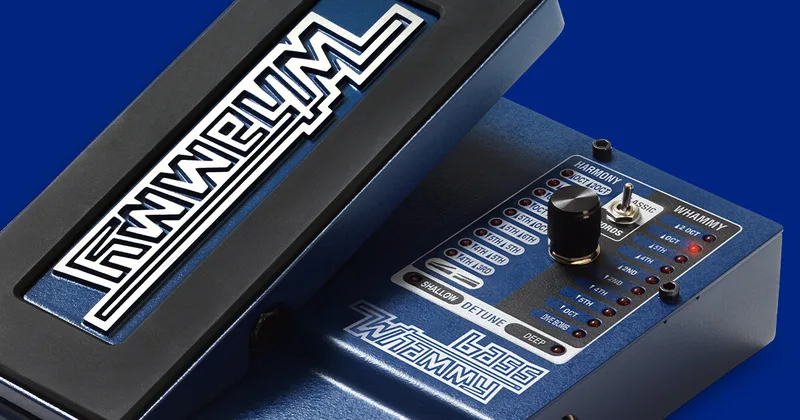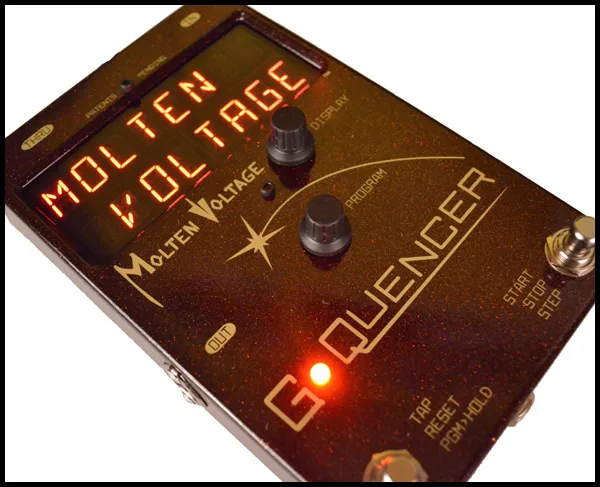


The Molten Voltage G-Quencer is a foot controller that turns a DigiTech Whammy into what Molten Voltage calls a Pitch-Shifting Sequencer. Instead of rocking the Whammy's treadle by hand, the G-Quencer drives it over MIDI, stepping through pitch shift and harmony intervals in time. The maker says it accesses every available pitch shift and harmony interval, even those not normally available on the Whammy, and sequences them into riffs and harmonies of up to 16 steps. Molten Voltage describes it as "a serious compositional tool, providing complementary counterpoint to melodic lines."1
It is a pedal, not a rack unit or software, and it works by itself without needing an external MIDI controller. Molten Voltage funded it through a Kickstarter campaign and it builds off the company's line of Molten MIDI pedals.2
The eight modes
The G-Quencer has 8 Modes of Operation, each a different way of driving the Whammy. Molten Voltage's blog announced a video that "shows all 8 ways to play" the pedal.3
| Mode | What it gives you |
|---|---|
| 2-Step | Two-setting sequences stepped in time |
| 1-Step | Single-setting steps |
| Different Whammy Settings | Jumps between Whammy interval settings |
| Tap Tempo | Tempo tapped by foot |
| One-Shot | A sequence that runs once |
| MIDI Clock | Steps locked to incoming MIDI clock |
| MIDI Control Change | Sequence stepping via MIDI CC |
| Synth Keys | Control via MIDI Note On messages |
Because the Whammy itself is doing the pitch shifting, the character of the sequence depends on which Whammy is connected. Molten Voltage's manual notes that "the Whammy 4 switches between intervals more abruptly than the other 3 versions, and has a more 'techno' sound."1
Presets and display
The pedal holds 128 presets, of which 32 are pre-installed factory presets. Presets can be given custom names of up to 16 characters, shown on what the manual calls "a bright, 16-character alphanumeric LED Display." Tapping the DISPLAY knob shows the current preset number, and holding it enters Preset Naming Mode.1
MIDI connections and control
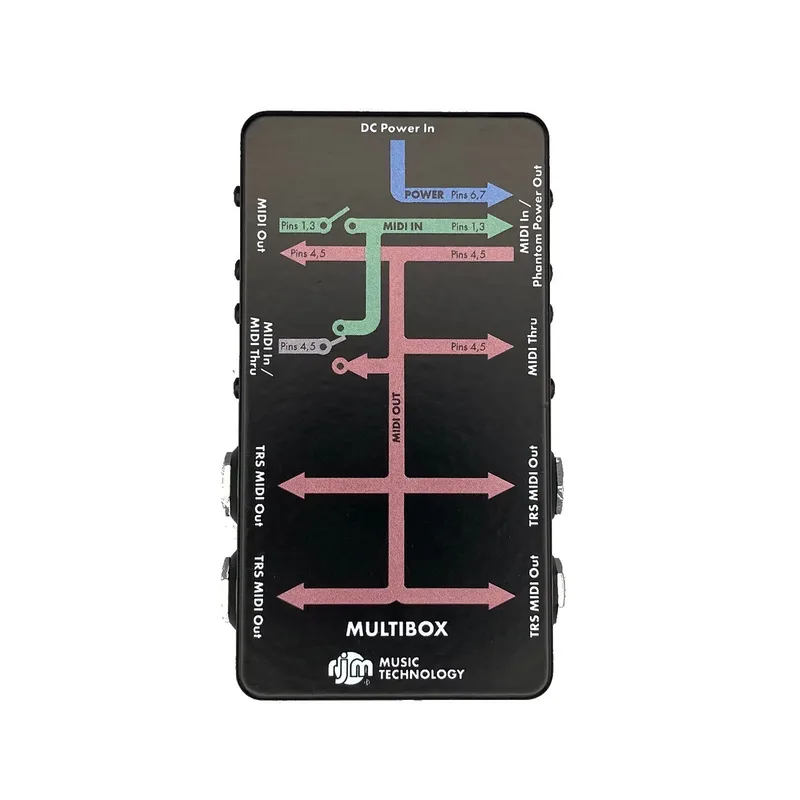
Three 5-pin MIDI jacks handle the wiring, plus a side connector:
- IN: connect a standard 5-pin MIDI cable from an external MIDI controller, if you use one1
- OUT: a standard 5-pin MIDI cable to the Whammy's MIDI jack1
- THRU: repeats all MIDI messages received at the IN jack, allowing another MIDI device to be daisy-chained1
- Side Controller Jack: for the optional Side Controller, connected with a 1/4" stereo cable, which is included1
The default MIDI Receive Channel is 15 and the default Whammy Channel is 2. The G-Quencer responds to MIDI Running Status, to MIDI Start, Stop and Continue commands, selects presets by MIDI Program Change, steps sequences by MIDI Control Change, and takes MIDI Note On control in Synth Keys mode. It does not use or pass through MIDI Phantom Power.1
The manual calls for a separate or isolated 9 volt, 2.1mm, 300mA minimum, tip negative ("BOSS" style) DC supply. With a current draw of about 250mA, this is well beyond what a shared daisy-chain output on many supplies can comfortably feed, so plan a dedicated or isolated output for it.1
What reviewers said
Delicious Audio, reviewing the pedal around its 2015 Kickstarter launch, framed it as a tool for players who already know the Whammy: "adding another layer of control to it via the G-Quencer is probably best suited for familiar Whammy users."2
Videos
Step Audio
Step Audio
Step Audio
Questions
Which Whammy pedals work with the G-Quencer?
Molten Voltage says the G-Quencer works with all four modern DigiTech Whammy pedals: the Whammy 4, Whammy 5, Whammy DT and the Bass Whammy. The manual notes one tonal difference between them: the Whammy 4 switches between intervals more abruptly than the other three versions and has a more "techno" sound, so the same sequence can behave differently depending on which Whammy it drives.
How many presets does the G-Quencer hold?
The G-Quencer holds 128 presets in total, of which 32 are pre-installed factory presets. Custom preset names of up to 16 characters can be entered, and the 16-character alphanumeric LED display shows them. Tapping the DISPLAY knob shows the current preset number, and holding it enters Preset Naming Mode.
Does the G-Quencer need a MIDI cable?
Yes, but only to talk to the Whammy: a standard 5-pin MIDI cable runs from the G-Quencer's OUT jack to the Whammy's MIDI jack. The pedal works by itself and does not require an external MIDI controller. If you want to control it from other gear, a second 5-pin MIDI cable connects your controller to the IN jack, and the THRU jack repeats incoming messages so another MIDI device can be daisy-chained.
What power supply does the G-Quencer need?
The manual calls for a separate or isolated 9 volt DC supply, 2.1mm barrel, tip negative ("BOSS" style), rated 300mA minimum. Current draw is about 250mA, which is high for a pedal, so a dedicated or isolated output is the safe choice rather than sharing a daisy-chain output with other pedals.
Can I name my own G-Quencer presets?
Yes. The G-Quencer's 128 presets can be given custom names of up to 16 characters, shown on the 16-character alphanumeric LED display. Holding the DISPLAY knob enters Preset Naming Mode, while tapping it shows the current preset number.
Where is the G-Quencer made?
Molten Voltage describes the G-Quencer as "Road-ready MIDI Machinery", hand built in Oregon, USA. The company introduced the pedal through a Kickstarter campaign in 2015.
Sources (3)
- G-Quencer™ .:. Owner's Manual .:. by Molten Voltage, Molten Voltage
- For Whammy Fans: Molten Voltage G-Quencer, Delicious Audio, 2015-04-29
- MIDI PedalBoard Devices: G-Quencer gives you 8 fresh ways to love your DigiTech Whammy, Molten Voltage blog (blog.moltenvoltage.com), 2015-07-23