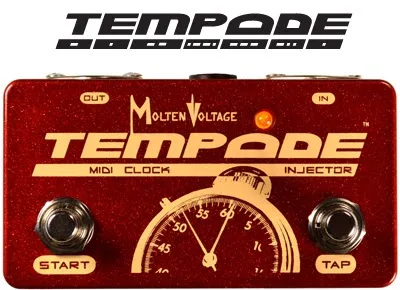


The Molten Voltage TEMPODE is a programmable MIDI Clock Injector: a small pedal that adds MIDI Clock to an existing stream of MIDI data, or works as a stand-alone clock generator on its own1. Its job is tempo sync. Time-based effects such as delays and tremolos follow the clock they receive, so a delay's repeats land in time with a song. Molten Voltage says the TEMPODE synchronizes over 50 effects from Strymon, Eventide, MOOG, BOSS, EHX and many others, under the tagline "TEMPODE. Clock Solid."2
What it does for a player
A MIDI Clock injector solves a specific pedalboard problem. Many players already run a MIDI controller that sends Program Change and Control Change messages to their pedals, but few controllers generate MIDI Clock. Without clock, a delay pedal set to a quarter-note subdivision has no tempo to lock to. The TEMPODE sits in the MIDI chain and injects clock data into the stream that is already flowing, so every clock-capable pedal on the board follows one tempo1.
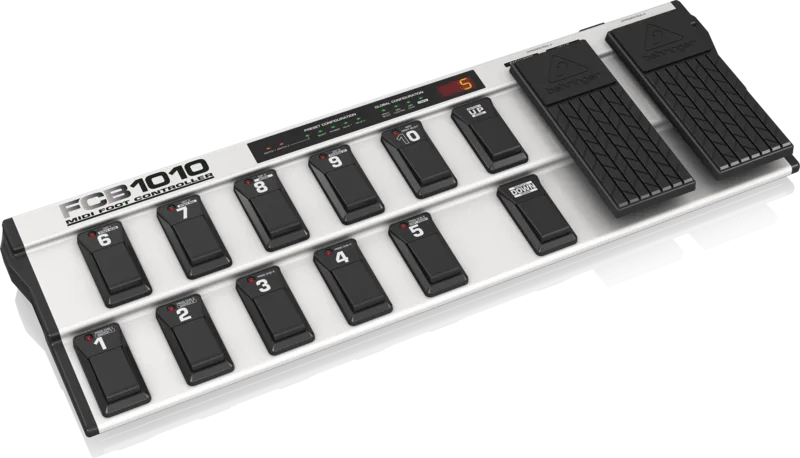
It also works with no controller at all. The manual lists it as a stand-alone or inline pedalboard MIDI Clock generator, and the product page notes it can be used as a stand-alone tap tempo device or set to recall a stored tempo21. Molten Voltage states the TEMPODE is compatible with all major MIDI controllers, naming the Voodoo Lab Ground Control, the Rocktron MIDI Raider and the Behringer FCB1010 among others1.
MIDI connections and Program Change options
The TEMPODE has two MIDI jacks, both standard 5-pin DIN. A master MIDI device that sends Program and/or Control Change messages connects to the MIDI IN jack, and the pedal receiving clock connects to the MIDI OUT jack1.
The unit stores and recalls tempo for 128 MIDI programs. When a connected controller sends a Program Change, the TEMPODE recalls the tempo stored for that program and outputs clock at that speed. Used stand-alone, the tap switch sets the tempo by hand21.
Saving a tempo to a program takes two steps:
- Tap in the tempo you want.
- Hold the tap button for 2 seconds, until the LED turns solid yellow, to store it to the current program3.
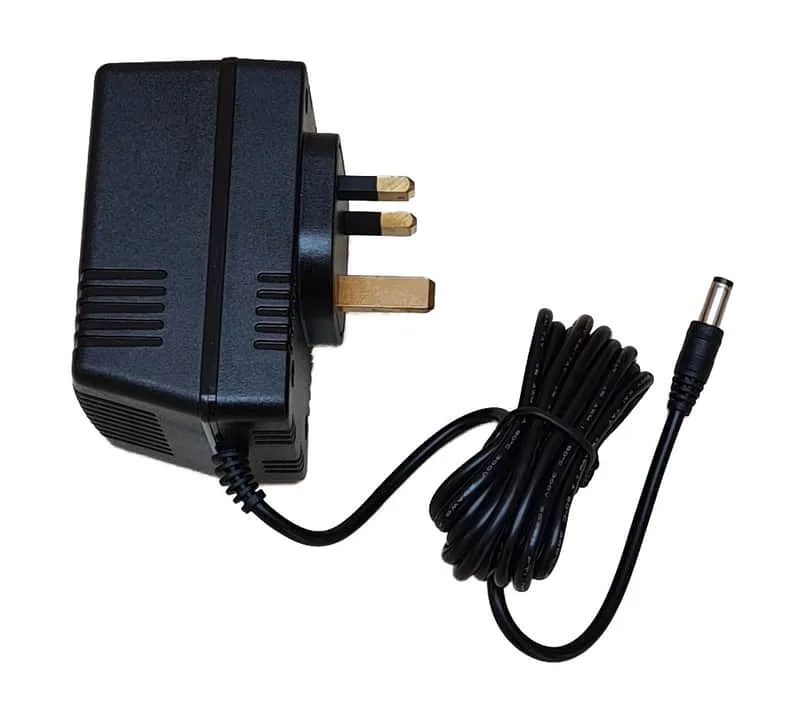
The manual calls for a separate or isolated 9 volt DC supply, 2.1mm tip negative, rated 100mA minimum, into the DC9V jack. A shared daisy-chain output may not be suitable1.
Which pedals it can sync
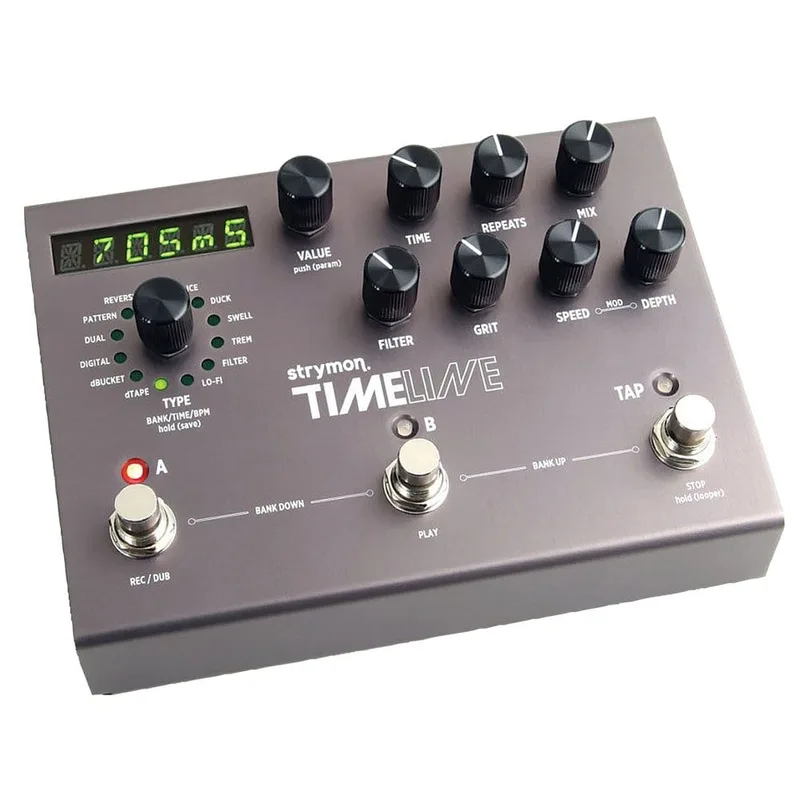
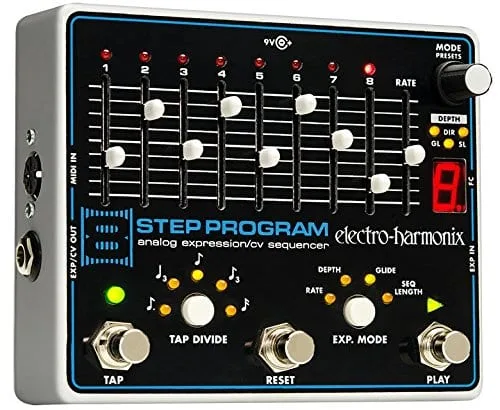
Molten Voltage says the TEMPODE synchronizes over 50 effects from Strymon, Eventide, MOOG, BOSS, EHX and many others2. In the company's own demo video, the unit is shown connected to the Strymon TimeLine, the Eventide Pitchfactor and the Electro-Harmonix 8-Step Program4.
Pedals without a MIDI input are not necessarily left out: the TEMPODE synchronizes over 50 effects from makers including Strymon, Eventide, MOOG, BOSS, and EHX2. For a player planning a synced board, it pairs with a MIDI controller or a loop switcher, and its riveted steel MIDI jacks are built for professional-grade use on a pedalboard2.
Where it came from
Molten Voltage positions the TEMPODE as a tempo-sync tool for the modern pedalboard, with the tagline "TEMPODE. Clock Solid.™"2. The company says it synchronizes over 50 cutting-edge effects from Strymon, Eventide, MOOG, BOSS, EHX, and many others2. Players with questions about the unit can reach the maker at questions@MoltenVoltage.com1.
Videos
ProGuitarShopDemos
Step Audio
Step Audio
Questions
Does the Tempode need a MIDI controller to work?
No. The TEMPODE works as a stand-alone MIDI Clock generator and tap tempo device, so it can run on its own with no controller attached. It is also built to sit inline on a pedalboard, where it adds MIDI Clock to an existing stream of MIDI data. Molten Voltage states it is compatible with all major MIDI controllers, including the Voodoo Lab Ground Control, Rocktron MIDI Raider and Behringer FCB1010.
How do I save a tempo to a program on the Tempode?
Tap in the tempo you want, then hold down the tap button for 2 seconds until the LED turns solid yellow. That saves the tempo to the current program, and the TEMPODE will recall it whenever that program is selected. The unit stores and recalls tempo for 128 programs in total.
What power supply does the Tempode need?
The TEMPODE needs a separate or isolated 9 volt DC power supply with a 2.1mm, tip negative connector, rated for 100mA minimum, plugged into the DC9V jack. Because the manual calls for a separate or isolated supply, a shared daisy-chain output may not be suitable.
Which pedals can the Tempode sync?
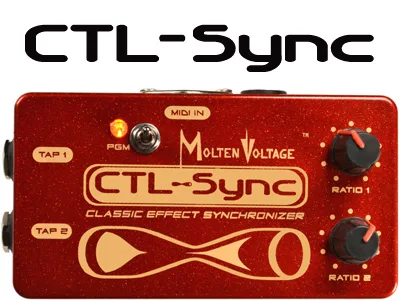
Molten Voltage says the TEMPODE synchronizes over 50 effects from Strymon, Eventide, MOOG, BOSS, EHX and many others. In the company's own demo video, it is shown connected to the Strymon TimeLine, the Eventide Pitchfactor and the EHX 8-Step Program. Pedals without a MIDI input can often be synced using the Molten Voltage CTL-SYNC.
How many tempos can the Tempode store?
The TEMPODE stores the tempo for 128 MIDI programs. Each program can hold its own tempo, which is recalled when the program is selected, either from a MIDI controller or by using the unit as a stand-alone tap tempo device.
Sources (4)
- TEMPODE_-_Molten_Voltage_MIDI_Clock_Injector_-_Owners_Manual.pdf, Molten Voltage, 2015
- TEMPODE™ .:. PedalBoard MIDI Clock Generator / Injector .:. by Molten Voltage.:. Footswitch Controller with Preset Tempo Storage and Tap Tempo, Molten Voltage
- MIDI PedalBoard Devices: What the Clock?, Molten Voltage (blog.moltenvoltage.com), 2013-05-01
- MIDI PedalBoard Devices: Syncing guitar effects to MIDI Clock with the Molten Voltage TEMPODE pedal, Molten Voltage blog (blog.moltenvoltage.com), 2014-06-23