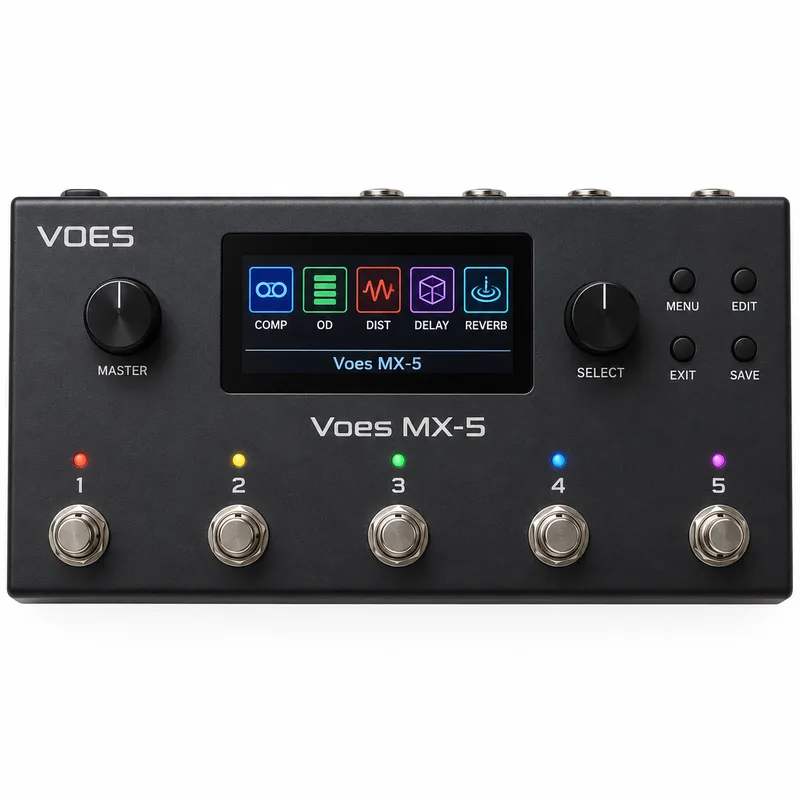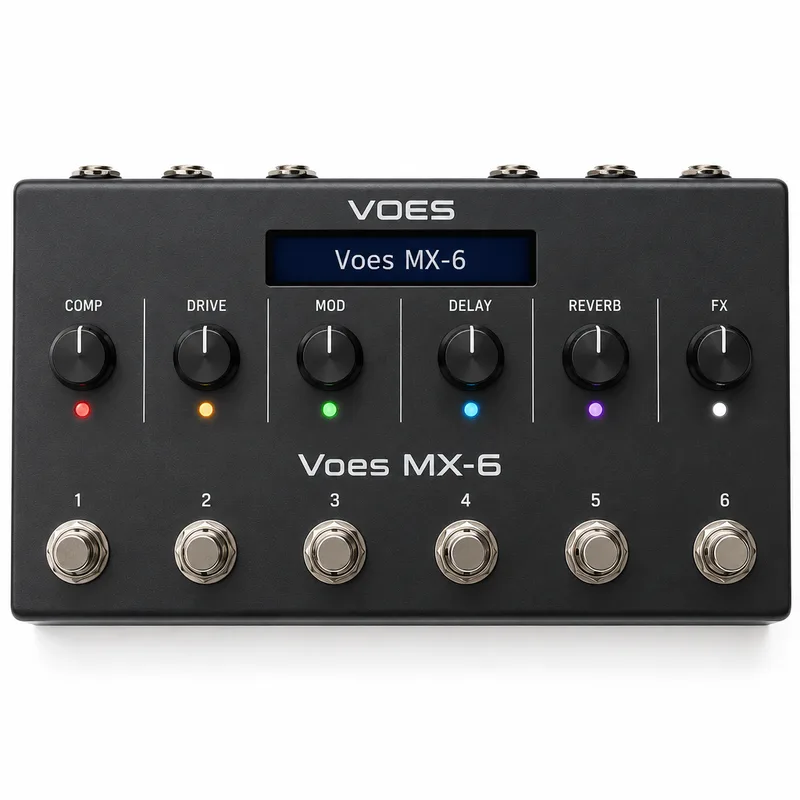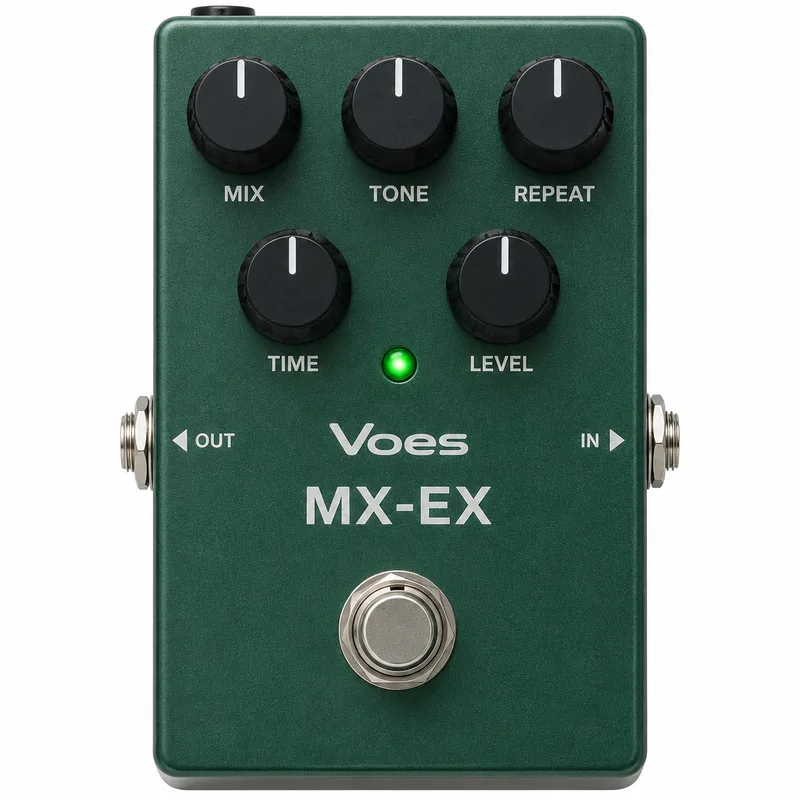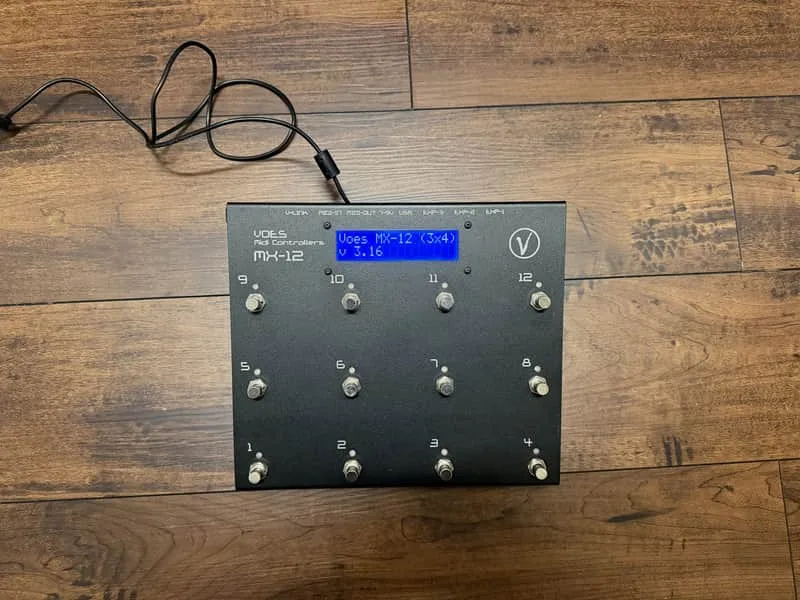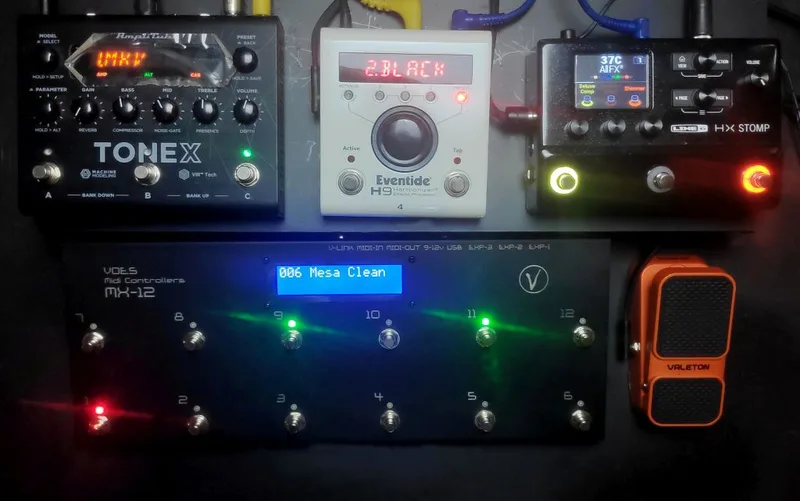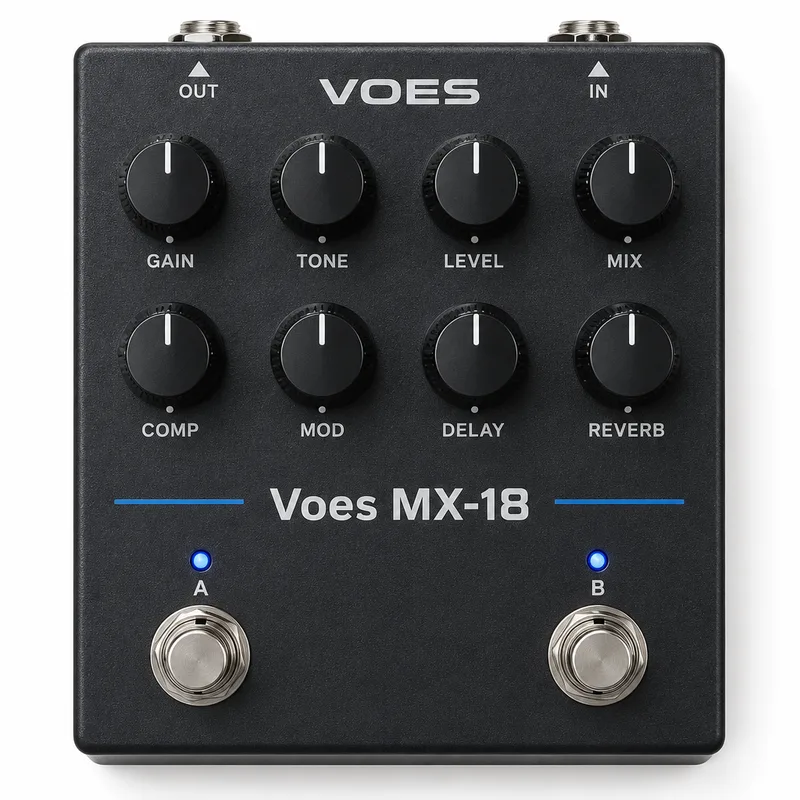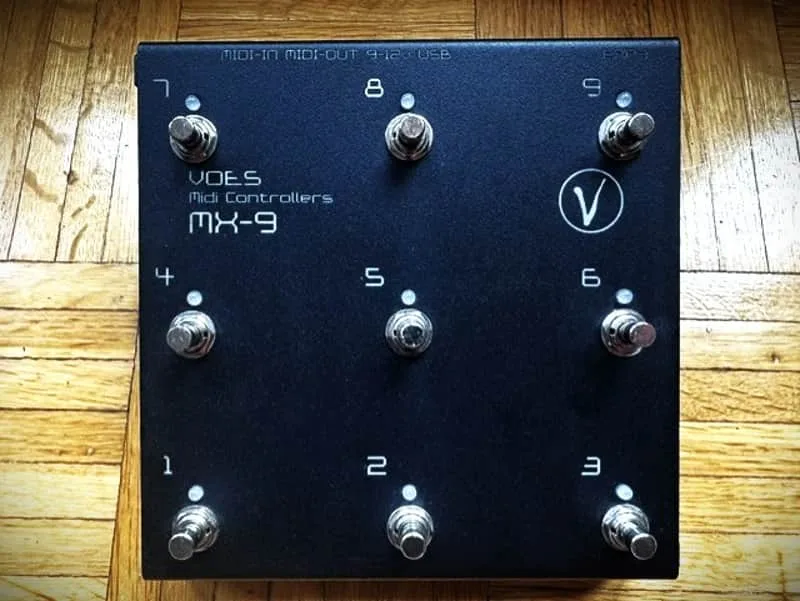
The Voes MX-9 is a digital MIDI controller and switcher pedal from Belgian maker VOES. It is not an audio effect: instead of shaping your guitar tone, it sits beside your rig and sends MIDI commands to a modeler, amp or rack unit, so one stomp can change presets, switch stompbox blocks, run the looper or tap tempo12. It belongs to Voes' MX range of MIDI controllers, alongside the Voes MX-5, Voes MX-6, Voes MX-EX, Voes MX-12 3x4, Voes MX-12 (2x6) and Voes MX-181.
Pages, layers and commands
The MX-9 is built around programmable buttons that each do more than one thing. Voes gives it 68 different command types, and each button layer can send 6 commands, transmitted all at once or step by step1. Each button has 2 layers, Normal Press and Long Press, so a short stomp and a held stomp can do different jobs1. The pedal holds 2 different setups, Page A and Page B, both fully editable1.
Programming happens from a computer or from the pedal itself:
A manual in English covering the Voes MIDI controller range is available online2.
Working with modelers
Voes documents direct integration with several modelers, where the MX-9's buttons map to the unit's own functions1:
| Modeler | What the MX-9 controls |
|---|---|
| Kemper Profiler | Performance Select, Rig Select, Stomp & FX states, Looper, Tuner, Tap Tempo1 |
| Line 6 HX Stomp | Snapshots, Looper, Tempo, Tuner1 |
| Axe-Fx Standard & Ultra | Preset Select, Looper, Tuner, Tap Tempo1 |
| Neural DSP Quad Cortex | Scenes, Looper, Tempo, Tuner1 |
Voes also shows the MX-9 connected with a Line 6 Helix LT on its Line 6 connection page3. For players building a controller-based board around one of these units, the pedal's Midi Pedals page places the MX-9 among the other controller options, and the Voes MX page covers the range as a whole.
Expression input
The MX-9 carries 1 expression input with three extra features: auto-engage, the ability to swap expression CC messages, and suitability for an external switch1. Auto-engage means the expression function takes over without a separate heel-toe switch, and swapping CCs lets one expression pedal address different parameters on different layers. Players who want to pair it with a dedicated pedal can see the Expression Pedals page for how standalone units work.
Questions
What power does the Voes MX-9 use?
The MX-9 runs on 9V DC, center negative, and connects through a Midi-7 connector using the Voes M-Box. Because it is a MIDI controller rather than an audio pedal, it sits alongside your rig rather than in the signal chain, and its power comes from that dedicated connection rather than a standard pedalboard power supply output.
Is the Voes MX-9 analog or digital?
The MX-9 is a digital circuit. It is a MIDI controller and switcher pedal, not an audio effect: it sends MIDI commands to modelers and other MIDI-equipped gear rather than processing your guitar signal, so circuit type describes its control electronics rather than any tone path.
Does the Voes MX-9 work with a Line 6 Helix LT?
Yes. Voes shows the MX-9 connected with a Line 6 Helix LT on its connection page, and the maker lists snapshot, Looper, Tempo and Tuner control for Line 6 HX-series units. The MX-9 sends the MIDI commands that select snapshots and run the looper, tuner and tempo functions on the Helix.
Does the MX-9 have an expression input?
Yes, the MX-9 has one expression input with auto-engage, the ability to swap expression CC messages, and support for an external switch. That lets a single expression pedal control different parameters depending on how you program the button layers.
Is there an editor for the Voes MX-9?
Yes. Voes provides an editor for Windows and Mac that programs the MX-9, and buttons can also be swapped or copied on the fly from the pedal itself. A manual in English is available covering the Voes MIDI controller range.
Sources (3)
- Voes | Midi Controllers, Voes, 2026
- MX-9 by VOES, RockBoard PedalPedia, 2026
- Voes | Midi Controllers, Voes, 2026