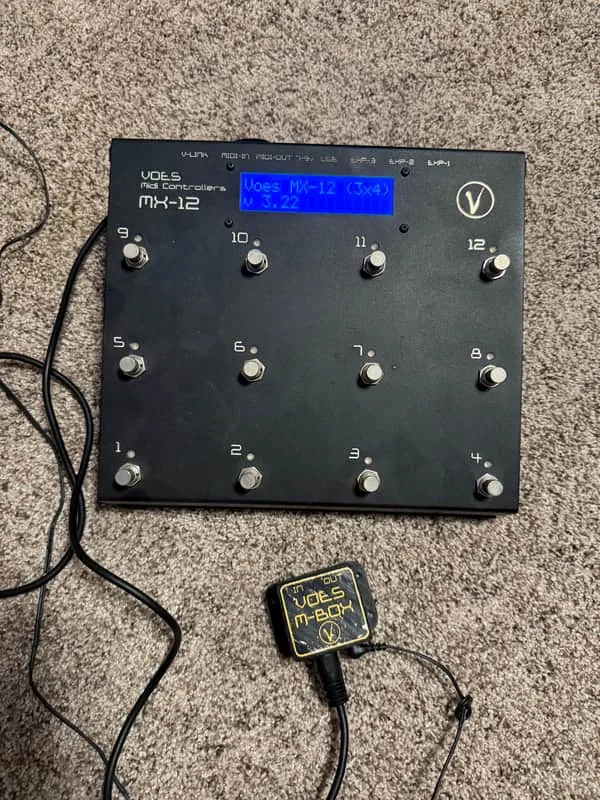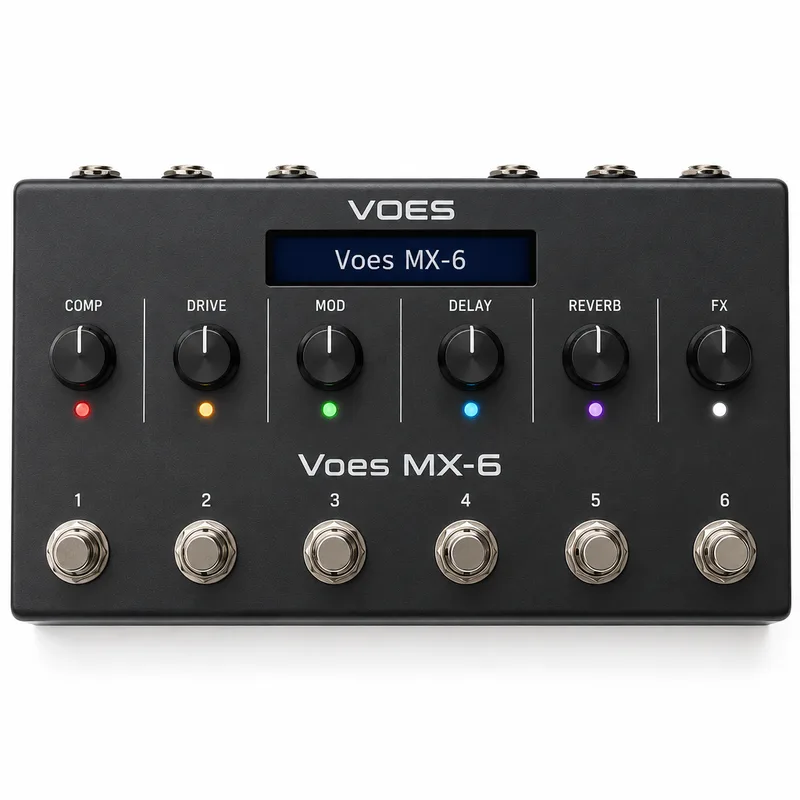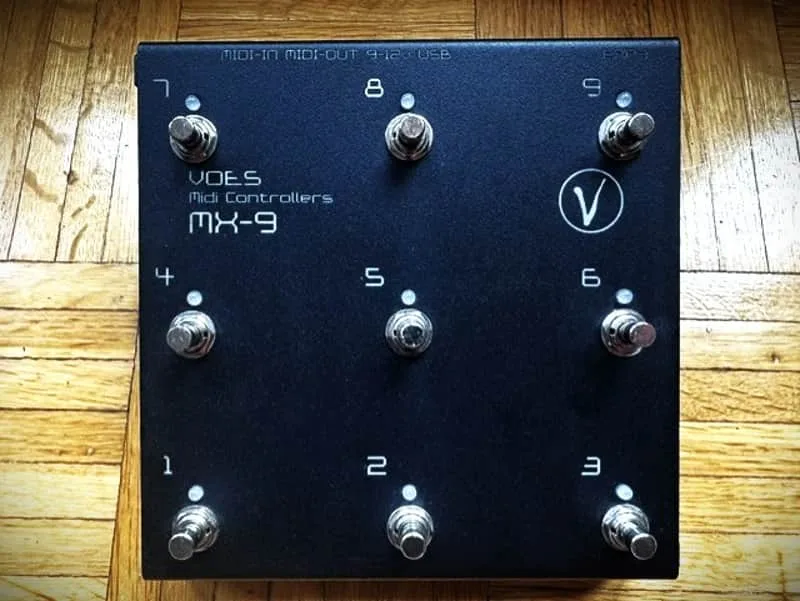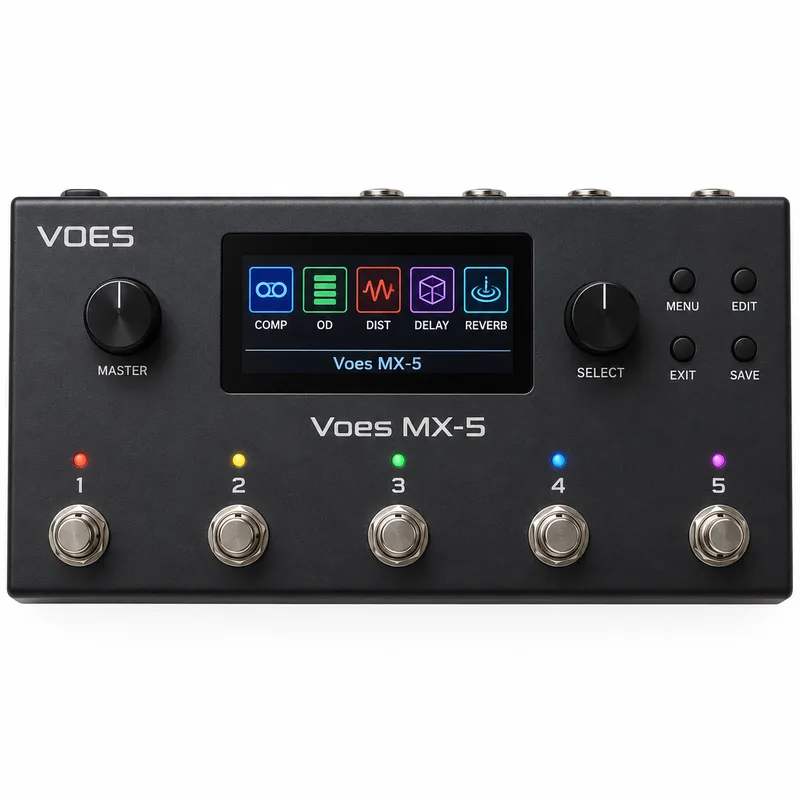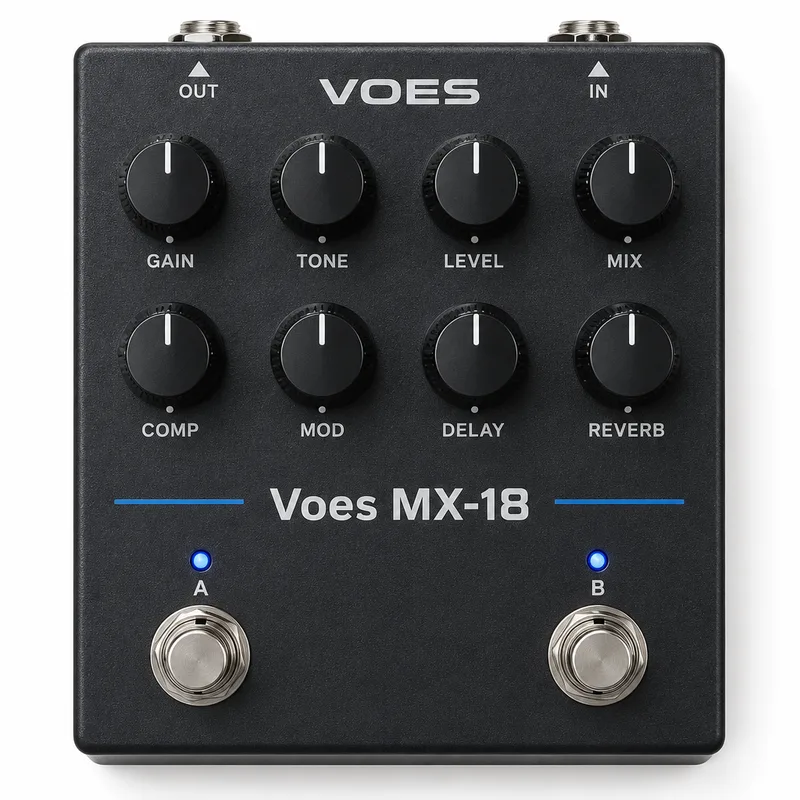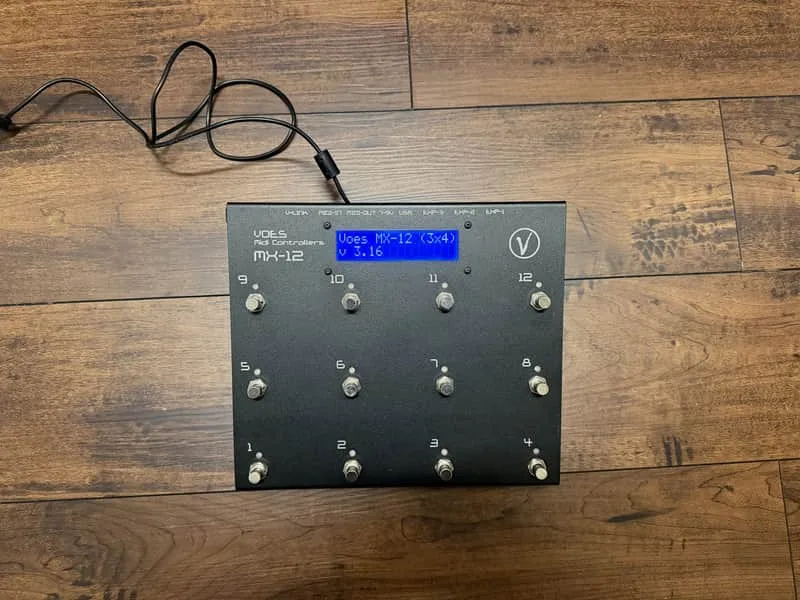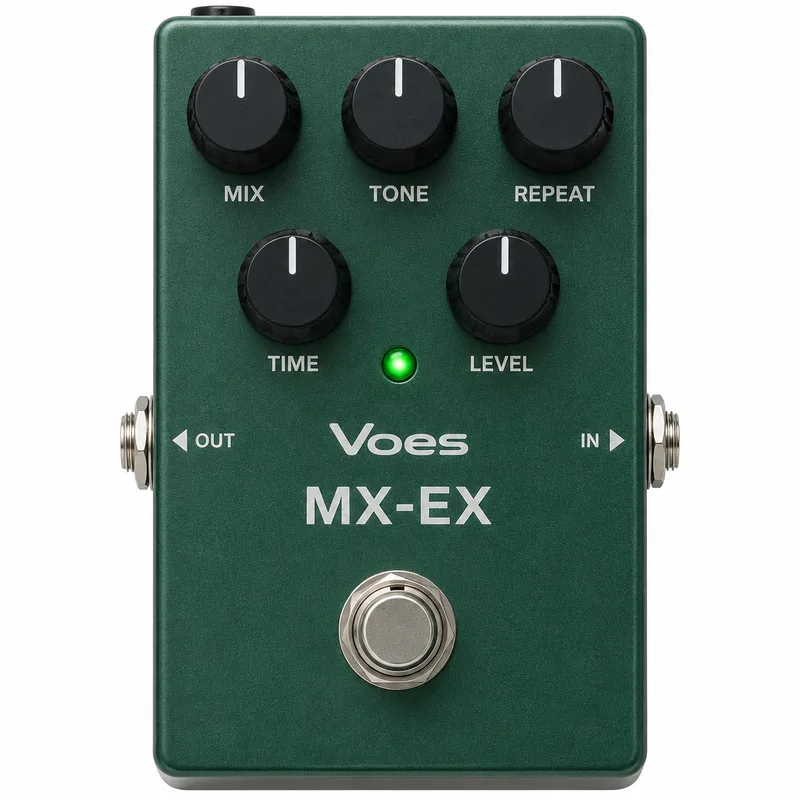
The Voes MX-EX is a MIDI controller system aimed at pedalboard builders. Voes describes it as made for the professional pedalboard builder and also suited to the DIY hobby builder1. Rather than a single fixed pedal, it is a family of boards: a Mother board forms the core, and Child or Child Mini boards add buttons around it. It sits alongside the other Voes controllers such as the Voes MX, Voes MX-6, Voes MX-9, Voes MX-5, Voes MX-18, Voes MX-12 3x4 and Voes MX-12 (2x6), and belongs to the wider field of MIDI pedals.
Connections and expansion
The MX-EX grows by adding Child boards. The Mother 12 board can be connected with up to 12 Child or Child Mini boards, and the Mother 8 board with up to 8 Child or Child Mini boards21. You can use both Child and Child Mini boards together on the same system, so the two sizes can be mixed freely within the limit of the Mother board you choose2.
| Board | Child board limit |
|---|---|
| MX-EX Mother 12 | up to 12 Child or Child Mini boards |
| MX-EX Mother 8 | up to 8 Child or Child Mini boards |
The full connection list on the Mother boards runs: MX-EX Child or Child Mini (1-12 or 1-8), expression inputs (1-3), 5V Power Out, 9-12V Power In, MIDI Out, MIDI In, and USB1.
Beyond the Child boards, the system has connectors for further expansion:
- Expression inputs: the MX can handle 3 external pedals, usually expression pedals2
- Big LCD connector: used for the MX 2x16 Big Display2
- FASLINK: connect an XLR cable to the FASlink and connect Pin 1 and Pin 2 from the XLR connector to Pin 1 and 2, or Pin 2 and 1, of the MX Power In connector2
- MIDI In and MIDI Out2
- USB, with USB-B and USB-C connectors among the available parts21
Voes also lists an EXP Connector, Power Connector and MIDI Connector as available parts, alongside the Mother, Child, Child Mini and Big LCD boards1. A power connector with the correct soldered 2.1mm plug for the MX-EX is available from Voes as well2.
Power: 9-12V in, 5V out
Power In accepts any 9-12V power adapter through a 2.1mm plug2. Polarity is not a concern: the manual states that AC or DC does not matter and that the positive or negative side does not matter, because the MX takes care of that itself2.
The Power Out connector supplies 5V. You can connect any device that needs 5V, such as USB devices, to it2.
Expression pedal inputs
The MX-EX handles three external pedals, usually expression pedals2. For these inputs, you have to use TRS jack cables2. If you are pairing the MX-EX with expression pedals, the expression pedals page covers the type in general.
Questions
Can you mix Child and Child Mini boards on the MX-EX?
Yes. Voes states that you can use both Child and Child Mini boards together on the same system. The MX-EX Mother 12 board can be connected with up to 12 Child or Child Mini boards, and the MX-EX Mother 8 board can be connected with up to 8 Child or Child Mini boards, so you can combine the two board types freely within those limits.
Does power polarity matter on the MX-EX?
No. According to the Voes manual, AC or DC does not matter, and the positive or negative side of the connector does not matter either. The manual states that the MX will take care of that itself, so either polarity works on the Power In connector.
What cables do the MX-EX expression inputs need?
The MX-EX handles three external pedals, usually expression pedals, and the manual says you have to use TRS jack cables for the expression inputs. A standard mono TS cable will not do the job, so use a stereo TRS jack cable between the MX-EX and each expression pedal.
Does the MX-EX have USB?
Yes. The MX-EX connection list includes USB alongside MIDI In and MIDI Out, and the parts list names both a USB-B Connector and a USB-C Connector as available parts for the system.
Sources (2)
- Voes | Midi Controllers, Voes, 2026
- voes_mx-ex.pdf, Voes, 2024-09-07