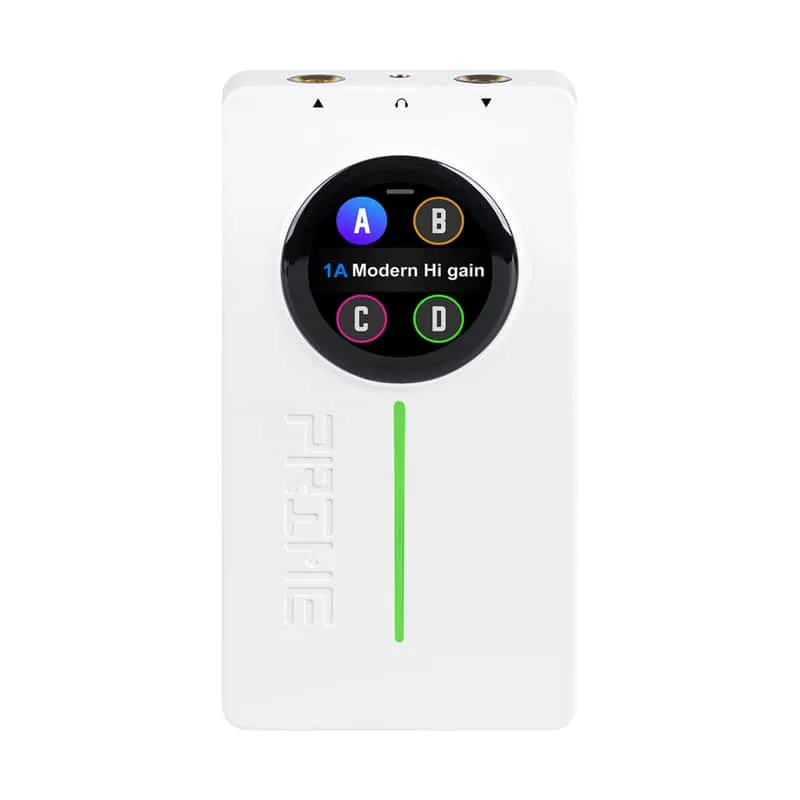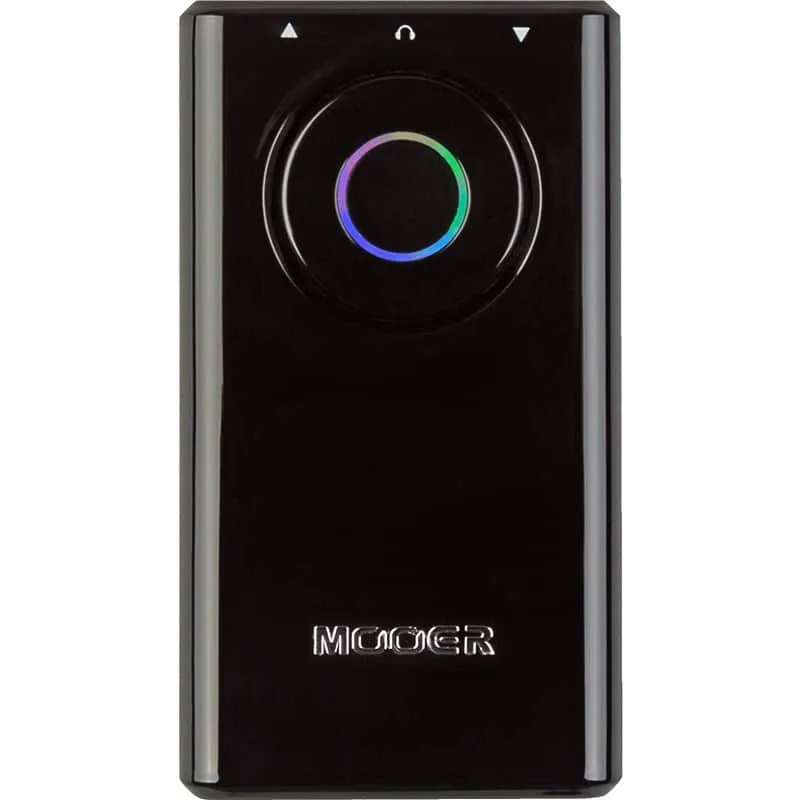


The Mooer Prime P1 is a pocket-sized multi-effects unit from MOOER Audio, made to hold a player's tones in something smaller than a pedalboard. It connects to a phone over Bluetooth, and can load up to four tones (A/B/C/D) at once as a preset1. On the front there is a single clickable knob that handles both preset selection and volume control, and the input jack can swivel through a maximum angle of 270 degrees1.
Specifications at a glance
| Specification | Value |
|---|---|
| Type | Intelligent Multi-Effects1 |
| Technology | MNRS digital amp models and effects1 |
| Battery | 1900mAh lithium (2000mA.h also listed)1 |
| Battery life | Up to 4.5 hours (approximately 4 hours also listed)1 |
| Charging | USB-C, 5V 1A, approximately 2.5 hours1 |
| Bluetooth | Audio1 |
| Dimensions | 83*42*31mm1 |
| Weight | 59g1 |
| In the box | Quick Guide, USB cable1 |
Battery, charging and USB-C
The P1 is built around a built-in lithium battery. MOOER's product page gives the running time as "1900mAh lithium battery for up to 4.5 hours duration and support for charging via mobile phone power bank," and also lists a battery capacity of 2000mA.h and a battery life of "Approximate 4 hours" elsewhere on the same page, so the figures differ between sections of the maker's own specification1. Charging goes through the USB-C port at a 5V 1A requirement and takes approximately 2.5 hours1.
The maker's page gives two battery capacities (1900mAh and 2000mA.h) and two running times (up to 4.5 hours and approximately 4 hours). Both are listed here as published.
The same USB-C port does double duty. MOOER describes the unit as "Equipped with input and output jacks, a headphone out, and a USB-C charging port that doubles as an OTG recording interface," with USB-C handling "charging/OTG function (USB Audio)"1. In practice that means one cable covers charging and getting audio into a phone or computer for recording.
Controls and presets
The front panel is deliberately minimal. MOOER says "a single clickable knob on the front of the unit handles both preset selection and volume control"1.
"a single clickable knob on the front of the unit handles both preset selection and volume control"
Deeper editing happens away from the unit. You "Connect via Bluetooth to customize your own presets and load up to four tones (A/B/C/D) at once"1, so the P1 carries four tones live and you rearrange them from the app rather than from the hardware.
What the hardware and app each cover:
- On the unit: preset selection and volume control, via the single clickable knob1
- From the app: customizing your own presets and loading up to four tones (A/B/C/D) at once, over Bluetooth1
- On the panel: input and output jacks, a headphone out, and the USB-C charging/OTG port1
One hardware detail worth knowing before plugging in: MOOER lists a "Maximum Angle of Input Jack: 270°"1, so the input jack's range of movement is fixed by the maker's specification.
The Prime App
The free Prime App for iOS and Android is, in MOOER's words, what "unlocks the full potential of the P1"1. Beyond preset editing, "The app also comes loaded with essential musician tools, including a tuner, metronome, drum machine, and looper"1, which turns a phone into the practice rig's rhythm section and tuner while the P1 handles the amp and effects sounds.
The app's tools, as MOOER lists them:
Guitar and bass
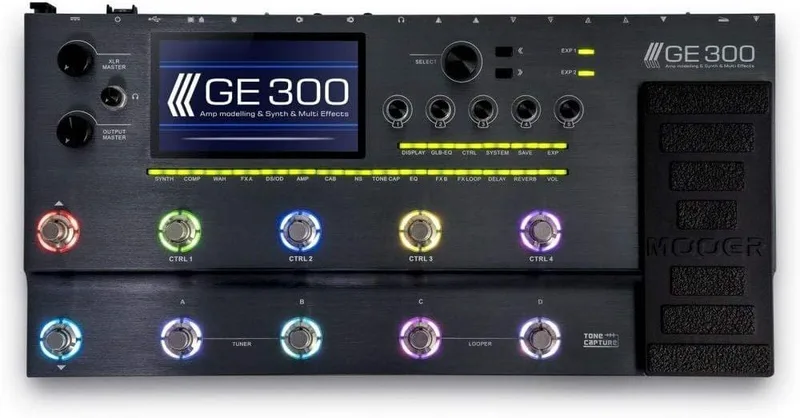
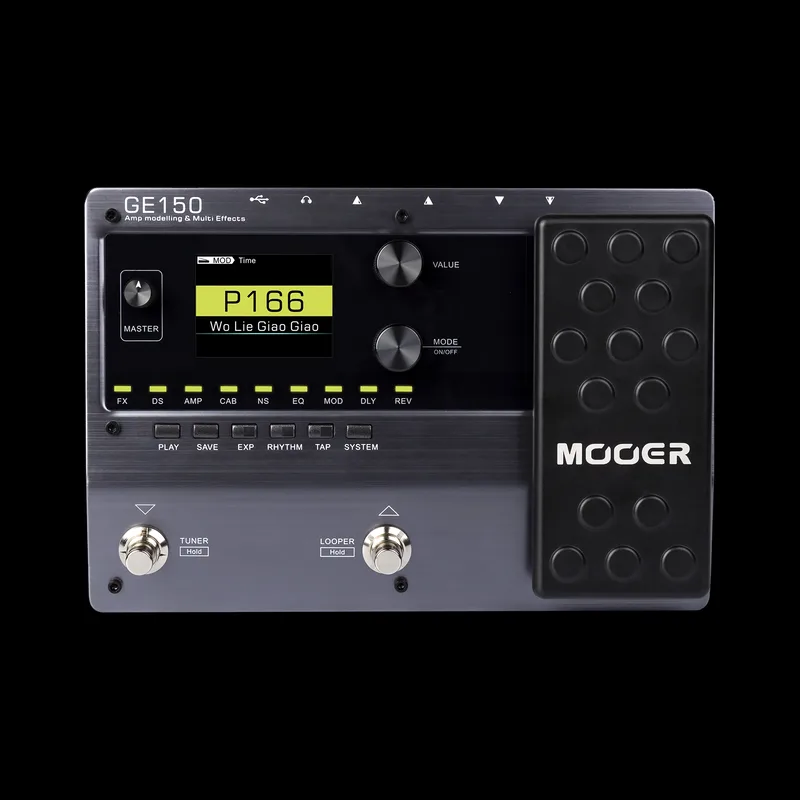
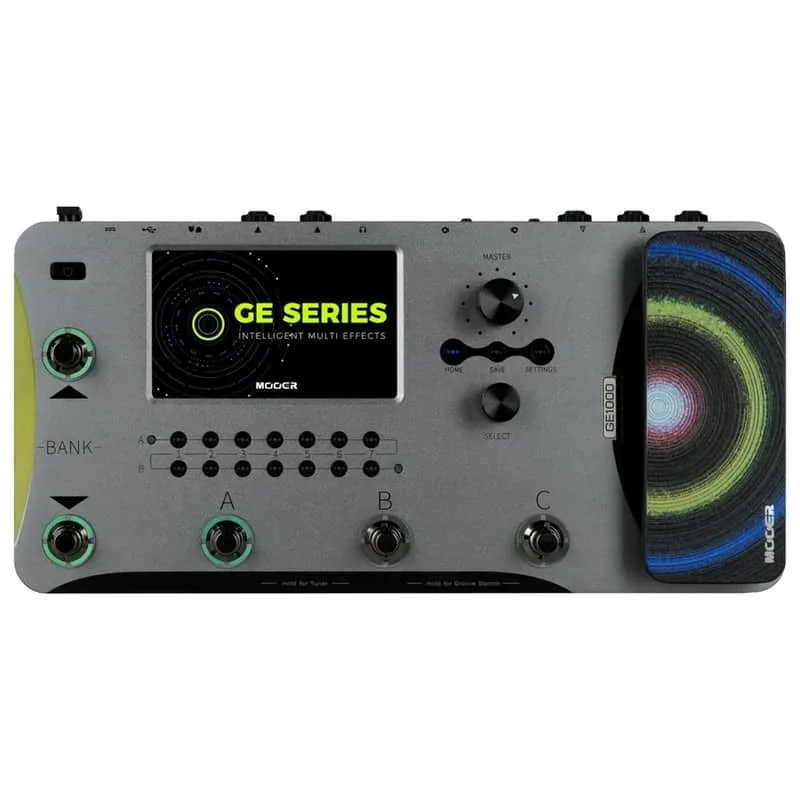
Out of the box, MOOER says "the P1's firmware is optimized for electric and bass guitar"1. For bass players specifically, the unit carries 73 built-in bass guitar effects, dual effect chains for bass guitar, and 10 classic bass guitar amplifier models1. If you want more processing power in the same family, MOOER's larger GE300, GE150 and GE1000 floor units cover the full multi-effects range.
Videos
MOOER Audio
MOOER Audio
MOOER Audio
Questions
Is the Mooer Prime P1 for guitar or bass?
Both. MOOER says the P1's firmware is optimized out of the box for electric and bass guitar. For bass players it carries 73 built-in bass guitar effects, dual effect chains, and 10 classic bass guitar amplifier models, so it can sit in a bass rig as well as a guitar one.
Does the Mooer Prime P1 run on a battery?
Yes. It has a built-in lithium battery that MOOER rates for up to 4.5 hours of use, and the unit can also be charged from a mobile phone power bank. Charging takes approximately 2.5 hours at a 5V 1A requirement through the USB-C port.
Can the Mooer Prime P1 be used as a USB audio interface?
Yes. The USB-C port handles charging and also works as an OTG recording interface, so the P1 can pass audio into a phone or computer over the same cable used to charge it. A USB cable is included in the box.
What does the Prime App do?
The free Prime App for iOS and Android is how you customize your own presets and load up to four tones (A/B/C/D) at once on the P1. MOOER says the app also comes loaded with essential musician tools, including a tuner, metronome, drum machine, and looper.
Does the Mooer Prime P1 have Bluetooth?
Yes, for audio. MOOER lists Bluetooth: Audio on the P1's specification, and the Bluetooth connection is also how you connect to customize your own presets and load up to four tones at once.
How big is the Mooer Prime P1?
MOOER lists the P1 at 83*42*31mm and a weight of 59g, which puts it in true pocket-sized territory rather than pedalboard territory.
Sources (1)
- PRIME P1_MOOER Audio, MOOER Audio