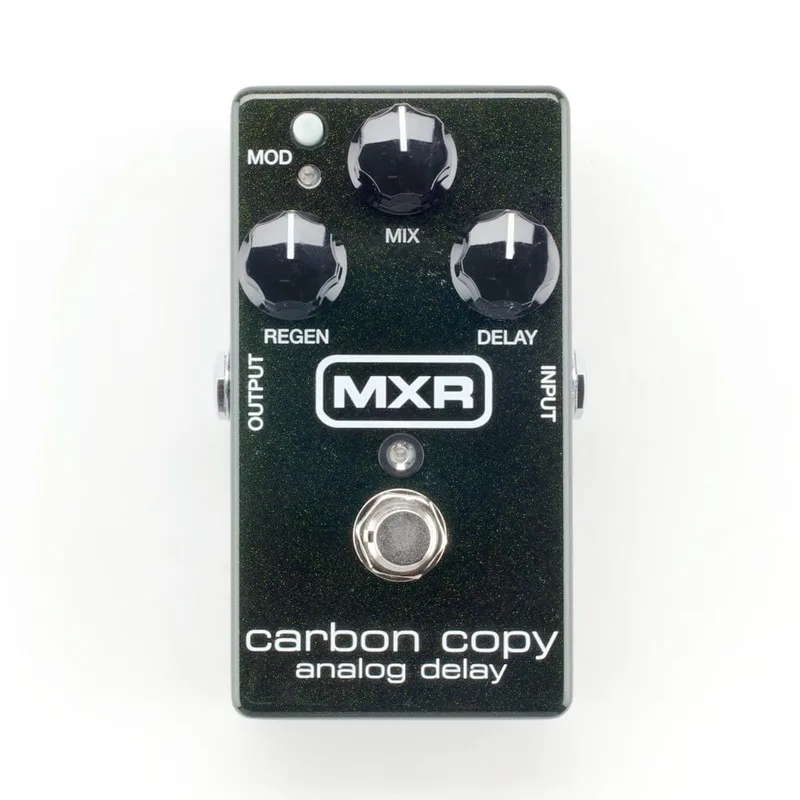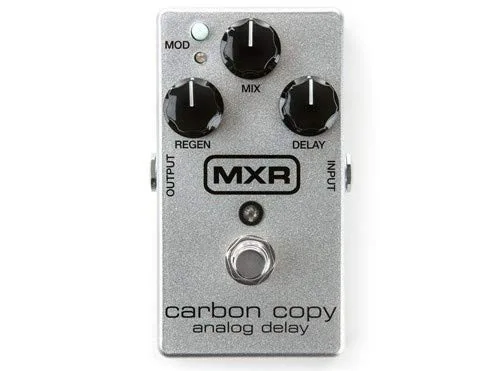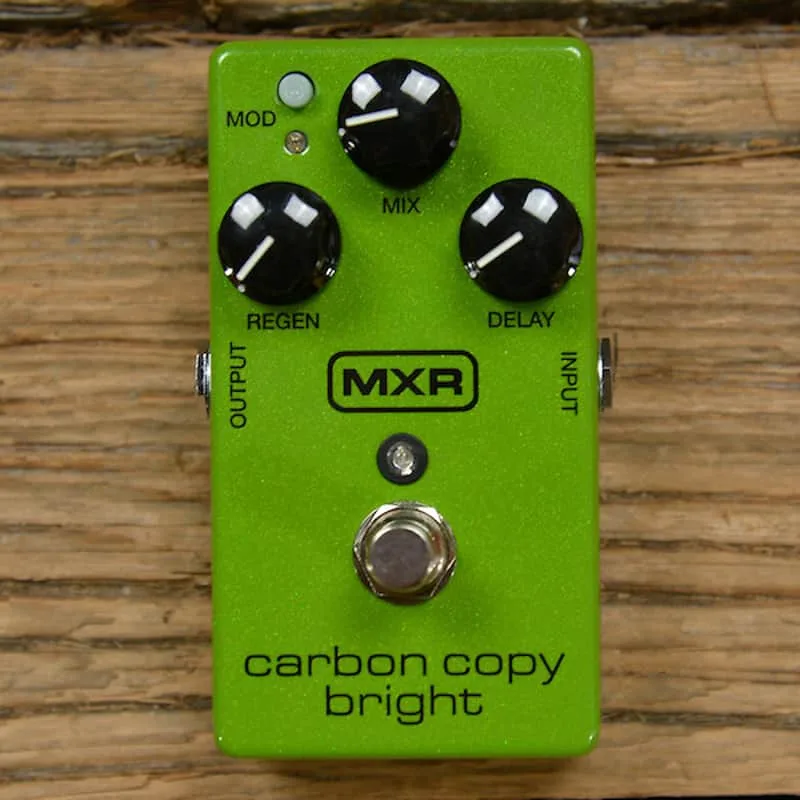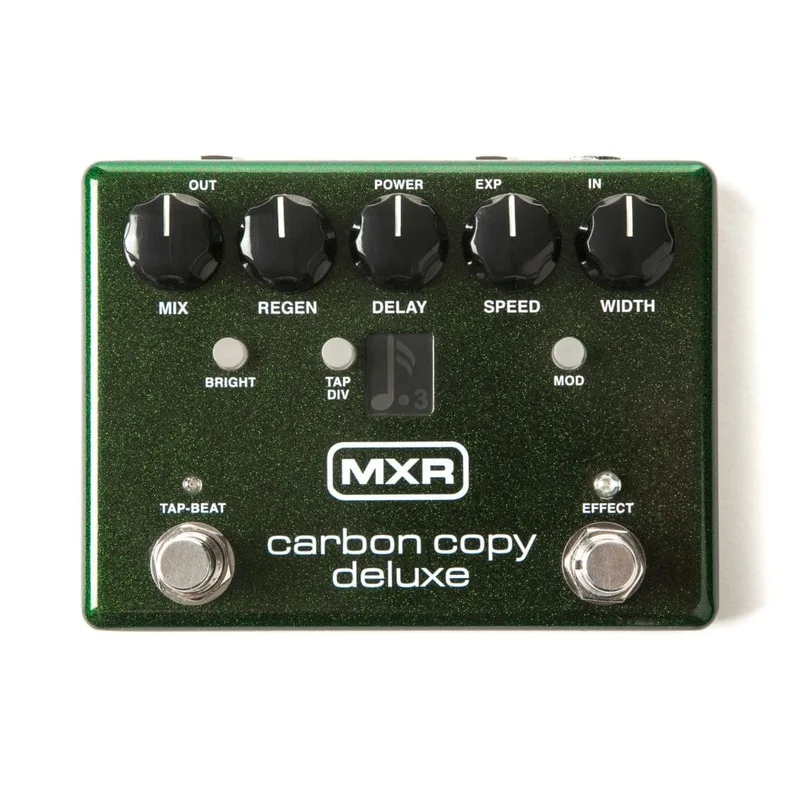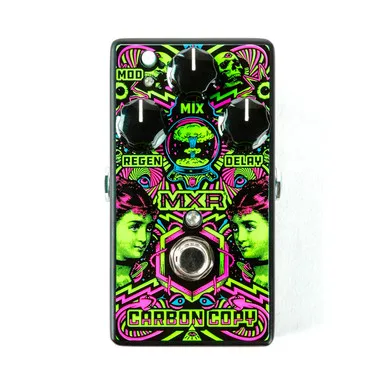

The MXR M292 Carbon Copy Deluxe Analog Delay is an analog delay pedal that updates the sound and operation of the respected Carbon Copy Delay with extended delay time and tap tempo functionality, according to MXR's manual1. It sits in MXR's Carbon Copy family alongside the original Carbon Copy, the Carbon Copy Mini, and the 10th Anniversary Carbon Copy, and it is listed on Dunlop's site at $245.99 USD as of 25 October 20262.
What it adds over the original Carbon Copy
The headline changes are the extended delay time and tap tempo. The TAP DIV switch cycles through four tap tempo subdivisions, shown on the LED screen: dotted 8ths, 8ths, Triplets, and 16ths1. The EXP jack takes either an expression pedal or an external tap switch. An external tap switch acts as a tap tempo control alongside the pedal's own TAP-BEAT switch, and when the pedal is programmed at power-up it can instead toggle between the A and B configurations or control the BRIGHT, TAP DIV, or MOD buttons1.
With an expression pedal connected, the pedal sweeps between the A and B setting configurations, which lets a player move between two saved delay sounds during a song. MXR notes that the MIX and REGEN knobs cannot be controlled with an expression pedal1.
The controls
| Control | What it does |
|---|---|
| DELAY knob | Sets delay time1 |
| REGEN knob | Sets number of repeats1 |
| MIX | Output level of the effect (not controllable by expression pedal)1 |
| SPEED knob | Controls rate of modulation effect1 |
| WIDTH knob | Sets width of modulation effect1 |
| TAP DIV switch | Cycles through tap tempo subdivisions, indicated by the LED screen1 |
| BRIGHT switch | Accentuates high end frequencies of the delay signal; red LED indicates on1 |
Two internal switches shape the pedal's response. The INPUT GAIN switch is factory set to the GTR position, which MXR says optimizes the pedal's performance for instrument-level input signals. The DRY switch is factory set to its ON position, which adds 100% of the unaffected dry signal to the output mix while the delay effect is on1.
The Bright switch and the delayed signal's tone
The BRIGHT switch is the pedal's tone control for the repeats. MXR's specifications put the bright setting at 1.5 kHz, +4.5 dB on the delayed signal, while the standard delayed signal is specified at 200 Hz, -3 dB1. In practice, that means the switch lifts the top end of the echoes, which analog delays tend to darken as they repeat.
Power
The Carbon Copy Deluxe Delay is powered by a 9-volt battery, a Dunlop ECB003 9-volt adapter, or the Dunlop DC Brick and Iso-Brick power supplies1. Current draw is 22 mA with all selectable LEDs off and the Delay control clockwise to 9 o'clock, and 44 mA with all selectable LEDs on and the Delay control at 9 o'clock counterclockwise1.
Current draw varies with the pedal's LED state, from 22 mA to 44 mA1. A battery works, but on a shared daisy-chain supply make sure the outlet has enough current headroom for the pedal's upper draw.
Videos
Gear4music Guitars
Questions
Does the MXR Carbon Copy Deluxe take a battery?
Yes. According to MXR's manual, the Carbon Copy Deluxe Delay is powered by a 9-volt battery, a Dunlop ECB003 9-volt adapter, or the Dunlop DC Brick and Iso-Brick power supplies. Current draw runs from 22 mA with the selectable LEDs off to 44 mA with all selectable LEDs on, so a standard 9V center-negative supply with enough headroom covers it.
Is the Carbon Copy Deluxe true bypass?
Yes. MXR's manual lists the pedal's bypass type as True Hardwire, so when the effect is off, your guitar's signal passes through without the delay circuit in the way.
Can you use an expression pedal with the Carbon Copy Deluxe?
Yes. The EXP jack accepts an expression pedal, which sweeps between the pedal's A and B setting configurations. MXR notes that the MIX and REGEN knobs cannot be controlled with an expression pedal. An external tap switch can also be connected to the same jack instead.
What does the Bright switch do on the Carbon Copy Deluxe?
The BRIGHT switch accentuates the high end frequencies of the delayed signal, with a red LED showing when it is on. MXR's specifications put the bright setting at 1.5 kHz, +4.5 dB on the delayed signal, against a 200 Hz, -3 dB point for the standard delayed signal.
Sources (2)
- M292.pdf, Jim Dunlop (jimdunlop.com/mxr), 2019
- MXR® ILOVEDUST CARBON COPY® ANALOG DELAY, Dunlop (jimdunlop.com)