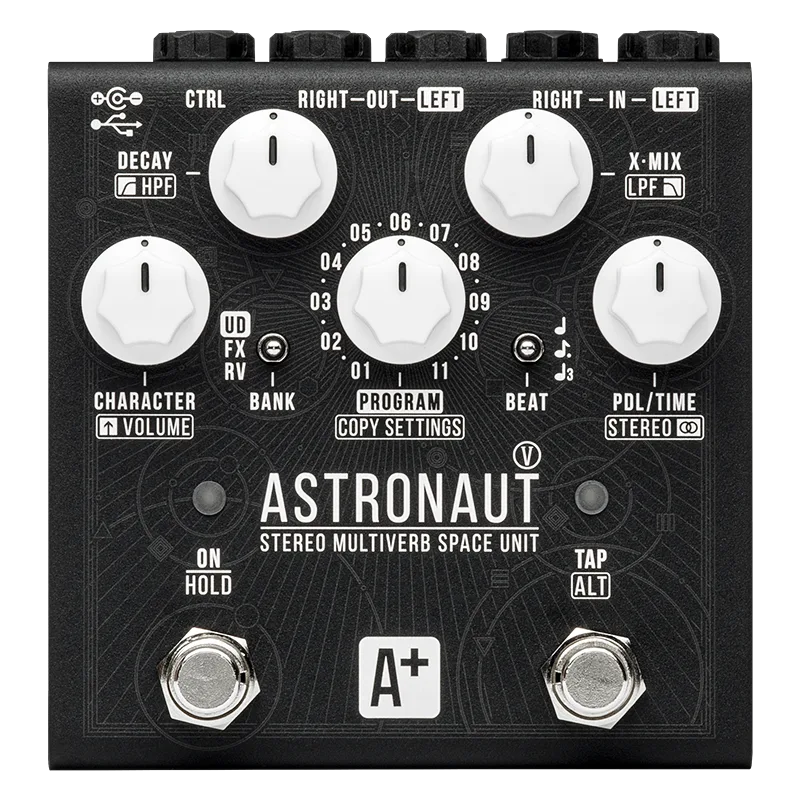


The Shift Line Astronaut V is a reverb pedal with MIDI and USB setup, built around 33 stored programs. Shift Line describes the A+ Astronaut V as the newest addition to the Astronaut space reverb family, with algorithms from previous versions reworked for the new processor1. As the maker's own support article puts it, the pedal "can do anything from traditional reverb sounds to complex soundscapes, effects and arpeggios"1.
Where it sits in the Astronaut family
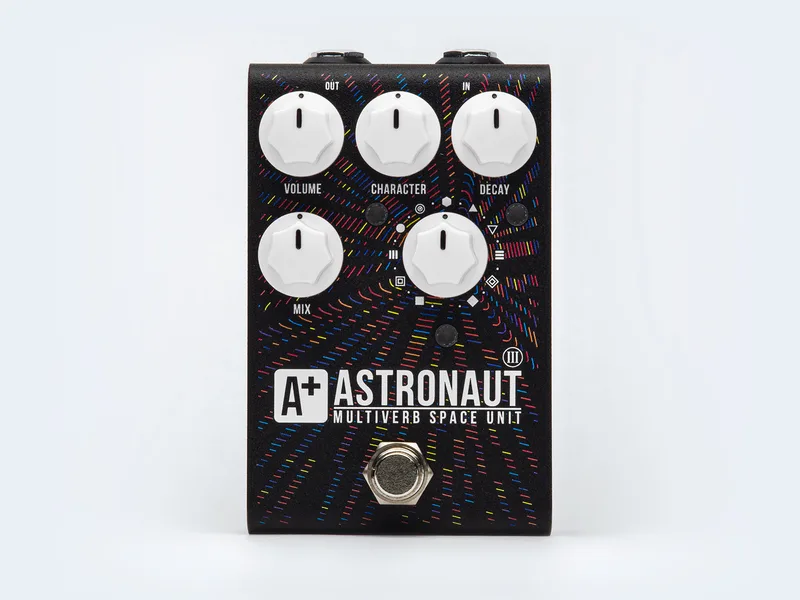
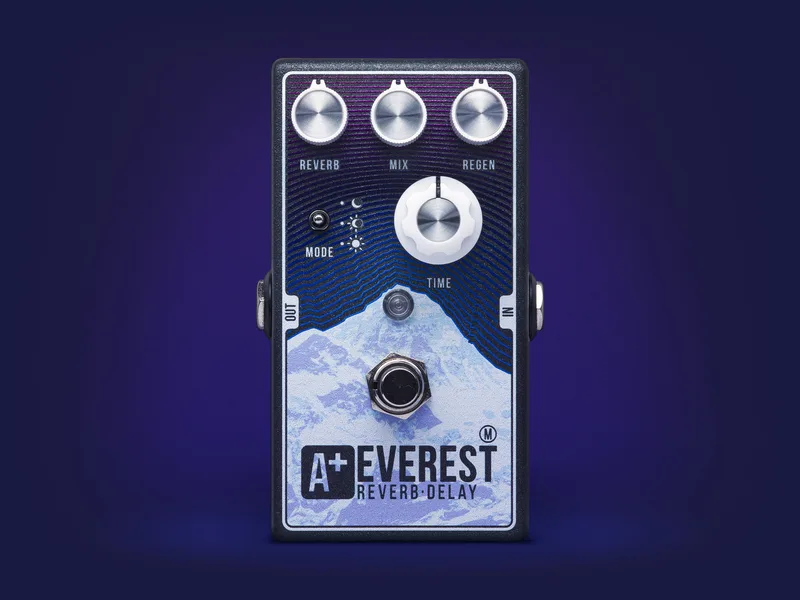
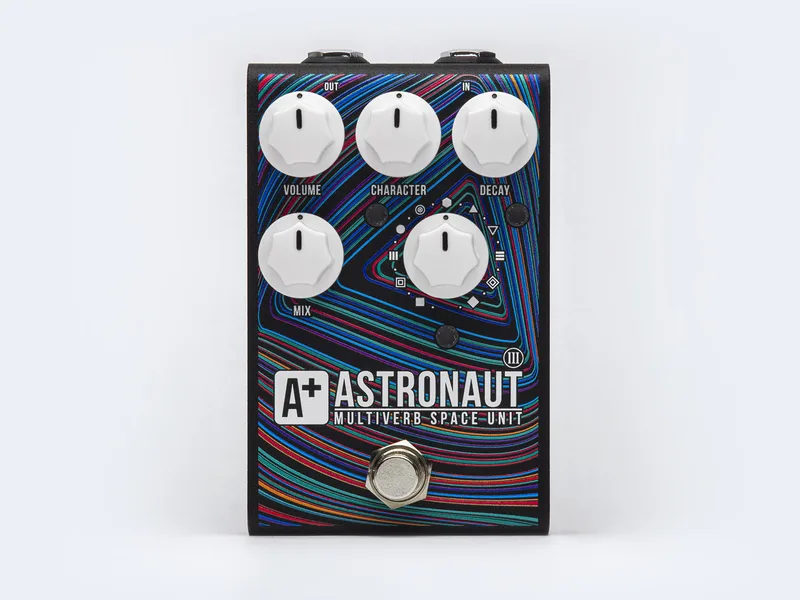
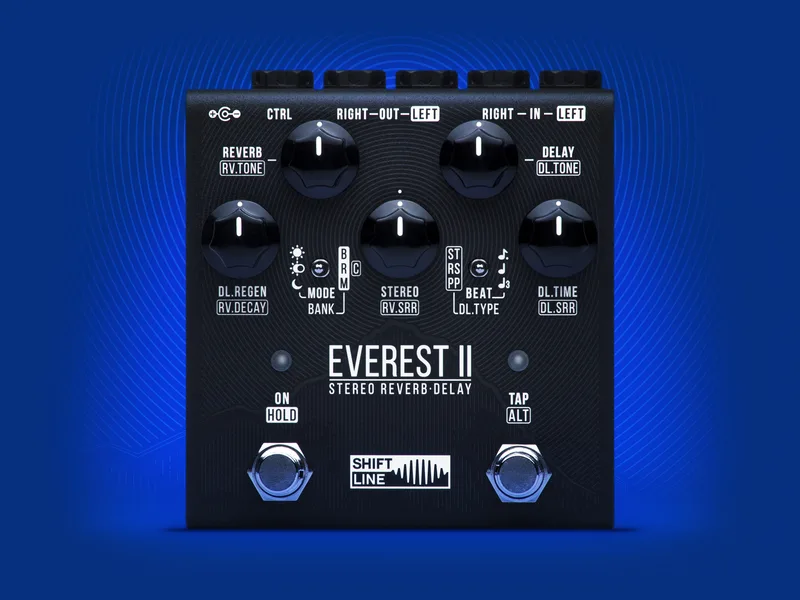
The Astronaut line is Shift Line's space reverb family, and the V is its newest member1. Players who know the earlier generation can compare it with the Shift Line Astronaut III Ribbons, the Shift-Line A+ Astronaut III and the Shift Line A+ Astronaut III Fireworks. The maker also builds the stereo Shift Line Everest II reverb and delay. When the Astronaut V was announced, Gearnews' Jef described it as "a collection of 33 presets that you can tweak and make your own"3.
Setup Mode
Setup Mode is where the Astronaut V's deeper configuration lives, and it is entered in an unusual way: connect the power to the pedal while holding down the TAP/ALT footswitch. Both LEDs glow purple for 5 seconds to confirm you are in2.
All settings are divided into three pages, selected with the BANK switch2:
| BANK switch position | Setup page |
|---|---|
| UP | Global Setup |
| CENTER | MIDI Setup |
| DOWN | Expression Pedal Setup |
To save your changes and leave Setup Mode, press and hold the ON footswitch for over 5 seconds2.
A factory reset is also done from Setup Mode: press and hold the ON/HOLD and TAP/ALT footswitches until both LEDs light up in red. This formats the internal memory2.
MIDI control
The pedal accepts 33 MIDI PC messages, numbered 0 to 32, matching the 33 programs in its memory2. MIDI channel selection is tied to the front panel: the PROGRAM knob's 11 positions correspond to MIDI channels 1 to 11, and channel 1 is selected by default. Channels 12 to 16 can only be set through the USB config file2.
USB setup and the config file
The Astronaut V has a USB Type C port, located above the power input, for connecting the pedal to your computer. It requires a USB 2.0 or better port, and no cable is included2. The pedal appears as a flash drive containing an AFXSETUP folder with a USER.SET config file, which Shift Line describes as "a set of configurations which the pedal accepts to edit its programs." The file can be edited in any text editor: parameters begin with "#" and only numeric values can be changed2.
Deleting the config file does not wipe your sounds. Any programs saved in the pedal's memory remain there2.
Expression pedal
An expression pedal connects to the CTRL input and needs calibrating before use. The procedure from the maker's support article2:
- Plug the pedal into the CTRL input and set it to its maximum position.
- Set the BEAT switch UP and press the ALT footswitch.
- Set the pedal to its minimum position with the BEAT switch DOWN.
- The ALT LED flashes green/blue to confirm the expression pedal has been successfully calibrated.
As for which pedals suit it, Shift Line states that expression pedals with resistances of 10 or 25 kOhm with a TS (mono) connection work best with the pedal. Pedals with 10 to 25 kOhm TRS connections also work, but with a less linear response curve2.
Videos
Nikita Demchenko
Harp Lady
Brett Kingman
Questions
How do I enter Setup Mode on the Shift Line Astronaut V?
Connect power to the pedal while holding down the TAP/ALT footswitch. Both LEDs glow purple for 5 seconds, which confirms the pedal is in Setup Mode. Settings are divided into three pages selected with the BANK switch: UP for Global Setup, CENTER for MIDI Setup and DOWN for Expression Pedal Setup. To save and exit, press and hold the ON footswitch for over 5 seconds.
How many MIDI program changes does the Astronaut V accept?
The pedal accepts 33 MIDI PC messages, numbered 0 to 32, matching the 33 programs stored in its memory. The PROGRAM knob's 11 positions correspond to MIDI channels 1 to 11, with channel 1 selected by default. Channels 12 to 16 can only be reached through the USB config file.
What expression pedal works with the Astronaut V?
Shift Line states that expression pedals with resistances of 10 or 25 kOhm with a TS (mono) connection work best with the pedal. Pedals with 10 to 25 kOhm TRS connections also work, but with a less linear response curve. Any pedal you connect needs calibrating through the Expression Pedal Setup page.
How do I save and exit Setup Mode?
Press and hold the ON footswitch for over 5 seconds. The pedal saves your settings and leaves Setup Mode. Programs already saved in the pedal's memory remain there, even if you later delete the config file from the flash drive.
What does the USB port on the Astronaut V do?
The USB Type C port, located above the power input, connects the pedal to your computer and requires a USB 2.0 or better port; no cable is included. The drive holds an AFXSETUP folder with a USER.SET config file you can edit in any text editor. Parameters begin with "#" and only numeric values can be edited.
Sources (3)
- A+ Astronaut V by Shift Line, RockBoard (www.rockboard.de), 2026
- A+ Astronaut V, shift-line.com, 2026
- Guitar Gear Gems: Incinerator fuzz & Astronaut V space reverb, gearnews.com, 2022-07-26