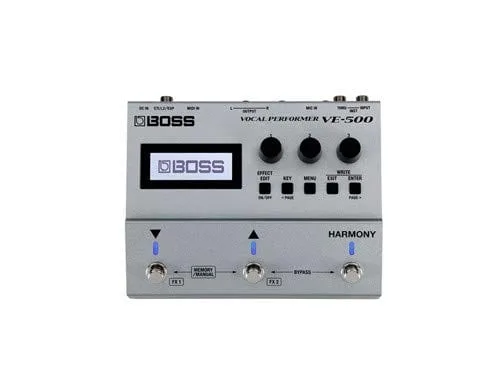


The Boss VE-500 Vocal Performer is a vocal effects processor built in a stompbox format, designed to sit on a pedalboard alongside guitar pedals rather than on a mic stand. Boss describes it as "a professional vocal toolkit that lets you process your voice any way you like"1. Its headline feature is automatic vocal harmony: it detects the chords and key you play on your guitar and generates smooth, natural two- and three-part harmonies in real time1.
For a singing guitarist, the appeal is that one unit handles both sides of the performance. Your guitar plugs into the instrument input to drive the harmony, pitch and vocoder functions, while your voice is processed and sent to the PA. A Thru output feeds an unprocessed guitar signal to the rest of your pedalboard, and stereo XLR outputs carry the vocal signal to a PA mixer, stage monitor or recording device1.
What the VE-500 does
The VE-500 covers the vocal effects a singing player needs on stage: harmony, pitch correction and vocoder functions, all driven by the guitar signal at the instrument input1. Harmony and pitch can also be driven externally via MIDI, through either the VE-500's MIDI input or its USB input1.
Sounds are created and recalled from the large display and panel knobs and buttons, and finished sounds can be saved to any of the 99 user patch locations for instant recall while performing1. Three panel knobs can be assigned to your favorite parameters for on-the-go tweaks, and three integrated footswitches handle patch selection, individual effects on/off, harmony and looper functions, and more1.
| Control | What it does |
|---|---|
| Three footswitches | Patch selection, individual effects on/off, harmony and looper functions, and more1 |
| Three panel knobs | Assignable to favorite parameters for on-the-go tweaks1 |
| Large display and panel buttons | Creating and calling up sounds1 |
| Instrument input | Guitar connection that drives harmony, pitch and vocoder functions1 |
| Thru output | Feeds an unprocessed signal to your other pedals1 |
| Stereo XLR outputs | Feed the PA mixer, stage monitor or recording device1 |
How it knows what key you are playing in
The harmony engine works from your guitar. Plug into the instrument input and the VE-500 detects the chords and key you are playing, then generates two- and three-part harmonies in real time that follow your changes1. Players who prefer to drive harmony from a fixed source can instead use MIDI, through the MIDI or USB inputs1.
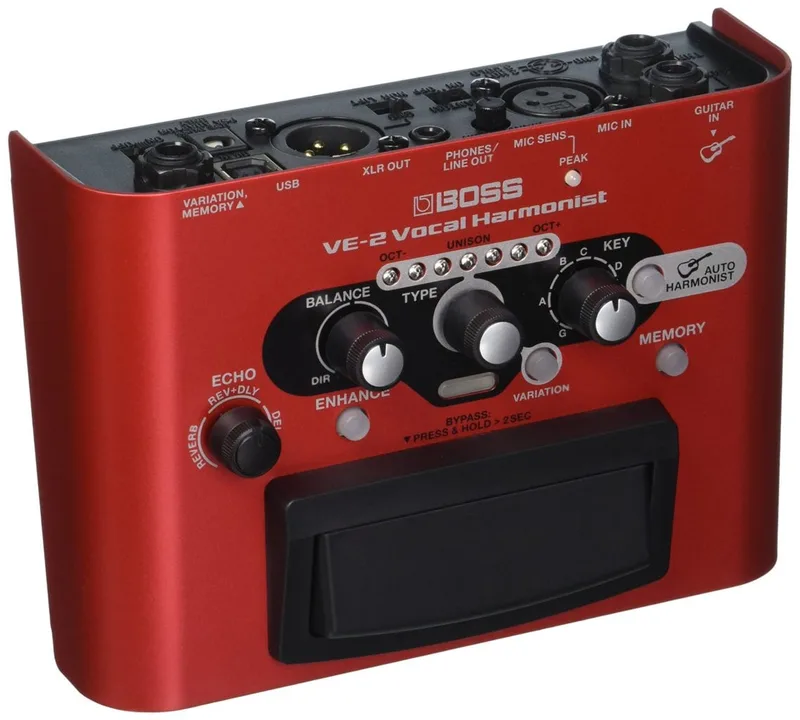
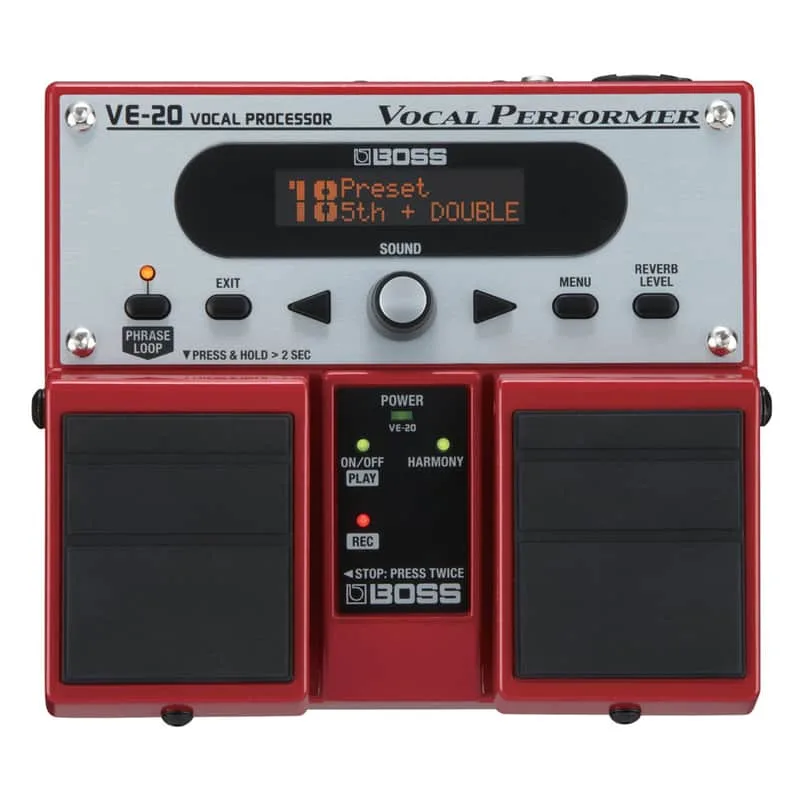
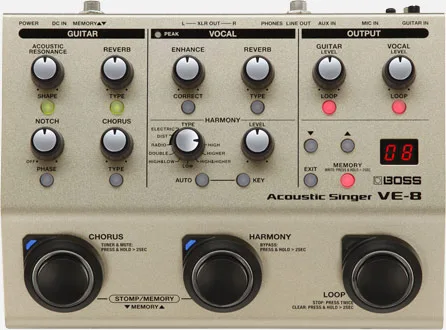
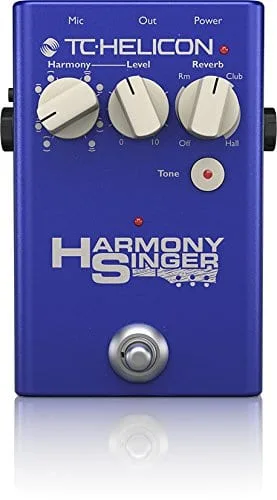
This is the same basic approach Boss uses across its vocal line, including the Boss VE-2 Vocal Harmoist, the Boss VE-20 Vocal Performer and the Boss VE-8, and it is the approach TC Helicon takes on pedals like the TC Helicon Harmony Singer 2. The VE-500's difference is the pedalboard-first format and the routing flexibility of its Thru and XLR outputs1.
Firmware and updates
The current system program is Ver.1.10, released in January 2025. It changed the AUTO OFF specification: the values that can be set are OFF, 20MIN and 10HRS, and the default value was changed to 20MIN (20 minutes)3.
Later updates include Ver.1.07, which made it possible to select all patches by knob operation regardless of the PATCH EXTENT setting (PATCH MIN or PATCH MAX), and fixed a bug where LEAD FX failed to function correctly when the routing LOCATION for LOOP was MIC IN3. Ver.1.10 changed the values that can be set for AUTO OFF to OFF / 20MIN / 10HRS, and changed the default value to 20MIN (20 minutes)3.
Checking your firmware version
Hold down the EXIT button and insert the AC adaptor's connection plug into the DC IN jack. The current system version is displayed3.
Updating the firmware
- Download the system program from Boss. The Ver.1.10 update is distributed as ve500_sys_v110.zip, which contains a ve500_sys_v110 folder with VE500ROM.BIN and ROMINFO.TXT3.
- Hold down the EFFECT EDIT and ENTER buttons and insert the AC adaptor's connection plug into the DC IN jack3.
- Copy VE500ROM.BIN and ROMINFO.TXT to the BOSS_VE500 drive3.
- Press EFFECT EDIT to run the update3.
A Windows driver, VE-500 Driver Ver.1.0.0, is also available for the pedal4.
Boss has confirmed that for some products, the Windows 10 driver is not automatically downloaded even when the computer is connected to the Internet. If the driver does not install on its own, download it from Boss's support pages5.
Videos
BOSSchannel
BOSSchannel
BOSSchannel
Questions
How does the Boss VE-500 know what key I'm playing in?
You plug your guitar into the VE-500's instrument input. The pedal detects the chords and key you are playing and generates smooth, natural two- and three-part vocal harmonies in real time from that information. Harmony and pitch functions can also be driven externally via MIDI, using either the VE-500's MIDI input or its USB input.
Can the VE-500 go on a pedalboard with my guitar pedals?
Yes. The VE-500 is built in a stompbox configuration that Boss says makes it simple to integrate with any pedalboard. A Thru output feeds an unprocessed signal to your other pedals, while stereo XLR outputs carry the processed vocal signal to a PA mixer, stage monitor or recording device.
How do I update the Boss VE-500 firmware?
Download the system program from Boss, open the zip file on your computer to get VE500ROM.BIN and ROMINFO.TXT, then hold down the EFFECT EDIT and ENTER buttons while inserting the AC adaptor plug into the DC IN jack. Copy the two files to the BOSS_VE500 drive that appears and press EFFECT EDIT to run the update.
How do I check which firmware version my VE-500 has?
Hold down the EXIT button and insert the AC adaptor's connection plug into the DC IN jack. The current system version is shown on the display. The most recent system program is Ver.1.10, released in January 2025.
How many presets does the VE-500 hold?
The VE-500 has 99 user patch locations. Boss describes saving a sound to one of these locations for instant recall while performing. Since system program Ver.1.07, all patches can be selected by knob operation regardless of the PATCH EXTENT setting.
Does the VE-500 have a looper?
Yes. The three integrated footswitches cover a multitude of functions, including patch selection, individual effects on/off, harmony functions and looper functions. The Ver.1.07 firmware fixed a bug where LEAD FX failed to function correctly when the routing location for LOOP was set to MIC IN.
Sources (5)
- BOSS - VE-500 | Vocal Performer, BOSS (boss.info)
- BOSS - Support - VE-500 - Updates & Drivers, BOSS (boss.info)
- BOSS - Support - VE-500 - Updates & Drivers, BOSS (boss.info), 2025-01
- BOSS - Support - VE-500 - Updates & Drivers, BOSS (boss.info)
- BOSS - Support - VE-500 - Support Documents, Boss (boss.info)