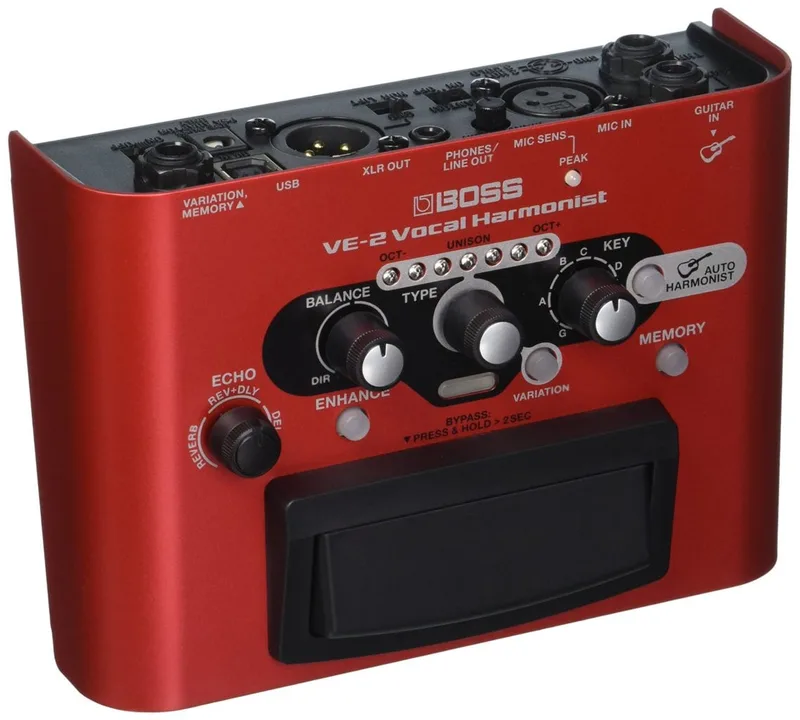


The Boss VE-2 Vocal Harmoist is a vocal effects pedal from Boss made for singing guitarists. Its main job is generating vocal harmony: plug your guitar and a mic into it, and the Auto Harmony function detects the chords and key you are playing and generates harmony vocals automatically, so a single singer can sound like a group without programming anything1.
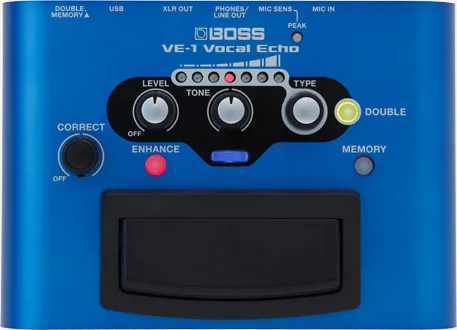
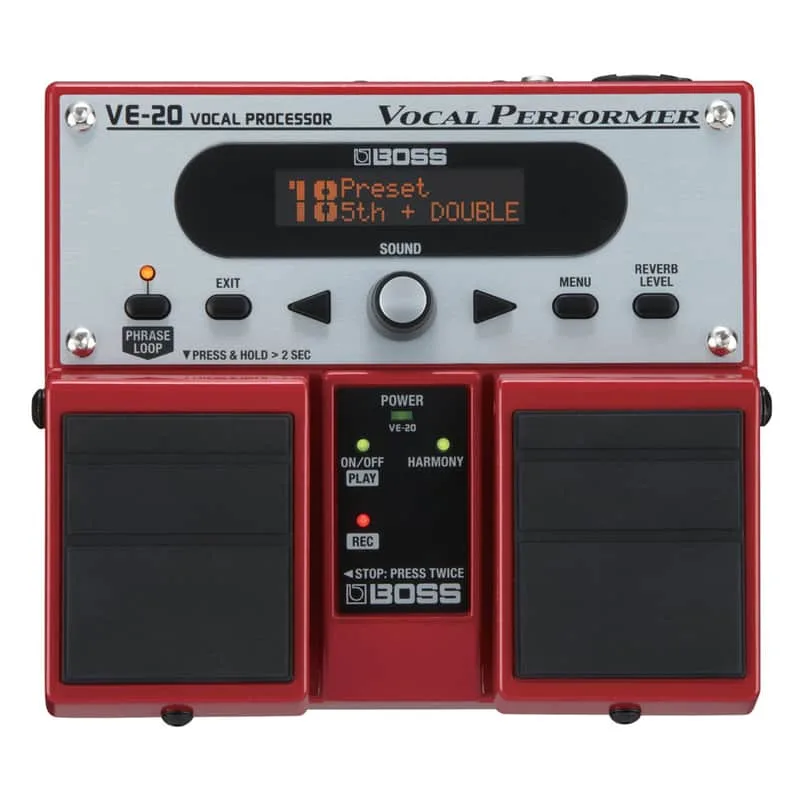
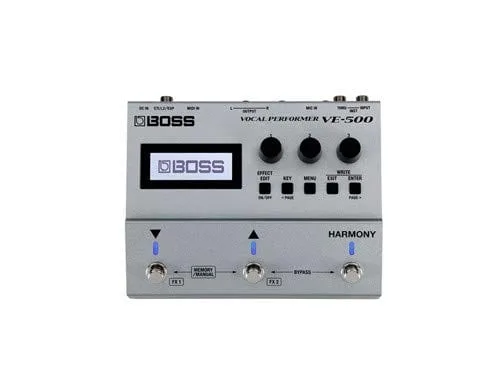
Alongside harmony, the VE-2 handles the rest of a singer's basic chain. An Enhance button evens out your vocals, an Echo section adds reverb, delay, or a mix of both, and the whole thing connects to a computer over USB for recording1. It sits in Boss's vocal line between the simpler Boss VE-1 and the larger Boss VE-20 Vocal Performer and Boss VE-500 Vocal Performer units.
Harmony that follows your guitar chords
The VE-2's headline feature is Auto Harmony. Boss describes it this way: "When you connect your guitar to the VE-2, the Auto Harmony function detects the chords and key you play and automatically generates the right harmony as you sing"1. For a player who sings and plays at the same time, this means no stopping to set a key between songs, and no harmony clashing with a chord change mid-song.
There are 12 harmony types to choose from, each with a variation setting that incorporates more voices, and they are selected with a dedicated Harmony type knob on the panel1.
If you are not playing guitar, or the song changes key in ways the guitar does not cover, the VE-2 gives you two other ways to work123:
| Mode | How it works |
|---|---|
| Auto Harmony | Detects chords and key from a connected guitar and generates harmony automatically1 |
| Manual | You set the song's key yourself with a panel knob3 |
| Hybrid | Follows both the guitar chord progression and the current manual setting, with the manual setting taking over when the guitar chords drop out2 |
Hybrid mode is the flexible option for a singer-guitarist whose arrangement leaves gaps in the guitar part: the harmony tracks your chords while you play, and falls back to the key you set on the panel when you stop2.
Controls and sounds
The panel is built around a few dedicated knobs and buttons rather than menus451:
- Harmony type knob: selects one of the 12 harmony types1
- Key knob: sets the song's key manually3
- Enhance button: one press evens out your vocals for a more refined, studio-type sound; a second press adds subtle pitch correction for stable harmony1
- Echo knob: the Echo section provides reverb, delay, or a mix of both, adjustable with a dedicated knob1
- Multi-function footswitch: turns harmony on and off, or bypasses the VE-2's sound entirely, while you perform1
The pitch correction here is deliberately light. Boss positions the second press of the Enhance button as adding "some subtle pitch correction for stable harmony"5, not as an autotune-style effect.
You can save three favorite sounds in onboard memories and recall them at the touch of a button1, which is enough for a set with a few different harmony setups but far fewer than the patch-based VE-500.
Connections and recording
The XLR input accepts a variety of professional microphone types, including studio-level condenser mics that require phantom power1, so a condenser can be used without a separate supply.
Over USB, the VE-2 works as a computer audio interface, and its Loopback function mixes audio playback from the computer with the mic sound. Boss's stated use for this is recording sing-alongs with backing tracks and karaoke tunes2.
Driver support is dated. The Mac driver is Ver.1.0.2 for macOS 10.13 and 10.14 only, for an Apple Mac series computer with on-board USB, and Mac computers running Microsoft Windows are not supported6. If the driver is already installed under macOS High Sierra (macOS 10.13), reinstalling it is not necessary, and during installation under macOS Mojave (macOS 10.14) the message "for macOS 10.13" may appear even though the software works without problem6. Boss also notes that for some products the Windows 10 driver is not automatically downloaded even when the computer is connected to the Internet, and directs users to install it manually7.
How it compares
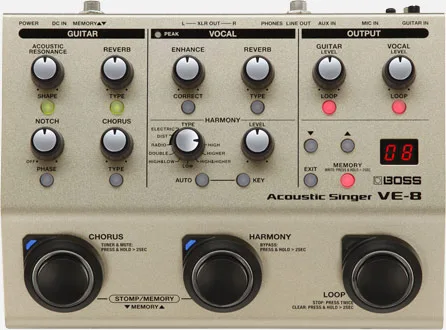
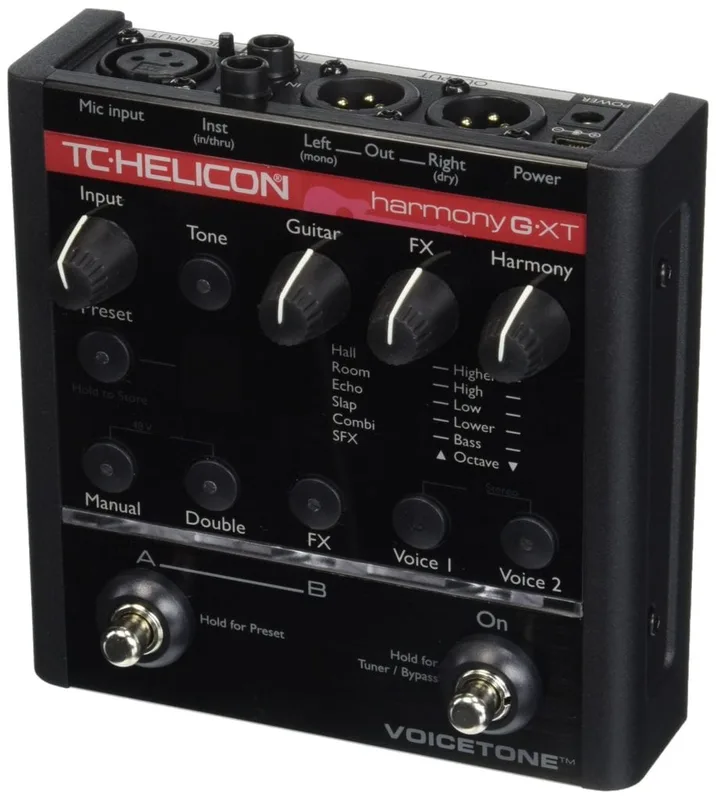
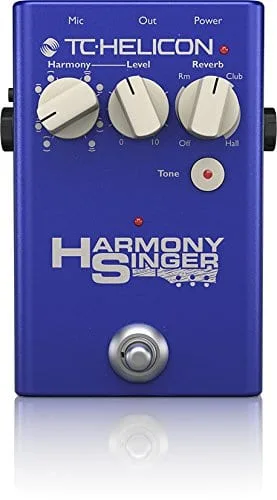
Within Boss's own vocal range, the VE-2 sits alongside the Boss VE-1, the Boss VE-20 Vocal Performer, and the Boss VE-8 Acoustic Singer, and outside Boss it shares guitar-controlled vocal harmony territory with the TC Helicon Harmony-G XT, the TC Helicon Harmony Singer 2, and the DigiTech Live Harmony. On the VE-2 itself, Hybrid mode stands out, which follows both the guitar chord progression and the current manual setting, with the manual setting taking over when guitar chords drop out2, plus the USB interface with the Loopback function for mixing computer audio playback with the mic sound, and phantom power on the XLR input for studio-level condenser mics2.
Videos
Andertons Music Co
Sweetwater
BOSSchannel
Questions
Does the BOSS VE-2 supply phantom power for condenser mics?
Yes. The XLR input accepts a variety of professional microphone types, including studio-level condenser mics that require phantom power, so you can plug in a condenser mic directly without a separate power supply.
How many harmony types does the BOSS VE-2 have?
The VE-2 offers 12 different harmony types, each with a variation setting that incorporates more voices. They are selected with a dedicated Harmony type knob on the panel.
Can the BOSS VE-2 do pitch correction?
Yes, in a subtle form. Pressing the Enhance button once evens out your vocals for a more refined, studio-type sound, and a second press adds subtle pitch correction to keep the harmony stable.
Can I use the BOSS VE-2 without a guitar?
Yes. Besides Auto Harmony, which needs a connected guitar, the VE-2 has a manual mode where you set the song's key with a panel knob, and a Hybrid mode that follows both the guitar and the manual setting.
Does the BOSS VE-2 work as a USB audio interface?
Yes. The VE-2 connects to a computer over USB, and its Loopback function mixes audio playback from the computer with the mic sound, which lets you record sing-alongs over backing tracks and karaoke tunes.
How many presets can the BOSS VE-2 save?
You can save three favorite sounds in the VE-2's onboard memories and recall them at the touch of a button.
Sources (7)
- BOSS - VE-2 | Vocal Harmonist, BOSS (boss.info)
- BOSS - VE-2 | Vocal Harmonist, BOSS (www.boss.info)
- BOSS - VE-2 | Vocal Harmonist, boss.info
- BOSS - VE-2 | Vocal Harmonist, Boss
- BOSS - VE-2 | Vocal Harmonist, BOSS (boss.info)
- BOSS - Support - VE-2 - Updates & Drivers, BOSS (boss.info)
- BOSS - Support - VE-2 - Support Documents, BOSS (boss.info)