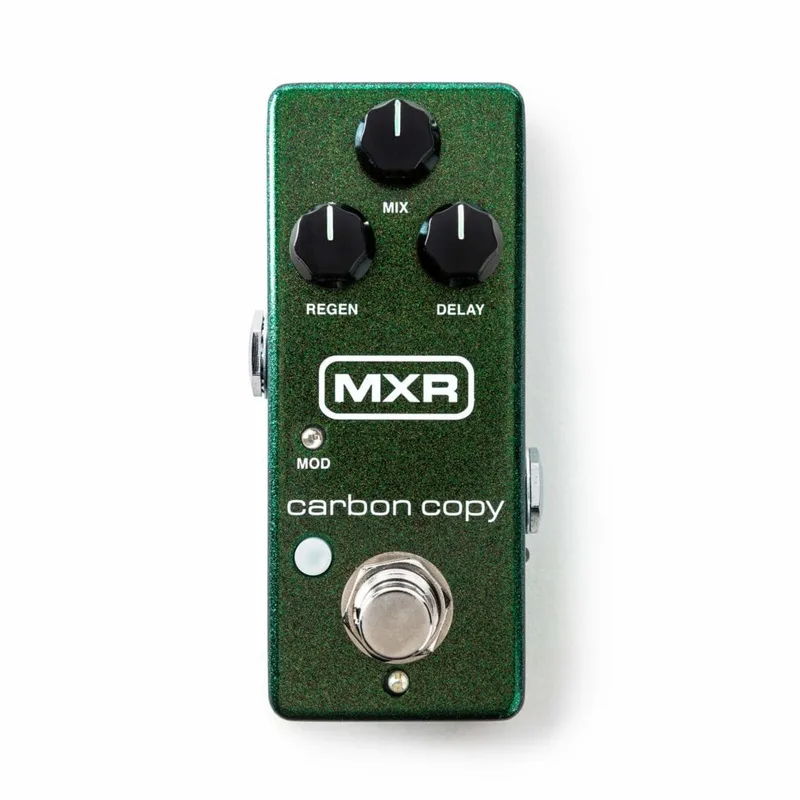

The MXR M299 Carbon Copy Mini Analog Delay is a compact analog delay pedal from MXR. It takes the sound and ease of use of the full-size Carbon Copy Analog Delay and fits it into an MXR mini housing, with what the manual calls "added sonic versatility so that you can make the most out of your pedalboard real estate"1. The signal path is analog and BBD-based, the same bucket-brigade approach as the original, delivering 600 ms of modulated repeats2.
In its default voicing, Sweetwater's demo team found it produces "the same dark, chewy repeats that launched the original Carbon Copy into pedalboard" fame, while a second Bright voicing opens up the high end for a wider range of styles2.
What it does: the Carbon Copy in a mini enclosure
The M299 exists for players who want the Carbon Copy's analog delay character without giving up much pedalboard space. Sweetwater's Nick Bhagat and Bryan Kehoe described it as capturing "all the mojo and versatility of the original Carbon Copy delay" in "a space-saving mini format"2. The core sound comes from a BBD-based analog signal path, the bucket-brigade device approach that gives analog delays their repeats, with 600 ms of modulated delay available2.
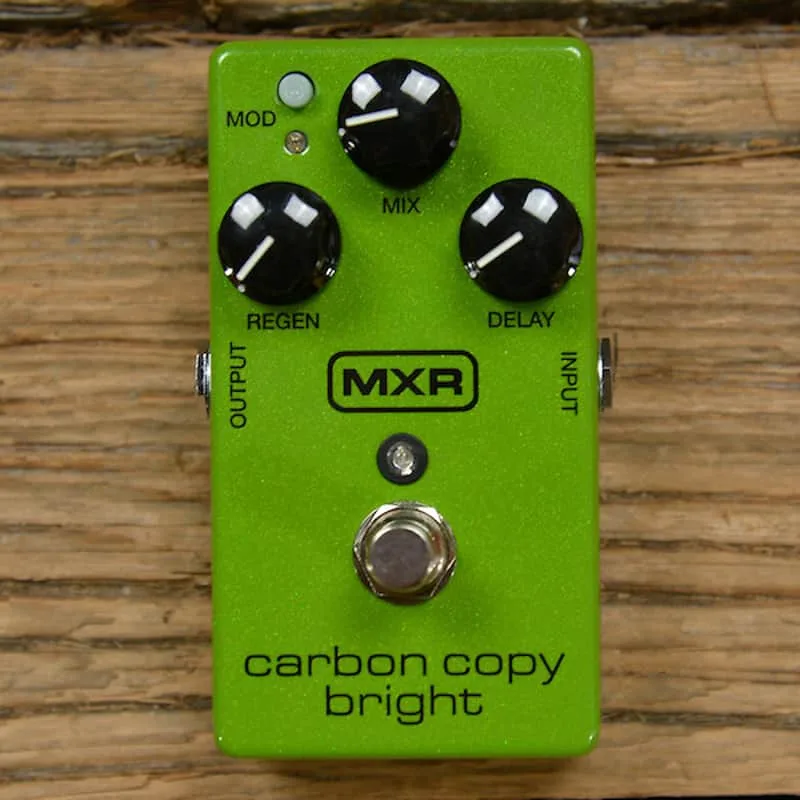
The main difference from the original Carbon Copy is the added Bright voicing. The original Carbon Copy has one voicing; the Mini has two, a default mode and a Bright mode, which Sweetwater's demo calls "expanded versatility courtesy of its two switchable voicings"2. The Bright switch itself was inspired by the Carbon Copy Bright, a variant of the full-size pedal2.
Controls and how to use them
The control set is simple: three knobs, two switches, and one footswitch1.
| Control | What it does |
|---|---|
| DELAY knob | Sets the time between repeats |
| REGEN knob | Sets the number of repeats |
| MIX knob | Controls the blend of wet and dry signals |
| MOD switch | Toggles modulation on/off (orange LED indicates on) |
| BRIGHT switch | Accentuates the delay signal's high end frequencies (blue LED indicates on) |
| FOOTSWITCH | Toggles effect on/bypass (blue LED indicates on) |
The Bright switch
The Bright switch gives the pedal its second voicing. MXR's manual describes it plainly: it accentuates the delay signal's high end frequencies, with a blue LED showing when it is engaged1. In Sweetwater's demo, engaging it "adds sparkle and definition to suit an even wider range" of playing situations2. For players who find the default Carbon Copy repeats too dark, this is the Mini's answer.
The modulation
The MOD switch toggles the modulation on and off, with an orange LED indicating when it is active1. The modulation is a subtle pitch wobble on the repeats, and its speed range runs from 0.2 Hz to 2.2 Hz1.
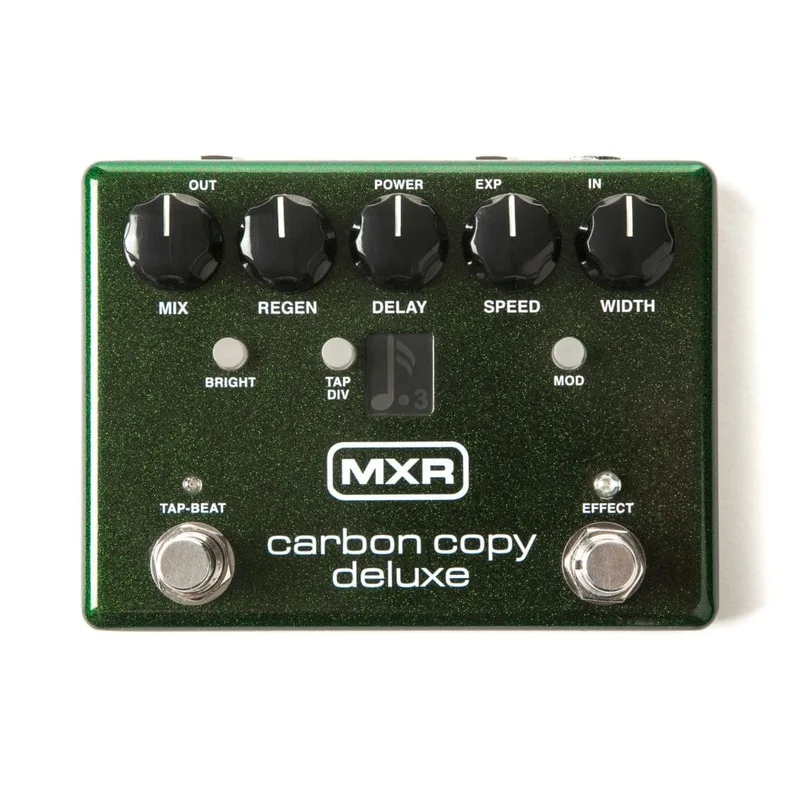
Adjusting the modulation character requires opening the pedal: the width and speed trimmers are internal, accessed by removing the bottom plate and turning them with a 3 mm slotted screwdriver1. This matches the original Carbon Copy's design, which also hides its Speed and Width controls inside the housing, as Dunlop's own product page for the original explains45. Players who want modulation controls on the outside would need to look at other pedals in the range, such as the Carbon Copy Deluxe.
Specifications
| Specification | Value |
|---|---|
| Delay time | 20 ms to 600 ms1 |
| Modulation speed | 0.2 Hz to 2.2 Hz1 |
| Input impedance | 1MΩ1 |
| Output impedance | 1kΩ1 |
| Max input level | +5 dBV, 500 Hz1 |
| Max output level | +8 dBV1 |
| Noise floor | -104 dBV (Mix at Max CCW), -96 dBV (Mix at Max CW)1 |
| Delay distortion | <1%, 1 kHz -5 dBV input1 |
| Noise reduction | 2:1 ratio1 |
| Bypass | True Hardwire1 |
Power
The M299 runs on 9 volts DC and draws 26 mA1. It is powered by the Dunlop ECB003 9-volt adapter or the DC Brick, Iso-Brick, and Mini Iso-Brick power supplies1.
The Carbon Copy Mini cannot be powered by a battery1. If you build small boards around battery-powered pedals, this one needs a power supply from the start.
What reviewers said
Sweetwater's demo video, presented by Nick Bhagat and Bryan Kehoe, is the main published video take on the M299. Beyond praising the default dark, chewy repeats and the Bright switch's added sparkle, they highlighted how the pedal behaves at its longest delay settings with the modulation engaged, noting how the repeats degrade musically rather than cleanly2:
"at how it kind of just kind of falls apart real nice to my ears it's real musical"2
Sweetwater's demo of the M299 Carbon Copy Mini highlights its BBD-based analog signal path and 600ms of modulated repeats, noting that in default mode it produces the same dark, chewy repeats as the original Carbon Copy2. The demo also covers how the long modulated delay settings behave, with the reviewer describing the way the repeats degrade as musical rather than harsh, suited to single notes and spacey sounds2.
They found this character suited single notes and spacey sounds at long delay times with modulation2. At the time of the demo, July 2019, the pedal was shipping2.
Where it sits in the Carbon Copy family
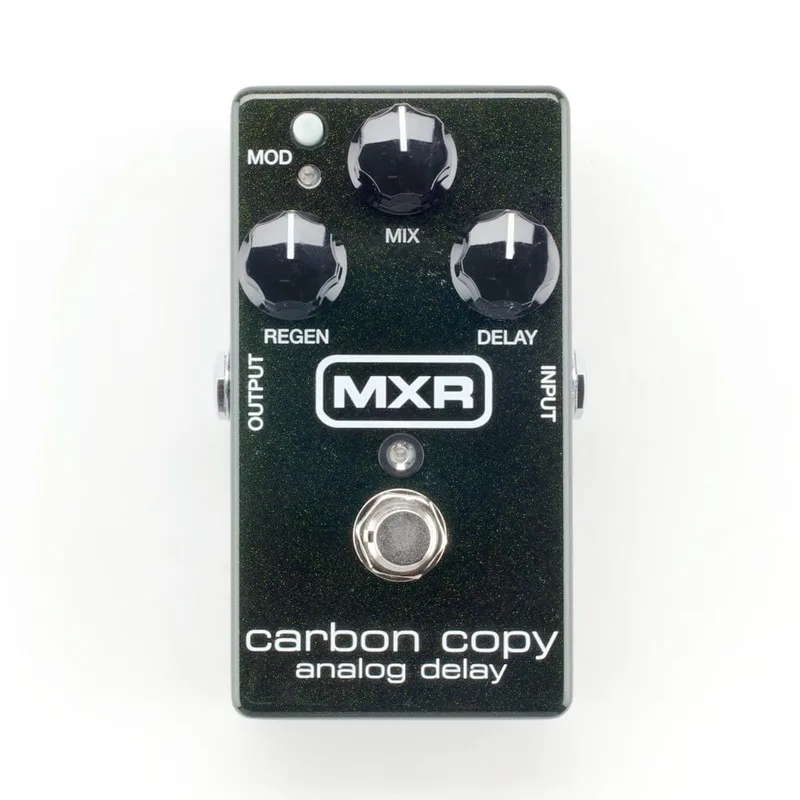
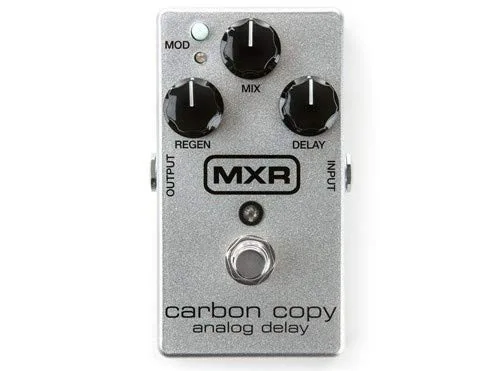
The M299 is one of several delays in MXR's Carbon Copy line. The original Carbon Copy Analog Delay (M169) is the full-size single-voicing pedal the Mini is based on, with the same internal modulation trimmers156. The Carbon Copy Bright is the full-size version with the brighter voicing that inspired the Mini's Bright switch2. The Carbon Copy Deluxe adds more control, and limited editions such as the 10th Anniversary Carbon Copy and the ILOVEDUST Carbon Copy round out the range3. The Mini's place in that lineup is specific: the smallest footprint, the original's default voicing, plus the Bright option.
Videos
Darpo Demos
Questions
What does the Bright switch do on the Carbon Copy Mini?
The Bright switch accentuates the delay signal's high end frequencies, with a blue LED showing when it is on. Sweetwater's demo describes it as adding sparkle and definition, and says the voicing was inspired by the Carbon Copy Bright. It gives the pedal two switchable voicings: the darker default sound and the brighter one.
How do you adjust the modulation on the Carbon Copy Mini?
The MOD switch toggles the modulation on and off, with an orange LED showing when it is active. The modulation's width and speed are set by internal trimmers: you remove the bottom plate and adjust them with a 3 mm slotted screwdriver. The modulation speed range is 0.2 Hz to 2.2 Hz.
Is the Carbon Copy Mini true bypass?
Yes. The MXR manual lists the bypass type as True Hardwire, so with the effect switched off the signal passes through without active processing. The footswitch toggles the effect on and bypass, with a blue LED indicating the effect is on.
How long is the delay on the Carbon Copy Mini?
The delay time runs from 20 ms to 600 ms, set by the DELAY knob. That matches the 600 ms of modulated repeats Sweetwater's demo highlights, and covers everything from short slapback to longer, spacey delays.
Sources (6)
- M299.pdf, Jim Dunlop, 2019
- MXR Carbon Copy Mini Delay Pedal Demo with Bryan Kehoe, Sweetwater, 2019-07-19
- MXR® CARBON COPY® ANALOG DELAY 10TH ANNIVERSARY EDITION, Dunlop (www.jimdunlop.com)
- M169.pdf, Dunlop Manufacturing, Inc., 2019
- MXR® Carbon Copy® Mini Analog Delay, Dunlop (lifestyle.jimdunlop.com), 2019-05-15
- MXR® CARBON COPY® ANALOG DELAY, Dunlop (jimdunlop.com)