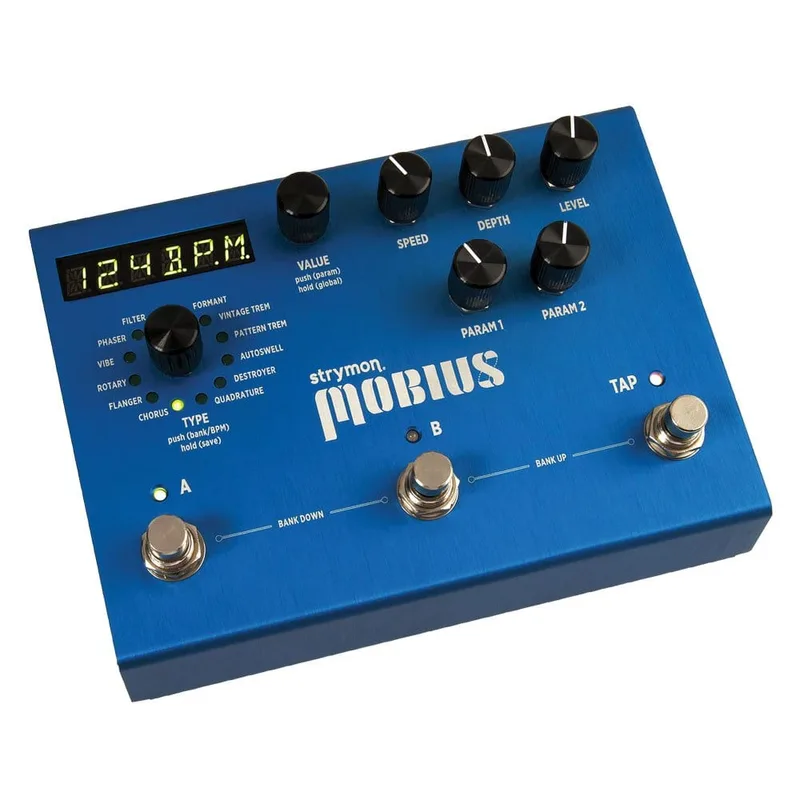


The Strymon Mobius is a large-format digital modulation pedal that puts twelve modulation machines in one enclosure: Chorus, Flanger, Rotary, Vibe, Phaser, Filter, Formant, Vintage Trem, Pattern Trem, Autoswell, Quadrature, and the lo-fi Destroyer12. Strymon describes it as giving you "twelve legendary, versatile, and inspirational modulation machines, all in an easy-to-use package"1. It runs 32-bit floating point processing with what the maker calls a premium analog front end and output section, and it carries 200 nameable presets you can save and recall at the press of a switch1.
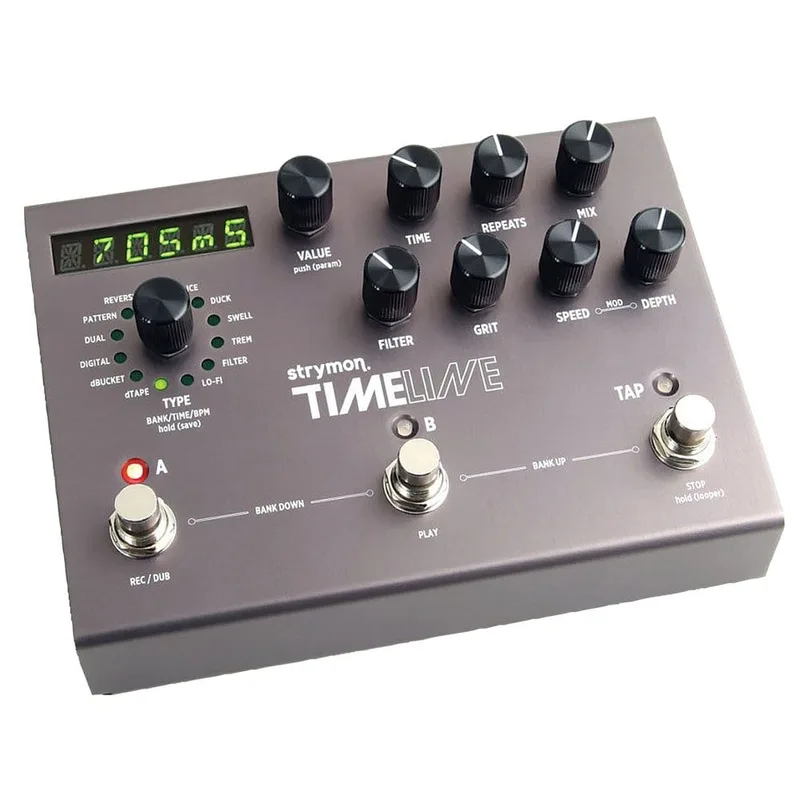
Guitar World's 2013 review framed it as "the power of a professional-quality rack processor while offering the convenience and immediacy" of a pedal, and noted it was Strymon's second large-format pedal, sharing its configuration with the TimeLine delay3. It carries a list price of $449.001, with a US retail listing at $449.994.
Twelve modulation machines in one pedal
Each machine is a distinct effect algorithm with its own modes and parameters, selected with the Type knob1. Several machines break down into further variations:
| Machine | What it offers |
|---|---|
| Chorus | Five modes: dBucket, Multi, Vibrato, Digital, Detune1 |
| Flanger | Six modes: Silver, Gray and Black (+ and -), Zero+ and Zero- for tape flanging1 |
| Phaser | Modes for 2, 4, 6, 8, 12 and 16 stage phasers1 |
| Filter | Low Pass, Wah and High Pass modes with resonance and envelope control1 |
| Vintage Trem | Harmonic, Tube and Photo tremolo1 |
| Pattern Trem | Sequences up to eight beats of trem subdivision, re-triggerable from the tap switch1 |
| Autoswell | Four swell curve types, wide range of rise times, chorus/vibrato blendable into the swell1 |
| Destroyer | Bit-crushing, sample-rate reduction, lo-fi filtering, vinyl scratches and warps1 |
The Rotary machine, which Strymon says "captures the sonic swirling complexities of a variable horn and drum rotary speaker," runs at two speeds, Fast and Slow, toggled from the TAP switch16. It has no mix control: Strymon explains that "mixing in dry signal produces unwanted phase cancellations and alters the integrity of the rotary effect"7. The Vibe machine adds control over waveshape symmetry, low end response and headroom1. On the Destroyer machine, the Speed and Depth controls are tied to both the vinyl effect and the modulation of sample rate and bit depth2.
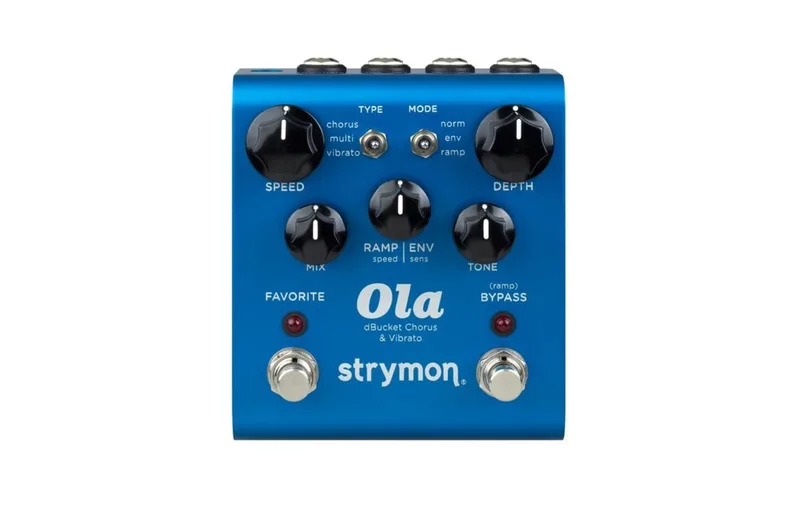
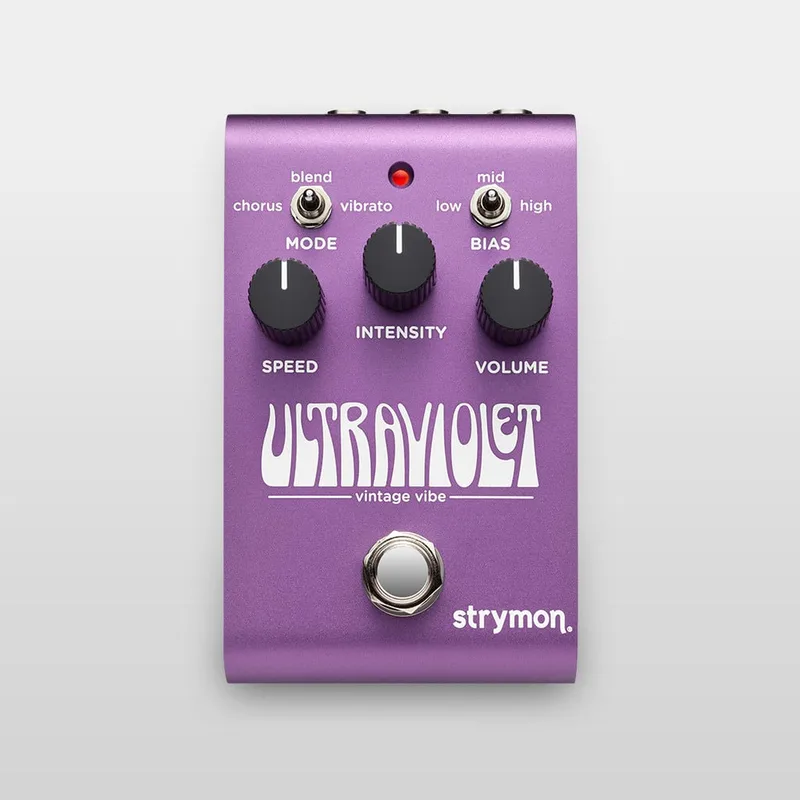
Strymon is clear that the Mobius is not simply its compact modulation pedals rolled into one: it does not have all of the features of the Orbit, Ola, Lex and Flint8. Players coming from a single-effect pedal like the Strymon Ola or the UltraViolet vibe pedal are getting a broader, deeper feature set, not an exact superset of any one of them.
Controls, presets and connections
The front panel keeps to a handful of knobs. Speed is a coarse adjustment of LFO speed, Depth sets modulation depth for the current machine, and Level adjusts output from -3dB to +3dB, with 12 o'clock giving unity gain1. Type selects the machine; pressing it toggles the display between Bank and BPM, and pressing and holding saves a preset1. The Value knob handles modulation parameters, global settings and fine LFO speed adjustment, and the display can show LFO speed in beats per minute, the preset name or the bank number1.
Three metal footswitches handle preset selection, bypass and Tap. A and B together bank down; B and TAP together bank up1. Tap sets LFO speed and re-triggers the LFO on some machines, with tap-tempo subdivisions independently assignable per preset and an optional global tap-tempo mode13. From the factory, quarter-note taps set the effect speed9. The expression pedal input can control any knob or combination of knobs, saved per preset, and can be reconfigured as an external tap input1.
A Pre/Post mode allows flexible routing, putting the Mobius in two different places in a mono signal chain, with the right input and output acting as Input 2 and Output 21. The display can show the LFO speed in beats per minute, the preset name, or the preset bank number1.
If some presets pass only dry signal, the rear switch is likely set to Pre/Post rather than Stereo. In Pre/Post mode a mono connection can leave the effect out of the path. Switch the rear panel to Stereo for normal use10.
Power and connections: 9V, 300mA
The Mobius requires a 9V DC center-negative supply delivering at least 300mA, and the power supply is not included15. That current draw rules out most battery-powered options and small daisy-chain outputs. On the popular Voodoo Lab Pedal Power 2+, Strymon notes the Mobius may work on outlets 5 or 6 but "we can't guarantee that it will work all of the time in that scenario"11.
Connections are stereo in and out: the left input acts as a mono input when only one channel is used, and both outputs feed an amp or mixing board1. An external tap switch can be connected to the EXP input with a standard TRS cable after setting the EXP MD global setting to TAP12. American Loopers makes a Dual Tap Tempo footswitch that taps tempo on two Strymon pedals at the same time, for players running the Mobius alongside a TimeLine13.
The Mobius has no USB port for a direct computer connection14. Firmware is updated through the Strymon Update software1514, and connecting to Strymon's Nixie 2 editor requires a MIDI interface14. Units built before February 17, 2015 need a firmware update before they will work with the MultiSwitch16.
History and versions
The Mobius arrived as Strymon's second large-format pedal, following the TimeLine delay and sharing a similar configuration3. Premier Guitar reviewed it in its February 2013 issue and gave it the magazine's "Premier Gear" award, which Strymon announced in April 20131718. Firmware has been revised over the years: one revision added compatibility with Strymon Nixie 1.019. A limited Midnight Edition of the Mobius, alongside the TimeLine, DIG and Bluesky, has also been offered20.
Strymon has also published preset downloads and demos for the pedal, including an Autoswell volume-swell preset loadable via the Strymon Librarian, and keyboard and synth audio clips recorded by Nick Semrad at the Strymon shop21. Guitarist Billy Norris uses the Mobius on his pedalboard, saying: "I use the Mobius primarily for storing time-synced tremolo, and that incredible Leslie emulation"22.
What reviewers said
Guitar World's 2013 review highlighted the tap-tempo subdivisions and the rack-processor power in a pedal format3. Delicious Audio's Gus Green went machine by machine in 2024:
"This Chorus sounds very rich in dBucket mode. I have owned several analog choruses and I really can't tell the difference."
He found Multi mode "a rich and unique tone that works great for thick and gooey chorus applications," called Digital mode shimmering and Detune mode dark and moody for '80s guitar and bass sounds, and described the Flanger's Silver mode as a shimmery option when you don't need a lot of color, with the Gray mode more intense and its logarithmic LFO sweep lingering at the top of its cycle23. In a 2026 Guitar World roundup context, the Mobius was described as remaining "an industry standard for pro-quality digital modulation, with 12 superlative algorithms," high definition though not as weird as some alternatives2324.
Videos
Guitar World
strymon
strymon
News
Questions
Is the Strymon Mobius true bypass?
Yes. The Mobius uses true bypass with electromechanical relay switching, and also offers a selectable high-quality analog buffered bypass. From firmware Rev. 1.39 onward, the buffered bypass state can be saved and recalled per preset through the PRE/POST parameter's BYPASS option.
Does the Strymon Mobius come with a power supply?
No. Strymon lists the Mobius with power supply not included. It needs a 9V DC center-negative supply delivering at least 300mA, so a typical low-current daisy chain output will not be enough on its own.
How do I reset the Strymon Mobius to factory presets?
Power the pedal on while pressing and holding the A and TAP footswitches at the same time. The display shows REINIT, then COMPLT when the reset is done. This restores factory presets. To reset only global settings, power on while holding the TYPE encoder button instead.
Can I use an external tap switch with the Mobius?
Yes. Set the EXP MD global setting to TAP, then connect the external switch to the EXP input with a standard TRS cable. The onboard or external TAP switch can also toggle between the Rotary machine's Slow and Fast speeds.
Why does my Mobius only output dry signal on some presets?
The rear switch is probably set to Pre/Post rather than Stereo. In Pre/Post Mode the right input and output act as a second loop position, so a mono connection can leave some presets passing dry signal only. Switch the rear panel to Stereo for normal stereo or mono use.
Does the Mobius have a USB port?
No. The Mobius has no USB port for a direct computer connection. Firmware updates are done with the Strymon Update software, and connecting to Strymon's Nixie 2 editor requires a separate MIDI interface.
Sources (24)
- Mobius Multi Modulation, Strymon (www.strymon.net), 2026-08-12
- What is a Bitcrusher?, Strymon, 2018-07-12
- Review: Strymon Mobius Modulation Effect Pedal, Guitar World, 2013-11-15
- Strymon Mobius, westcoastpedalboard.com
- What are the power requirements for Mobius?, Strymon, 2021-07-17
- External Expression Control of the Rotary Machine Speed, Strymon, 2021-07-17
- Does the Rotary Machine have a Mix control?, Strymon, 2021-07-17
- Does Mobius have all of the features of Orbit, Ola, Lex, and Flint?, Strymon, 2021-07-17
- Which Tap Divisions are available for the TimeLine and Mobius?, Strymon, 2021-07-14
- How come some of my presets produce a dry signal only on my Mobius?, Strymon, 2021-07-17
- Can I power Mobius with a Voodoo Labs Pedal Power 2+ power supply?, Strymon, 2021-07-17
- Can I use an external TAP switch with Mobius?, Strymon, 2021-07-17
- Dual Tap Tempo for Strymon TimeLine, Mobius, American Loopers
- What MIDI interfaces can I use to connect my pedals to Nixie 2?, Strymon
- How to Update TimeLine, BigSky, and Mobius with Strymon Update, Strymon, 2023-11-07
- Do I need to update the firmware on my TimeLine, Mobius, or BigSky to use MultiSwitch?, Strymon, 2021-07-17
- Mobius receives the Premier Gear award!, Strymon (www.strymon.net), 2013-01-21
- A Chorus of Praise for the Strymon Mobius Mod Pedal, Strymon (www.strymon.net), 2013-04-12
- Mobius Firmware Download and Revision Release Notes, Strymon, 2017-11
- Limited Strymon Midnight Edition 2nd Wave: TimeLine, Mobius, DIG, and BlueSky pedals, gearnews.com, 2022-03-04
- Mobius Keyboard / Synth Demo with Nick Semrad, Strymon, 2017-04-21
- Pedalboard Feature: Billy Norris, Strymon (www.strymon.net), 2016-08-22
- Strymon Mobius Multi-Modulation Pedal, Delicious Audio, 2024-12-16
- Walrus Audio Mako M1 MKII High-Fidelity Modulation Machine review, Guitar World, 2025-01-10
 Greg Suran