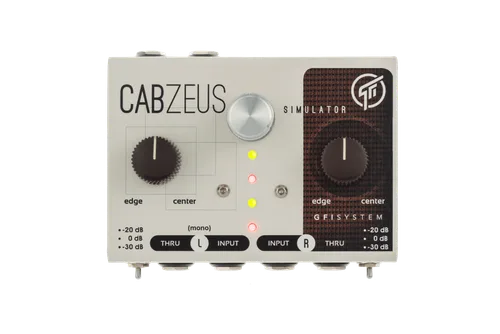


The GFI System Cabzeus is an algorithm-based speaker, cabinet and miking simulator: a pedal that takes your guitar signal, with or without pedals or a preamp in front of it, and delivers a processed output that behaves like a guitar speaker cabinet captured by a microphone1. Instead of loading impulse-response files, it runs emulations GFI System says were hand-crafted and tuned over hundreds of hours of analyzing speaker data to emulate popular, proven speakers and cabinets1.
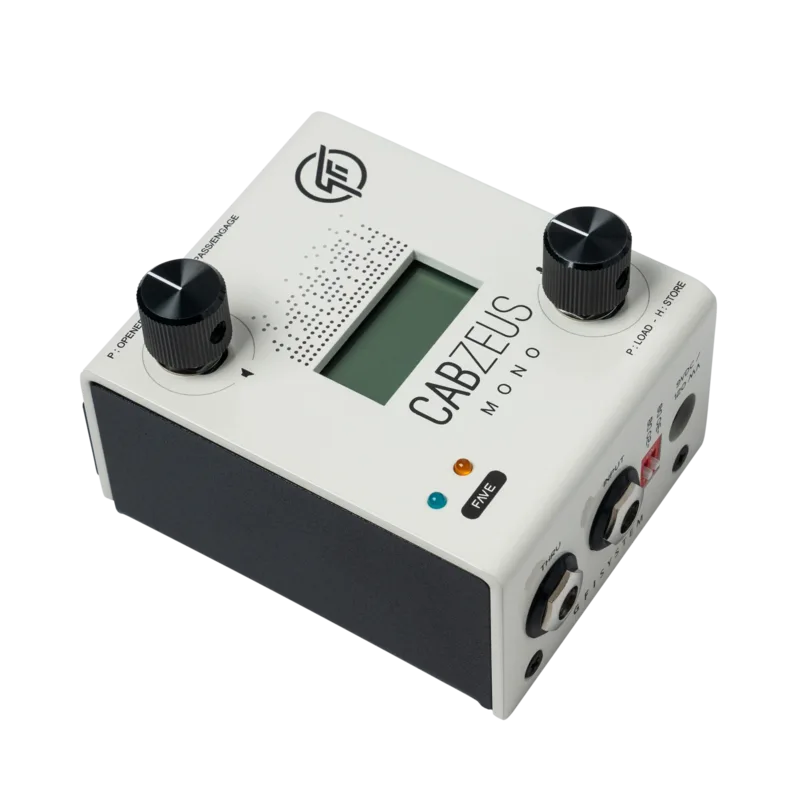
It is a stereo unit with two independent channels, each with its own input, thru and output, plus stereo processing functions such as short delays, channel blending, and independent volume and phase control per channel1. GFI System lists it at USD 319.001. A single-channel version, the Cabzeus Mono, is covered on its own page.
What it does, and how it is built
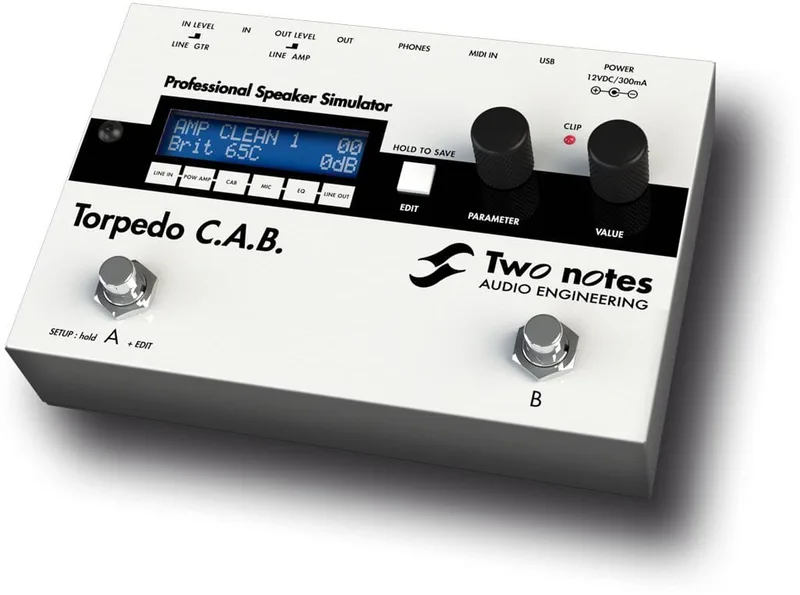
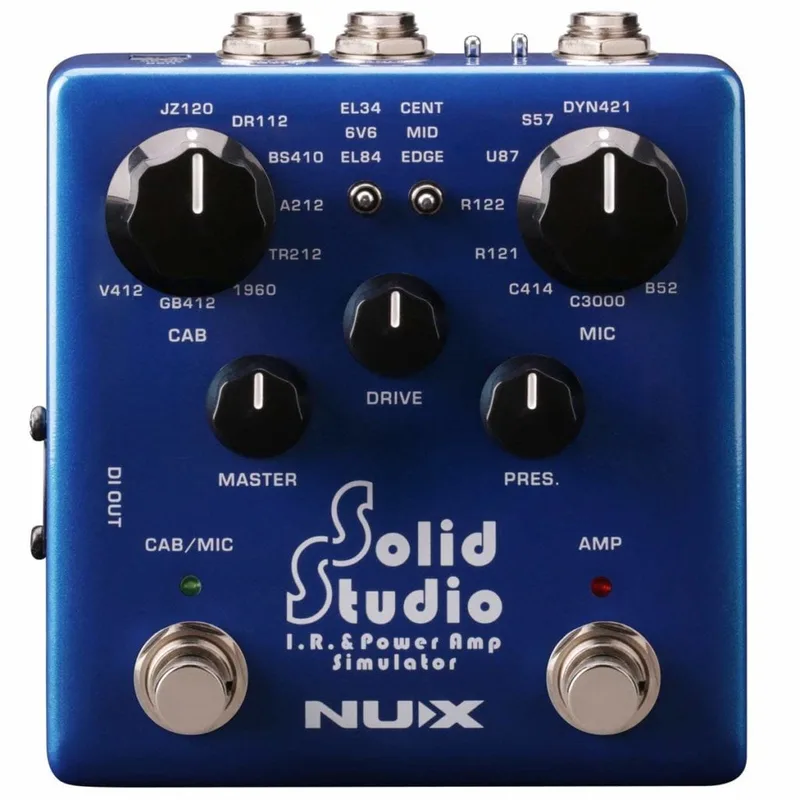
Cabzeus sits in the same family of gear as other speaker simulation pedals like the Two Notes Torpedo C.A.B. or the NUX Solid Studio, but its approach is algorithmic rather than IR-based. GFI System describes the unit as "advanced DSP processing techniques coupled with clean and robust analog circuit designs," running at 48 kHz with 24-bit converters1.
The two channels each carry a full input, thru and output, so you can split a signal, feed two chains, or run a stereo rig through one box1. On top of the cabinet emulations, the stereo processing section adds:
- Short delays from 0.02 ms to 125 ms, applied to one channel1
- Channel blending1
- Independent volume and phase control per channel1
The delay range is worth noting for players chasing wide stereo sounds: a small delay on one channel widens the stereo field, which is exactly how the mono version creates a stereo image from a single input2.
Stereo Cabs and Stereo Mics modes
Cabzeus offers two operating modes, Stereo Cabs and Stereo Mics1. In Stereo Cabs mode the two channels simulate two different cabinets, letting you pair, say, a closed-back and an open-back cab across a stereo spread. In Stereo Mics mode the emphasis shifts to simulating two microphones on the cabinet, with the per-channel volume and phase controls letting you balance and align the two virtual mic positions. The mode choice, combined with the channel delays and blending, is what makes the unit more than a single cab sim with two outputs1.
Inputs, outputs and using it as a DI
The stereo Cabzeus is presented by GFI System as both a speaker simulator and a DI box1. The mono version makes the DI role explicit: it accepts stompboxes, preamps, a head amp's speaker out, and any music player, and its speaker simulation can be bypassed so it works as a straightforward DI box2. Its stereo balanced outputs drive long cables straight to a mixing console or front-of-house speakers and are tolerant of phantom power2.
The power supply is not included. The pedal needs a 9V DC center-negative source drawing around 150 mA, so plan for a pedalboard power supply or a dedicated adapter1.
Firmware and presets
Firmware updates are handled through the CabsLab editor. The current firmware is v.2.2, downloadable from GFI System's support page3.
- Download the firmware file from GFI System's downloads page3
- Connect the pedal to your computer and start CabsLab3
- Hold down the preset selector knob on power up, and release it when both LED 1 and LED 4 light up3
The update procedure requires a factory reset, which erases the presets stored in the pedal3. Save anything you want to keep before updating.
Documentation for the line includes the Cabzeus User Manual (EN) v2.0.x, dated April 1, 2023, and the Cabzeus Mono Quickstart Guide (EN), dated March 28, 202634.
Videos
ProGuitarShopDemos
GFI System
GFI System
Questions
Does the GFI System Cabzeus come with a power supply?
No. GFI System specifies a 9V DC center-negative power source and states that the power supply is not included, so you need your own pedalboard power supply or a compatible 9V adapter. Current consumption is around 150 mA.
Is the Cabzeus analog or digital?
It is a hybrid. GFI System describes it as advanced DSP processing coupled with clean and robust analog circuit designs. It runs at a 48 kHz sampling rate with 24-bit converters, and its speaker and cabinet emulations are algorithm-based rather than impulse-response files.
How do you update the Cabzeus firmware?
Download the firmware file from GFI System, connect the pedal to your computer, and start the CabsLab editor. Hold down the preset selector knob while powering the pedal up, and release it when both LED 1 and LED 4 light up to enter firmware update mode.
Does updating the Cabzeus firmware erase presets?
Yes. GFI System states that the update procedure requires a factory reset, which erases the presets stored in the pedal. Back up anything you want to keep before updating.
Can the Cabzeus be used as a DI box?
Yes. The stereo Cabzeus is presented as a speaker simulator and DI box, and the single-channel Cabzeus Mono can have its speaker simulation bypassed so it works as a straightforward DI box, with balanced outputs that drive long cables to a mixing console.
Sources (4)
- Cabzeus, gfisystem.com
- Cabzeus Mono, GFI System
- GFI System, GFI System, 2023-04-01
- GFI System, GFI System, 2026-03-28